

Lizard AgriFlex v 1.0


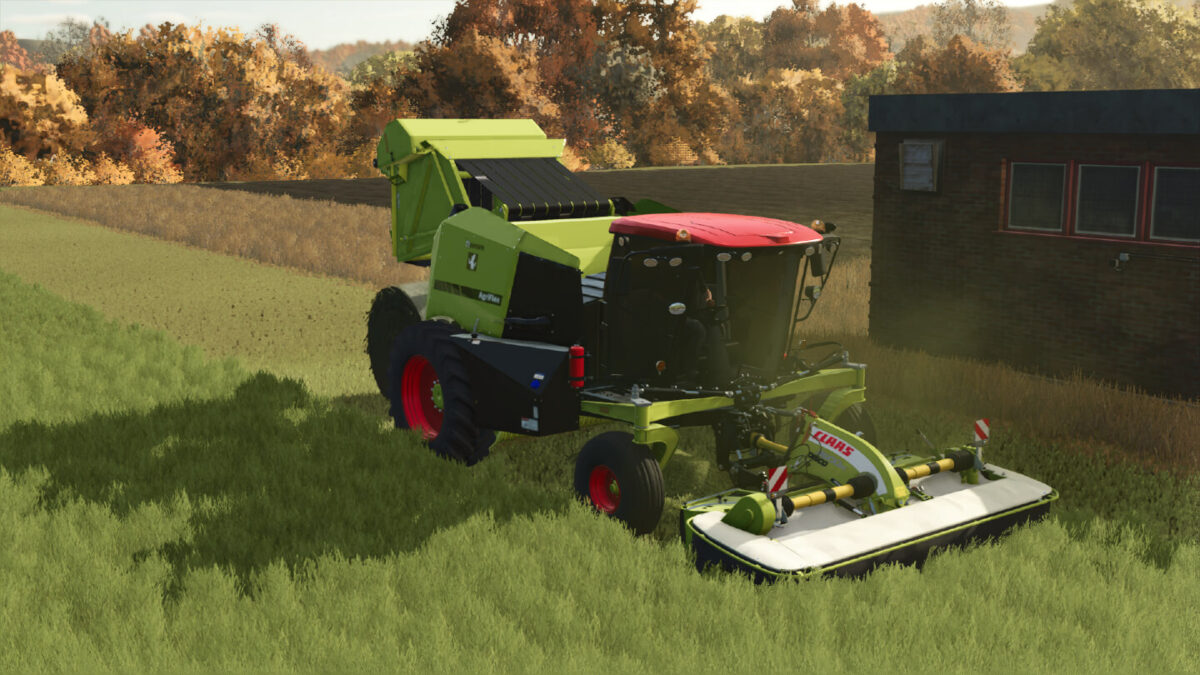
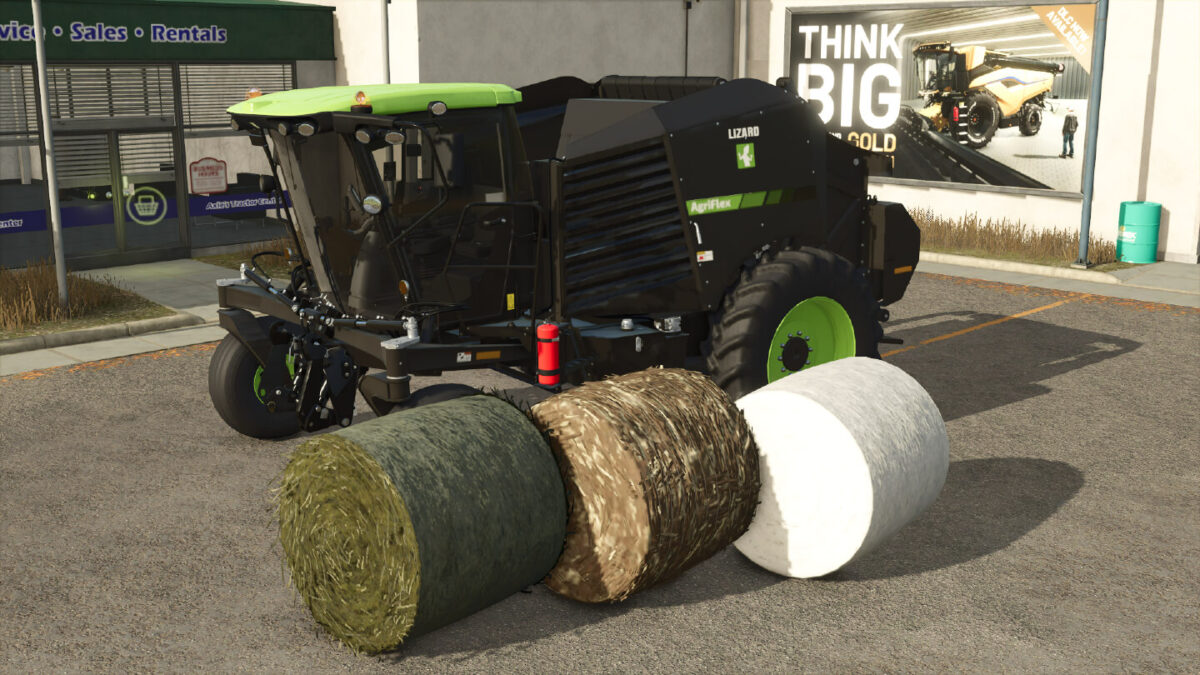
Introducing the Lizard AgriFlex, a premium self propelled baler (SPB) with a next-gen hybrid cutter pickup assembly. In addition to picking up standard windrow fill like grass/hay/straw, this hybrid pickup can also strip cotton from its stem as well as cut and chop poplar. Additionally, an optional 3-point front attachment allows the use of a front mower to mow and bale grass in a single pass.
Category: Roundbalers
Price: $235,000
Power: 250 hp
Max. speed: 35 mph
Working speed: 13 mph
Working width: 3.2m
Additional Features:
Unload unfinished bales WITHOUT additional mods/scripts
Added pre-chamber/buffer
Custom bale sizes and capacities
Optional 3-point attacher (200hp PTO available with baler running)
Optional silage additive
Additional wheel options including crawlers and extra wide floaters
Decal configurations
Window tint configurations
Color options for main body, accent (roof) and rims.
Version History:
Early Access pending MH approval
Credits:
Bb Mods


