

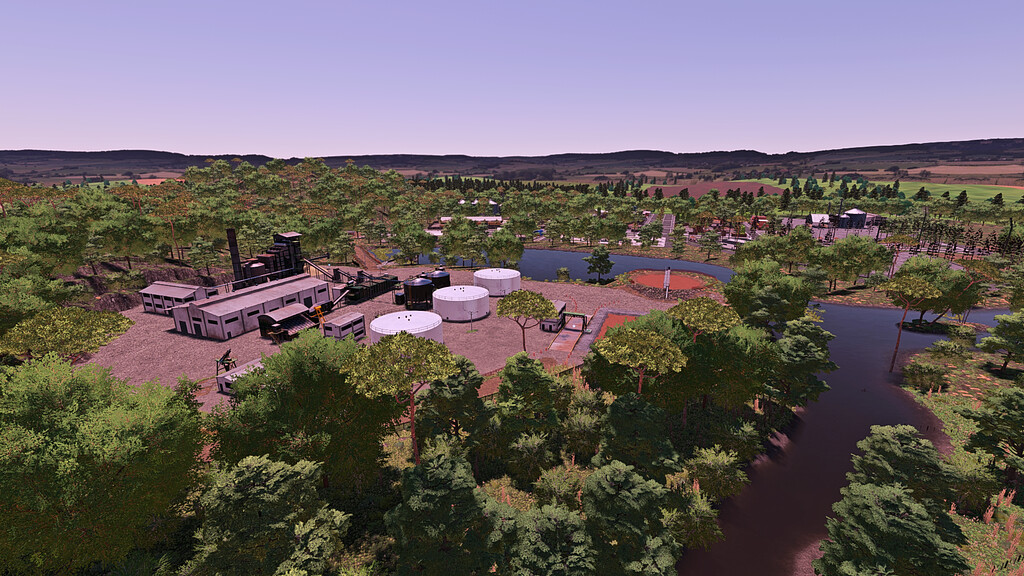
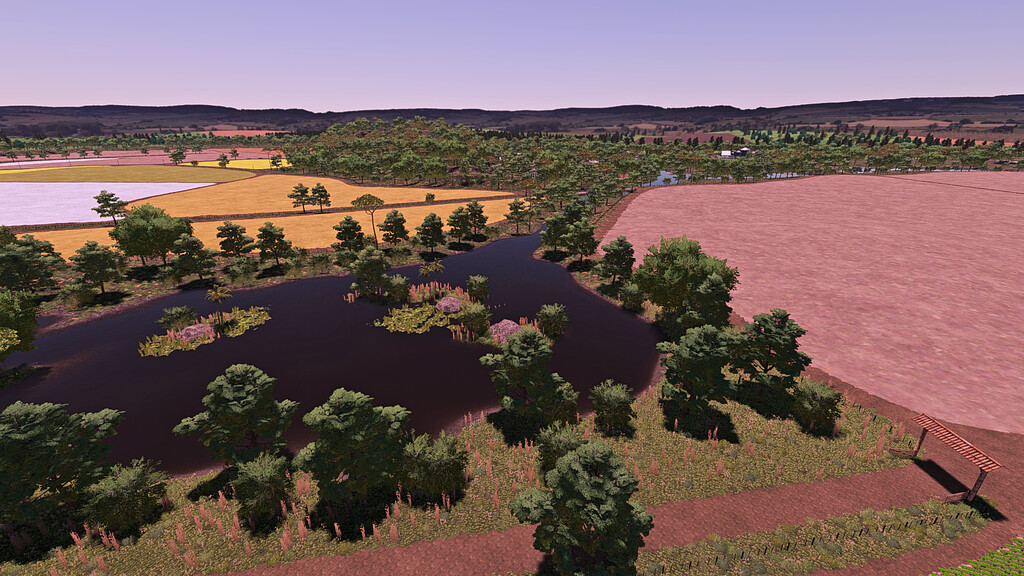
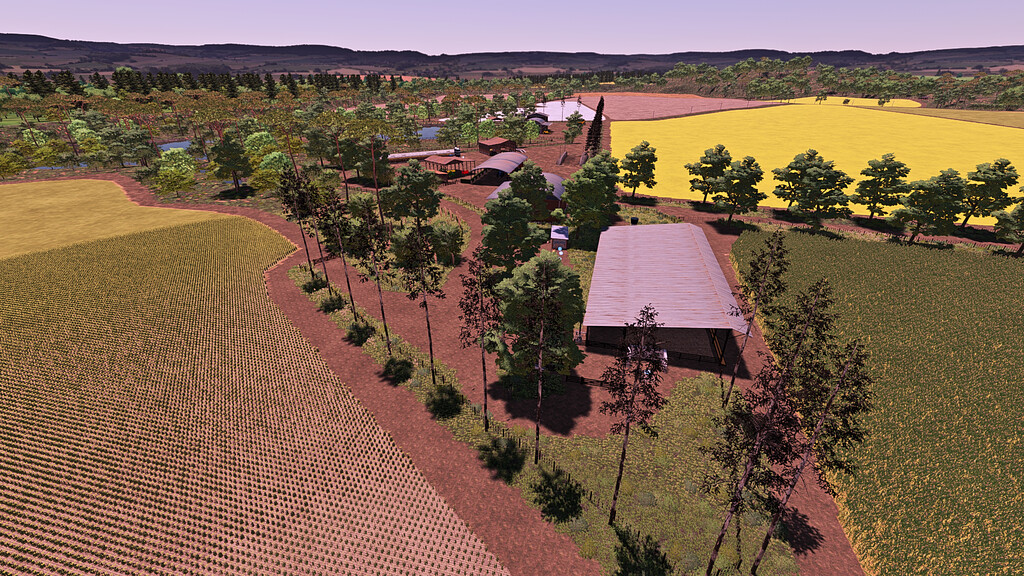
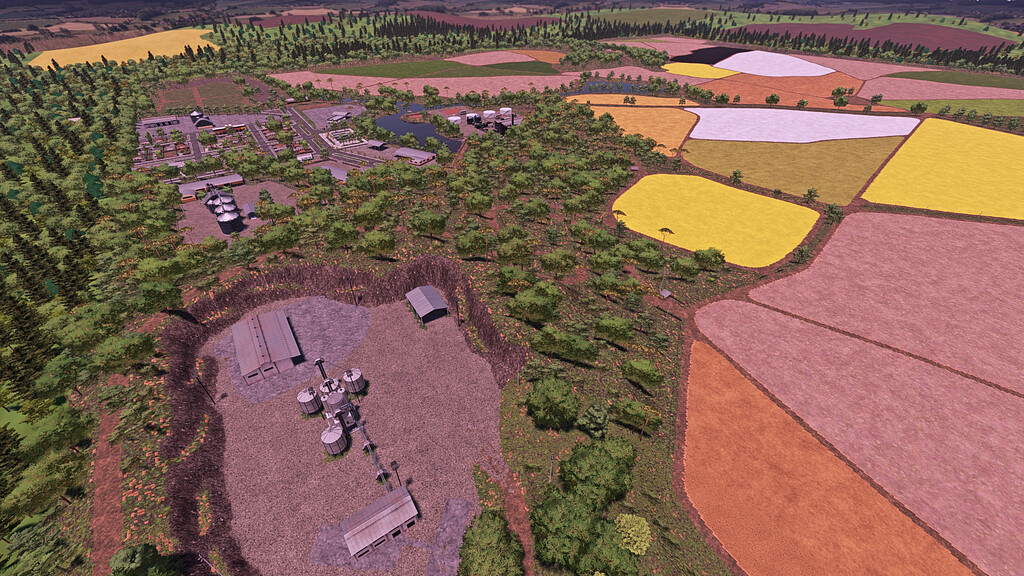
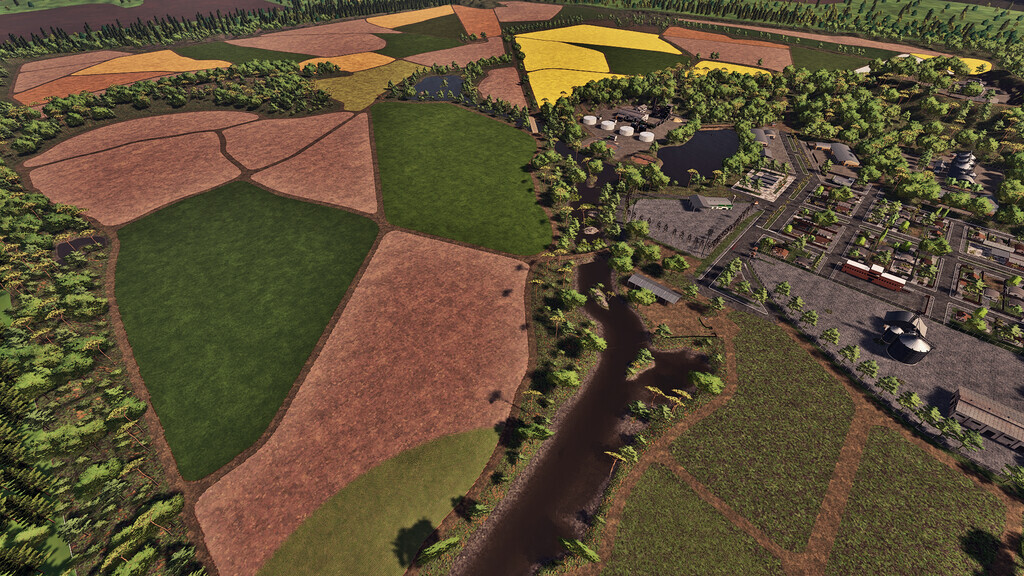
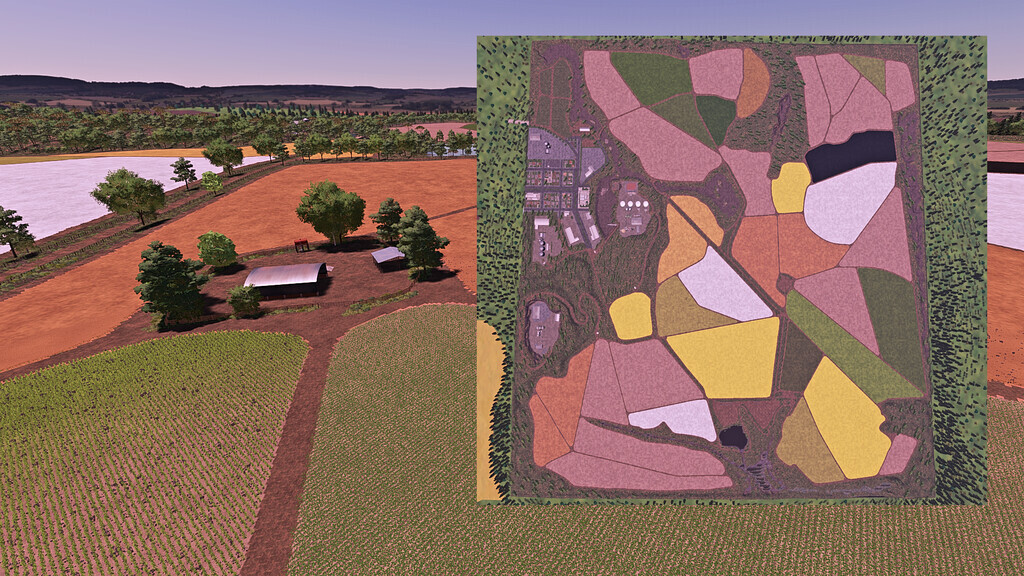
Bandeirantes Farm Map v 1.0


– Map with 39 medium to large sized fields, all with missions
– Added 2 new crops: Rice and Carioca Beans
– City with market that accepts various products
– Grains in general can be sold at the 2 warehouses present on the map
– The Supermarket accepts various products such as potatoes, beets, milk, and pallets
– Needing limestone, take a trailer to the limestone vendor, and you can also sell stones there
– Bales in general can be sold at the Saddlery
– Milk should be sold at the Supermarket or the Dairy for milk derivatives production
– You start with 1 main headquarters, containing sheds to store your machinery, as well as a house to sleep in, 1 silo to store grains, 1 silo to store pallets and bales, 1 poultry farm and a chicken coop, 2 fuel tanks, 2 vehicle washes, 1 pigsty, 1 cow confinement, 2 silage bunkers
– The map also features a sugar cane mill, where you sell sugar cane, and buy vinasse and filter cake
– There is no snow on the map, the winter in this region is only cold and dry
Credits:
Andrade ML, Renegados Modding, Wesley Franco


