

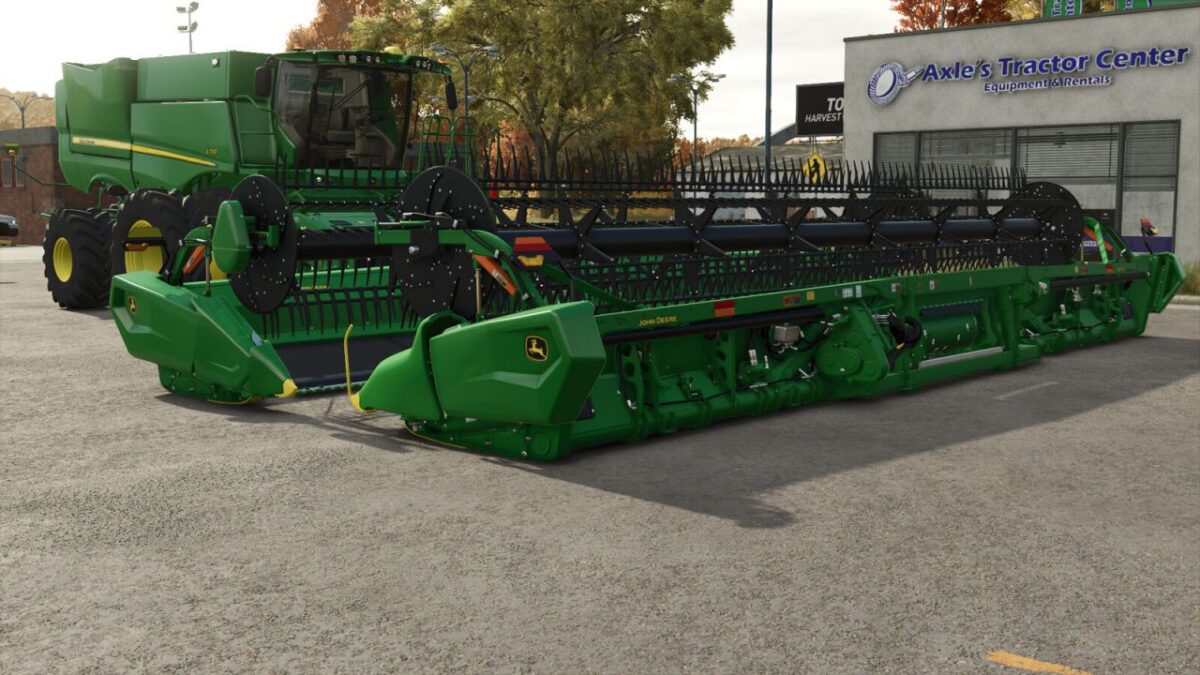
John Deere RD35F US v 1.0


– John Deere RD35F draper header
– Compatible with US specifications
– Innovative features including Cam action reel and Flip over Reel
– Light-up end tip lights for improved visibility
– Optional end row dividers
– Adjustable turn lights
The John Deere RD35F US mod replicates the real-world functionality and design of the RD35F series draper headers introduced for the 2021 model year. The mod features updated US side panels and accurate decals, ensuring authenticity. One standout feature is the light-up tip, designed to enhance visibility during early morning or late evening harvesting sessions.
The optional end row dividers can be added for an additional cost of $500, providing flexibility based on the needs of your farming operation. Additionally, players have the choice to remove the turn lights if they prefer a more streamlined design.
With a working width of 10.7 meters and a working speed of 10 kph, this grain header is a strong addition to any virtual farm setup. Priced at $119,500, it is designed to enhance efficiency and productivity in harvesting activities.
Credits:
Jolly Farms Modding


