

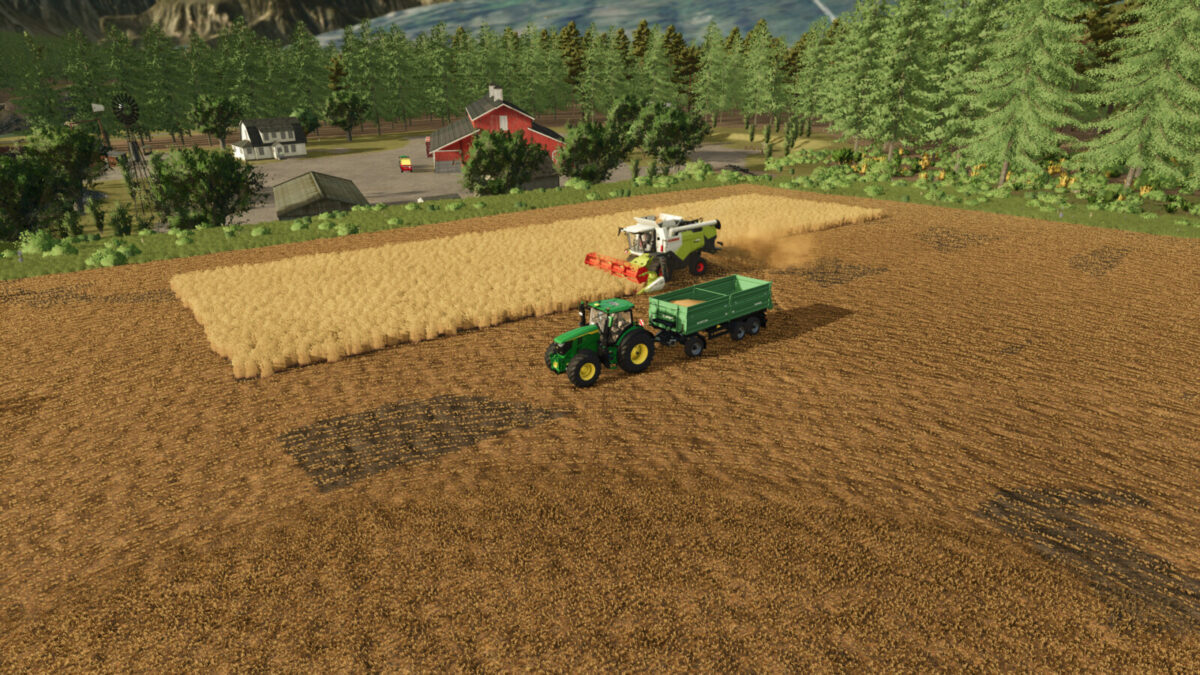
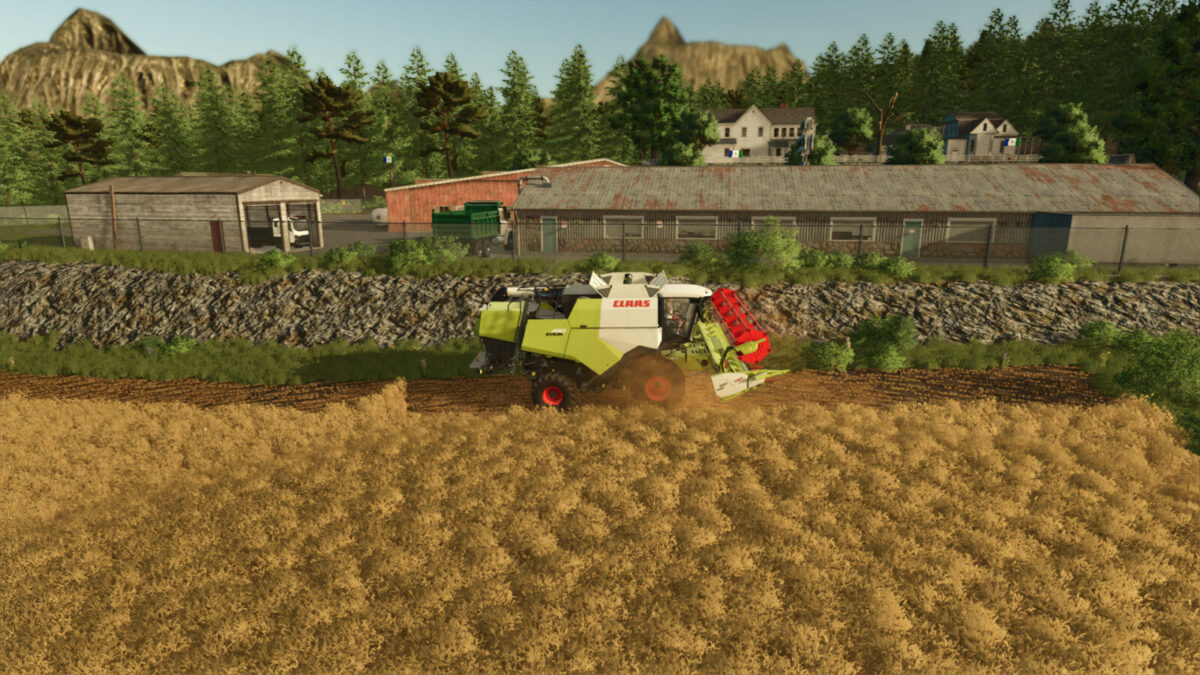
Keno City v1.0.0.3


Welcome to Keno City.
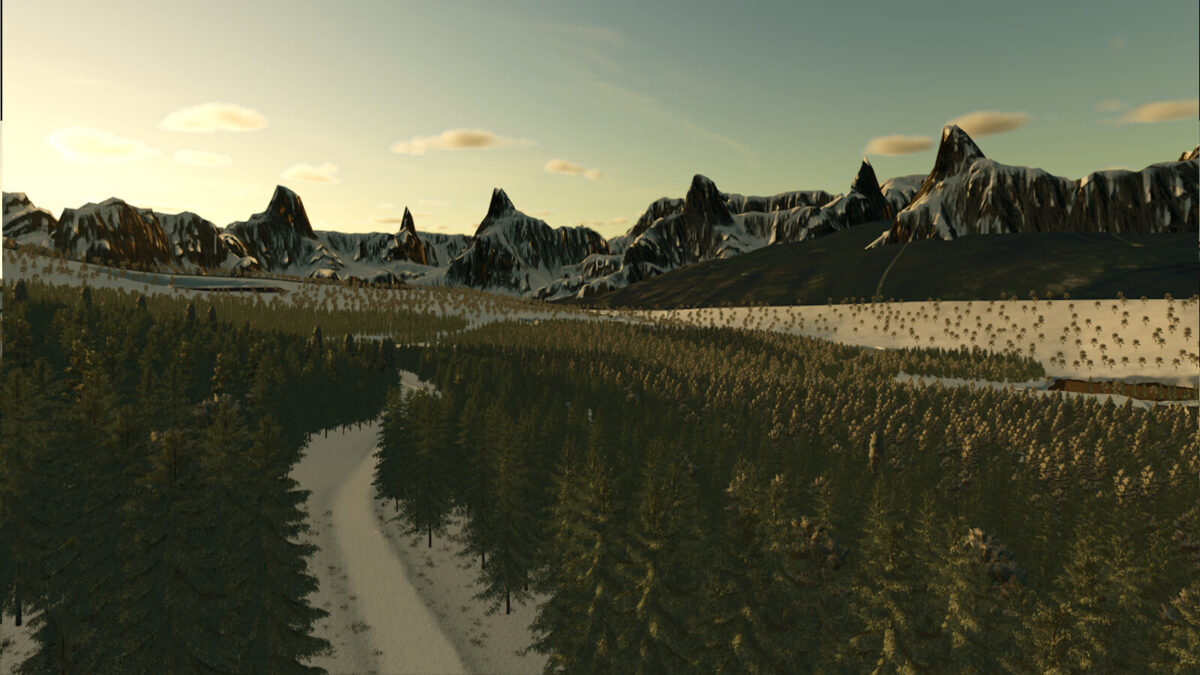
Keno City is a very small settlement in the heart of the Yukon Territory, Canada.
Based on a nearly realistic model, it became a 4-fold map.
Surrounded by dense forests, silver mining took place in this region.
For some time now, gold mining has been developing here.
In addition to soil, there is also gold-bearing soil and sand as mining areas.
Everything is processed in production:
In addition to silver ore, iron ore can also be produced from soil.
Gold can also be extracted from soil.
Concrete can be produced from sand.
Two oil derricks supply crude oil.
Features:
Mining areas for soil, gold-bearing soil, coal.
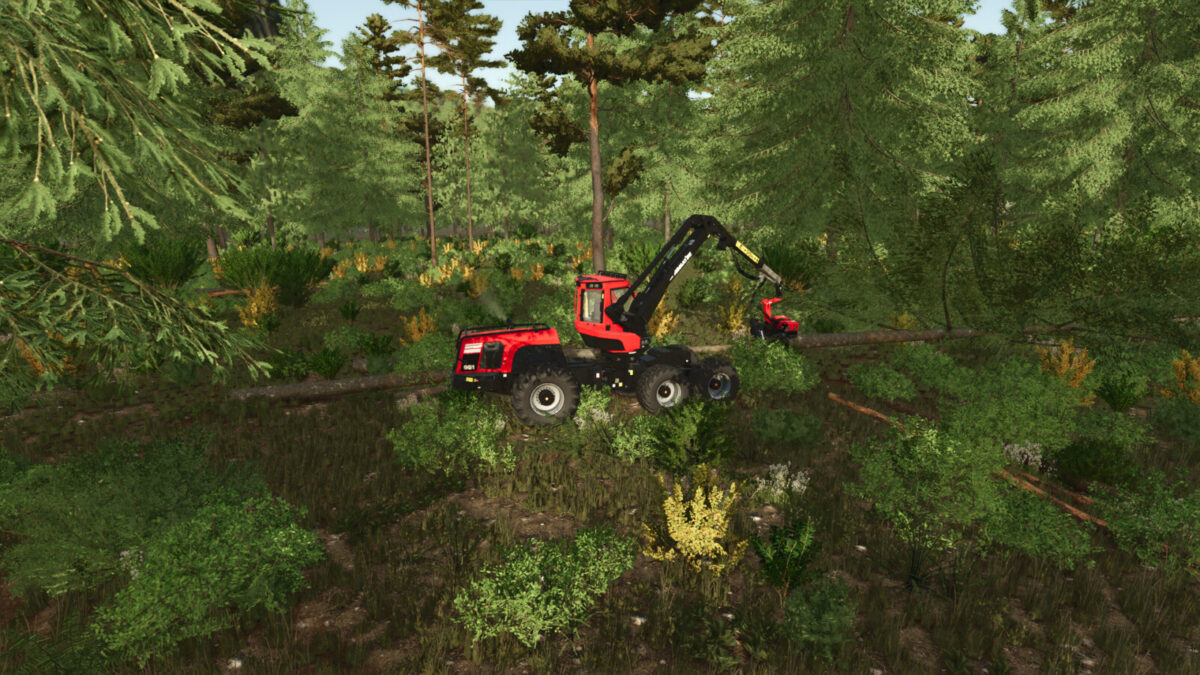
Lots of forest, also for expanding your fields.
No fence around the farm, so you can expand as much as you like.
Container sales point.
Customized Enviroment.xml.
Production:
Production of soil, ores, sand and gravel.
Gold panning room and smelter: produces gold flakes, gold bars, silver bars
Oil rigs: produce crude oil
Refinery: produces propane gas, diesel
Steel factory for steel and steel pipes
and much more
There are:
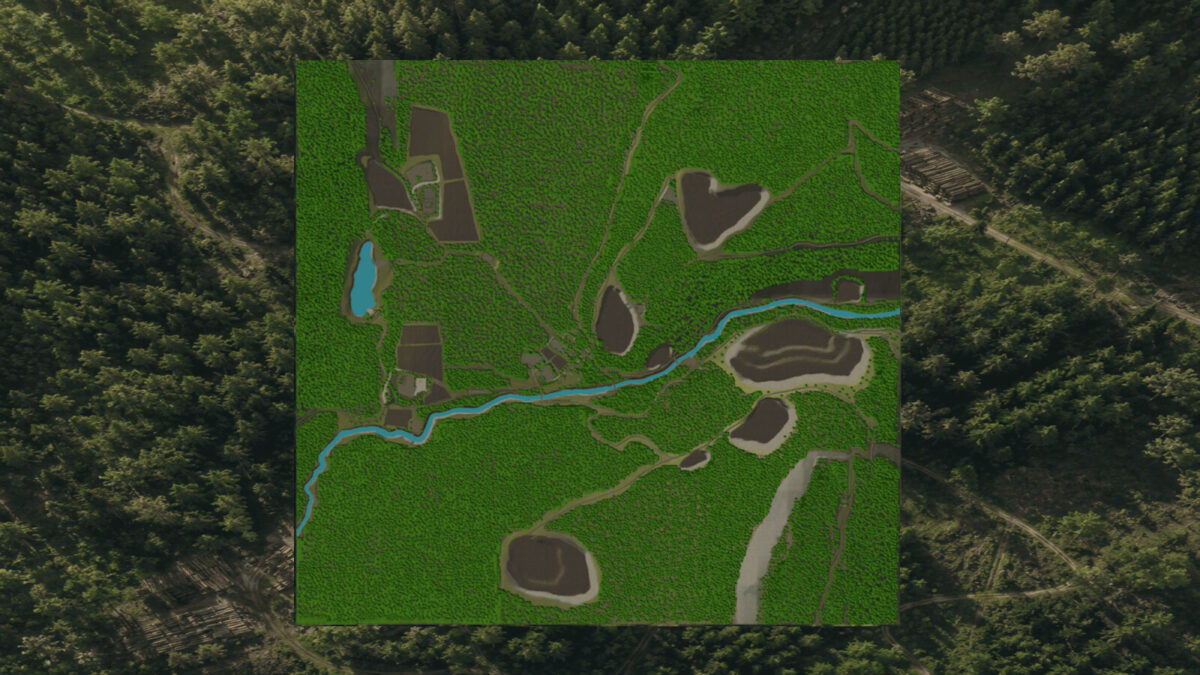
8 fields to cultivate with a total size of approx. 36 hectares
9 mining areas for soil, gold-bearing soil, coal
80 farmlands in total, almost all of which include a forest area
You can choose between 4 different map versions:
1. Keno City: Start with small, inexpensive equipment and 2 fields.
2. Keno City – Farmer: Start with slightly larger equipment and tractors, as well as 2 fields
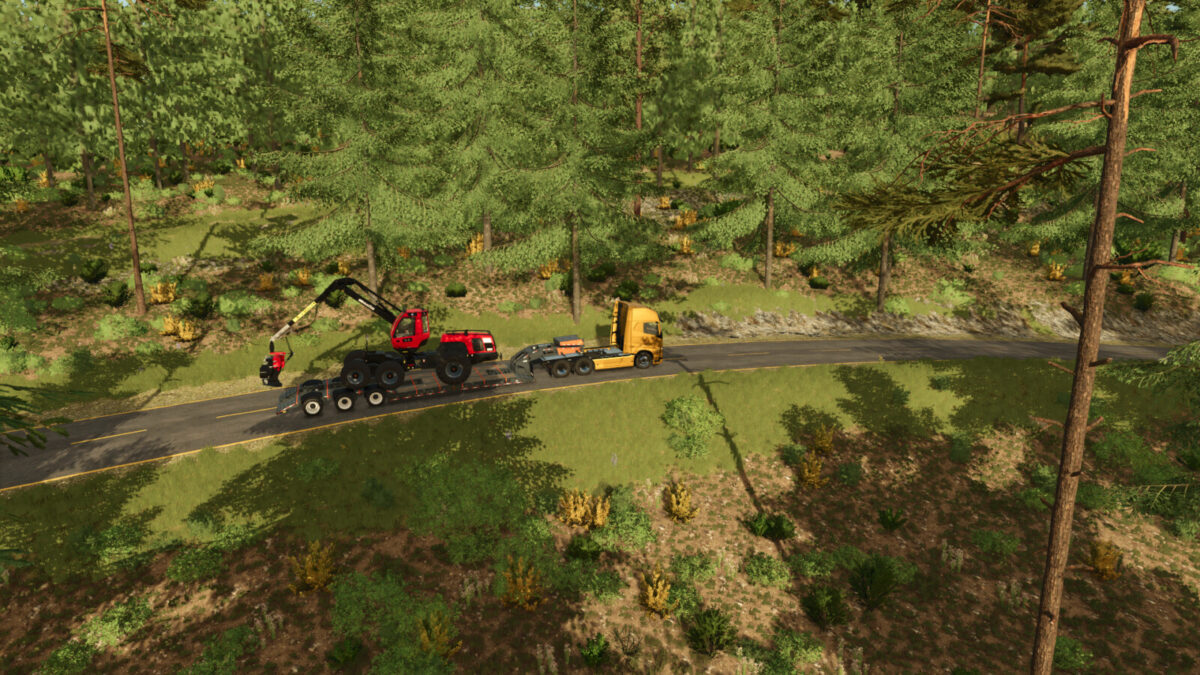
3. Keno City – Forester: Start with forestry vehicles and a piece of forest, as well as small farm vehicles and a field
4. Keno City – Miner: Start with a mining area, as well as a lorry and wheel loader. You also have small farm vehicles and a field here
Please note: To avoid errors with the mining heaps:
1. A mining pit designation has been added, which describes which heap should be at this location.
Changelog 1.0.0.3:
– Modified environment.xml
– Fixed unload triggers and info triggers for several production facilities
– Fix Heapspawner
– Fix flying object at Honey Farm
– Changed Fences at sawmillplace and input a new sawmill
It needs a fresh savegame!
Changelog 1.0.0.2:
– Fixed static issues with fences and decorations
– Fixed dirt processor height
– Fixed l10n -eng, fill types for pallets
– Fixed map_filltype xml (FilltypeCategories)
– Production cycles are now slower
Changelog 1.0.0.1:
– New map icon
– You can now sell placeables at the starting farm (except for the farmhouse)
– Implemented placeable animal stalls with a higher number of animals
– Map works now with the Highland Expansion,i changed the name of “Coal”
Credits:
losthopecreations


