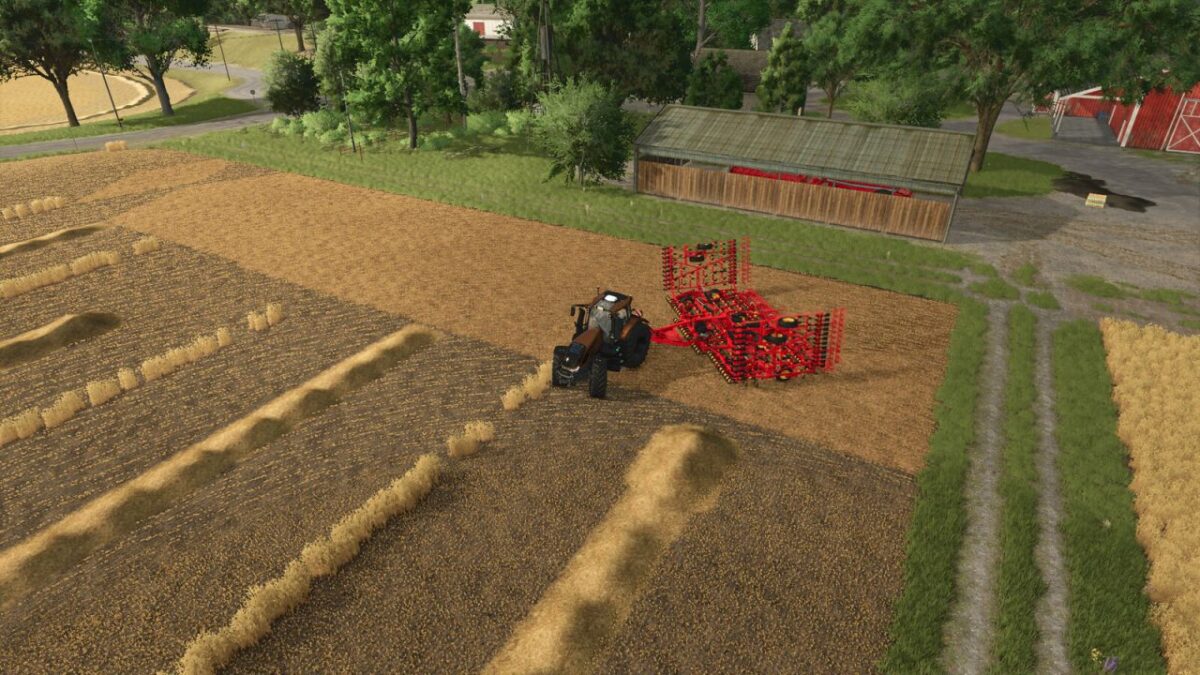
Job Queue v 1.0


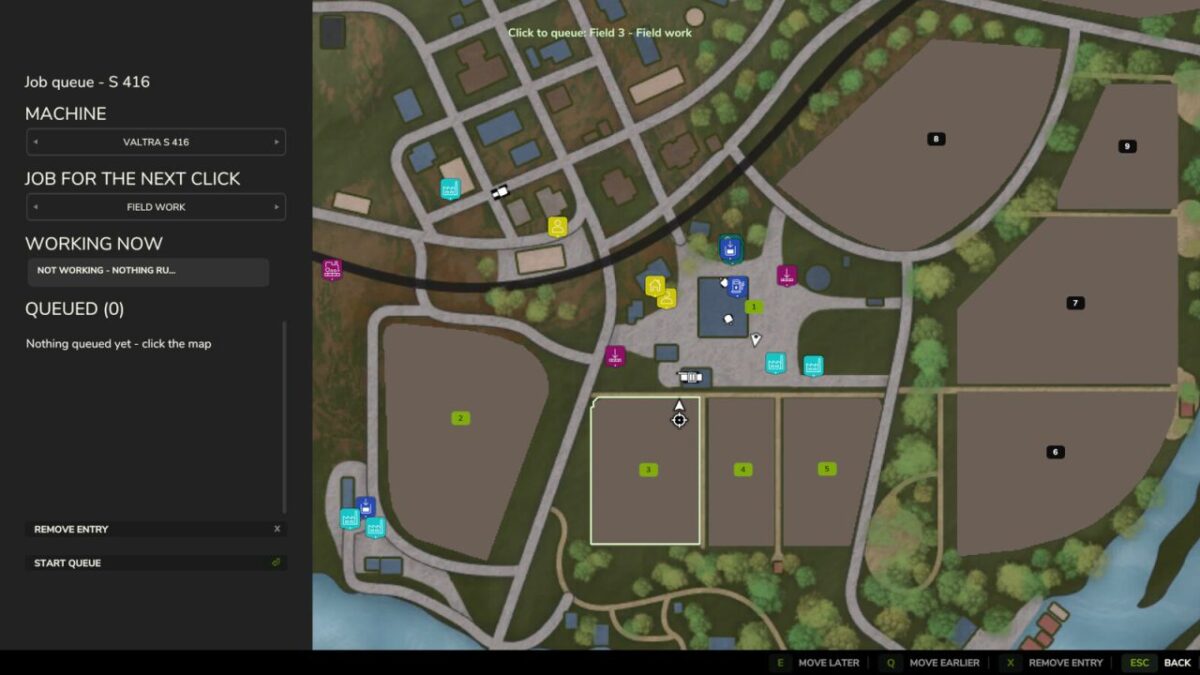
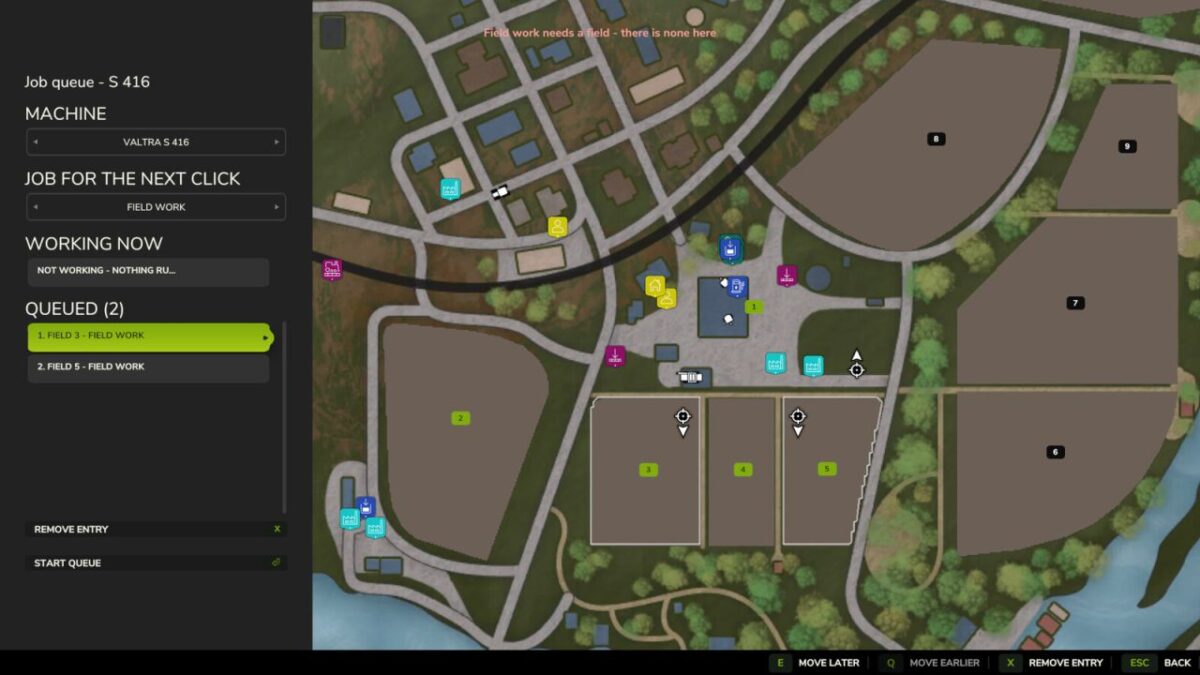
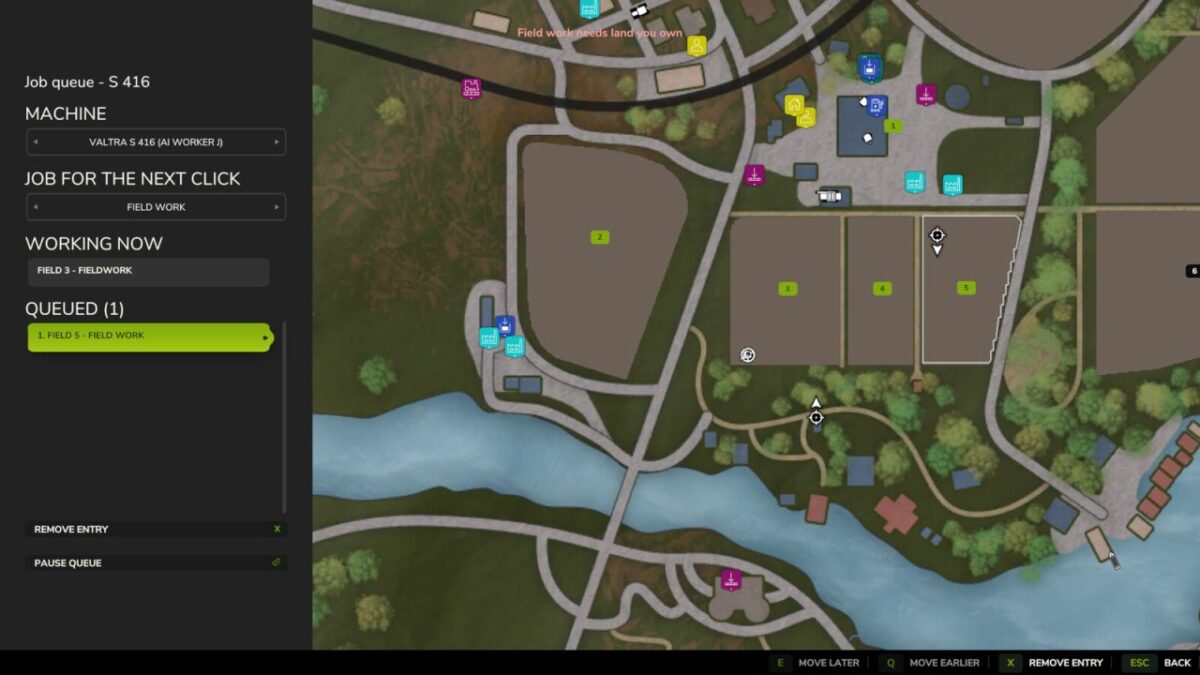
Queue several jobs for one vehicle. When the hired helper finishes, the next entry on the list starts on its own – field after field. An entry is either field work or a drive to a spot you click, so a drive placed on the yard as the last entry is what brings the machine home at the end. The panel also names the job the helper is on right now, so a machine already out working does not read as idle.
A queue set up behind work already under way starts by itself, in either order: whether the helper was hired first and the fields queued behind them, or the fields were queued first and a helper hired the ordinary way afterwards.
The helper still cannot change implements, so every queued field is worked with whatever is attached.
Hotkeys:
Left Alt + Q – open the queue panel (rebindable in the controls menu)
Credits:
19mariusz95