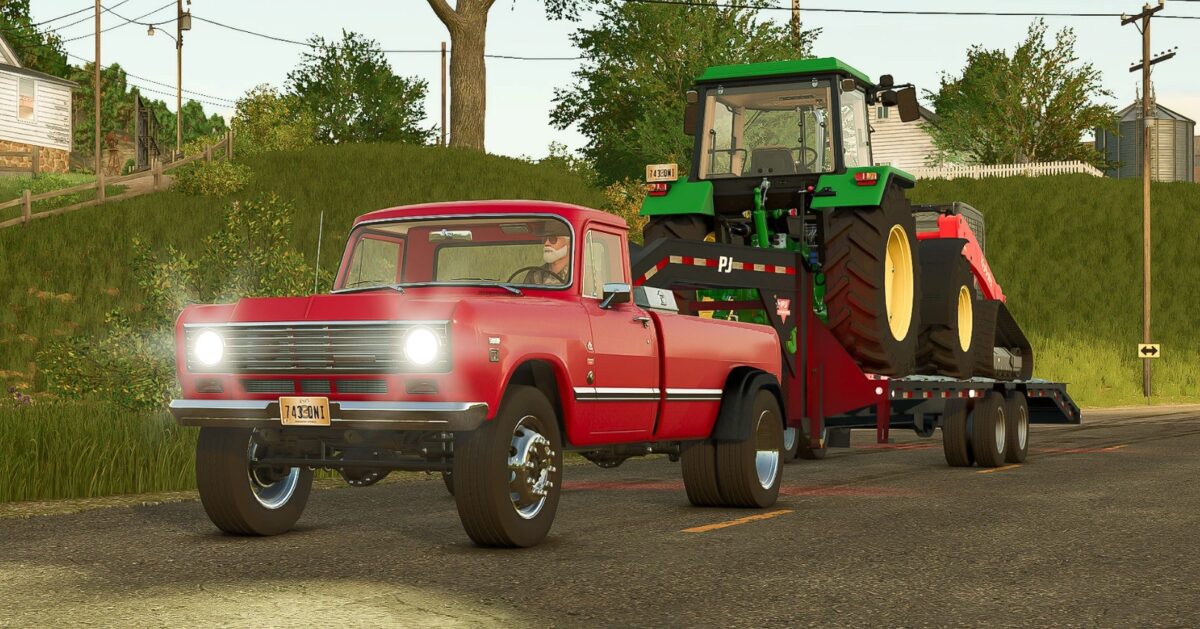
International Series 200 HD (Dually & Diesel) v 1.0.0.1


– Grandpa pulled a rear axle out of an old flatbed truck. It’s wide but has a nice short rear gear ratio (Semi hubs and wheels from FS25)
– Grandpa also had an old Dodge 1st Gen Ram rotting back behind the barn. He pulled the fender flairs from that and bolted them to the 200 with rivets. It worked
– The motor and trans came from Sneaky Pete’s Junkyard. It’s a first gen Duramax and makes a little over 300 hp. It could use more power and torque, but it gets the job done
– The transmission has 6 forward gears, but top gear is a really long overdrive. You will really need 1-5 to pull anything. Forget about 6th in the hills
– You can connect a gooseneck and or pull behind trailer as well as change the main color and rim color
– You can connect bumper pull trailers too. The attachments are corrected to work with any trailer in the game
– She’s basic, but is a strong little diesel powered dually for the start of FS25 modding season
Version 1.0.0.1:
* Corrected .zip file issue
Credits:
withthestovers