

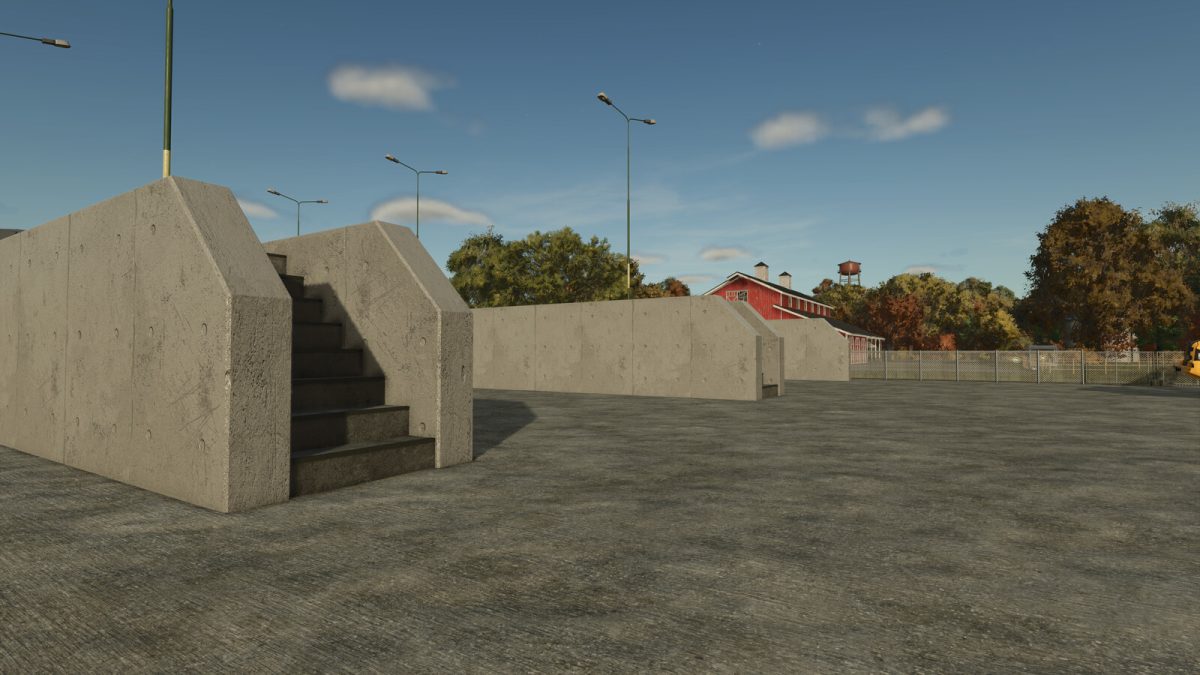
Bunker Silo Modular Pack v 1.0.0.1


Modular driving silo set consisting of 20 parts.
Individual modules of the same type can be put together using the snap-on function.
By means of grid placement, the different segments can be placed next to each other.
*For this purpose, the surface should have been leveled with the construction tool beforehand.
The segments always consist of a right, middle (main) and left module.
Driving silo 40×16
Price: 35000$
Maintenance costs: 10$/d
Dimensions: ca. 40m x 16m
Driving silo 40×22
Price: 41000$
Maintenance costs: 10$/d
Dimensions: ca. 40m x 22m
Drive-through silo 40×16
Price: 30000$
Maintenance costs: 10$/d
Dimensions: ca. 40m x 16m
Drive-through silo 40×22
Price: 33000$
Maintenance costs: 10$/d
Dimensions: ca. 40m x 22m
Intermediate module stairs 40×2
Price: 5000$
Maintenance costs: 1$/d
Dimensions: ca. 40m x 2m
Version 1.0.0.1:
* Fix warning Patch 1.6
Credits:
Kastor [D-S-Agrarservice]


