

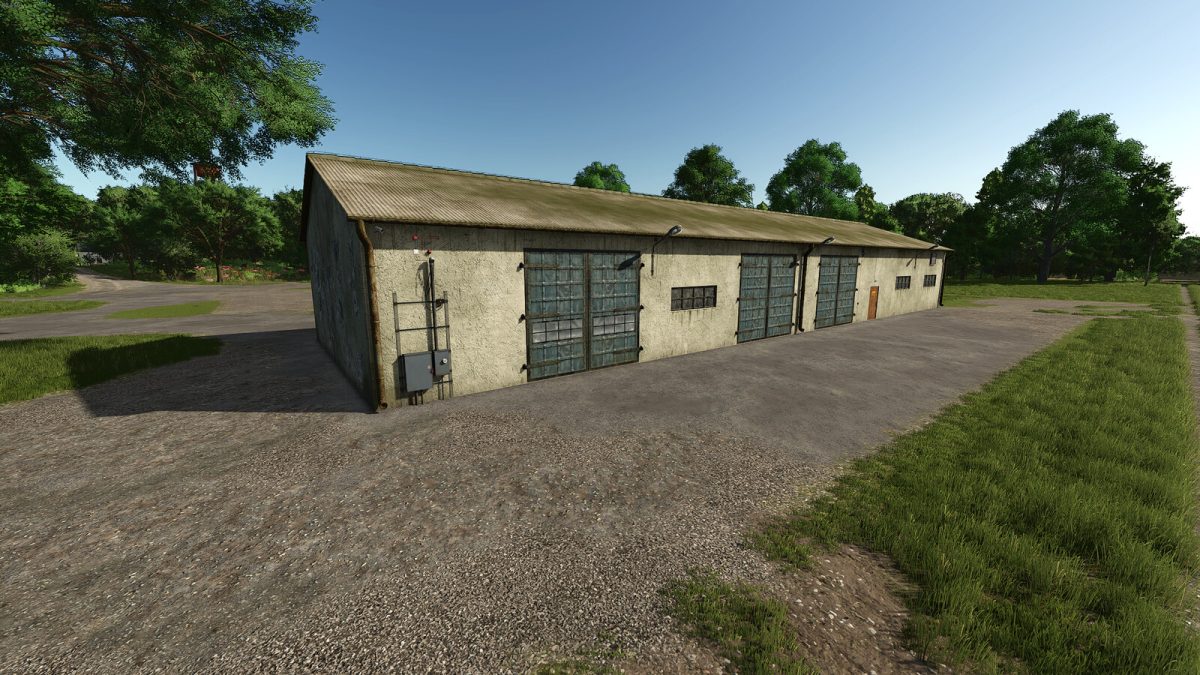
Garage with Workshop v 1.0


The Garage with Workshop mod for Farming Simulator 25 introduces a spacious, vintage-style garage that comes equipped with a functional workshop area. This mod provides players with an excellent place to store their vehicles and equipment while offering tools and facilities for repairs and maintenance.
The design reflects a robust, old-school aesthetic, which can add character to your farming operations. The garage’s size allows for ample storage, accommodating numerous tractors, harvesters, and other farming machinery. The workshop area is practical for players looking to perform upgrades or repairs on their vehicles. Available for a purchase price of $72,000, this garage also has a daily upkeep cost of $60, making it a reasonable investment for expanding your farming infrastructure.
– Large old garage design
– Integrated workshop area for repairs and upgrades
– Storage space for multiple vehicles and equipment
– Purchase price: $72,000
– Daily upkeep cost: $60
Credits:
Raider


