

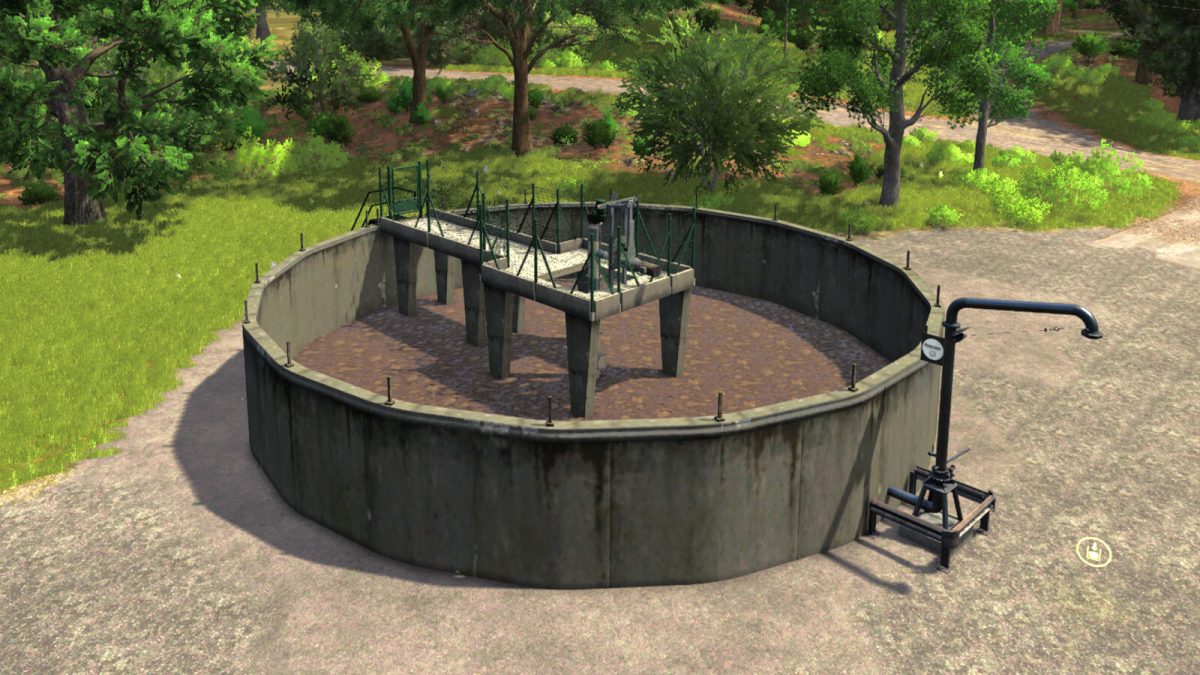
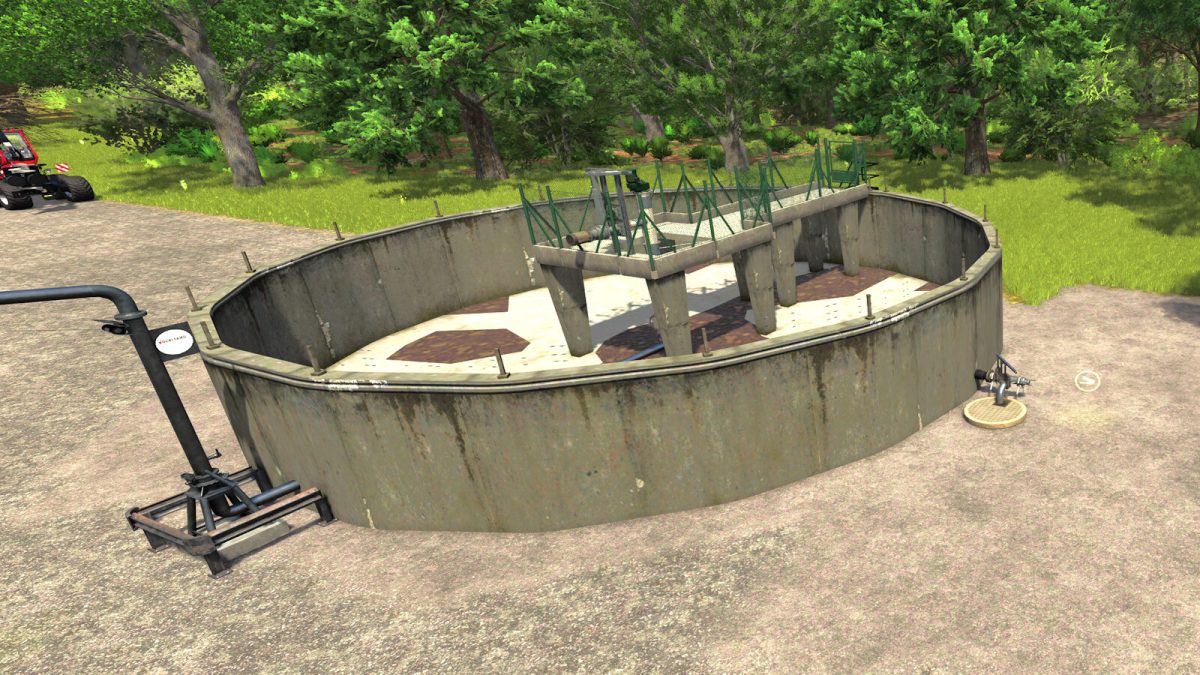
Manure Bunker v 1.0


The manure bunker serves as a storage and distribution system for slurry on your farm. You can store slurry from your barns or other sources and use it later to fertilize your fields or transfer it to other production facilities.
How it works:
-Filling: Drive your slurry tanker or trailer to the input area and unload the slurry into the bunker.
-Storage: The bunker offers a large storage capacity and prevents waste.
-Retrieval: Collect the slurry from the bunker to spread it on your fields with a slurry tanker or transport it to biogas plants or other processing facilities.
-Efficiency: The manure bunker helps you better organize and manage your slurry supply.
Advantages:
-Large capacity for long-term storage.
-Optimized slurry distribution for your fields.
-Cost-saving through efficient handling and storage.
Price: 65000 $
Daily upkeep: 25$ /day
Credits:
LSFactoryMODS


