

Forage Harvest Extension v 1.0


This mod adds growth-stage-dependent yields to the field chopper harvesting system.
Players who harvest later may be rewarded with higher yields, but they also take on a greater risk of damage from severe weather or wild boars.
Appropriate default values are already set for the base game and maps based on the multi-fruit templates.
Custom adjustments can be made directly via the forageYieldScales.xml file in the mod.
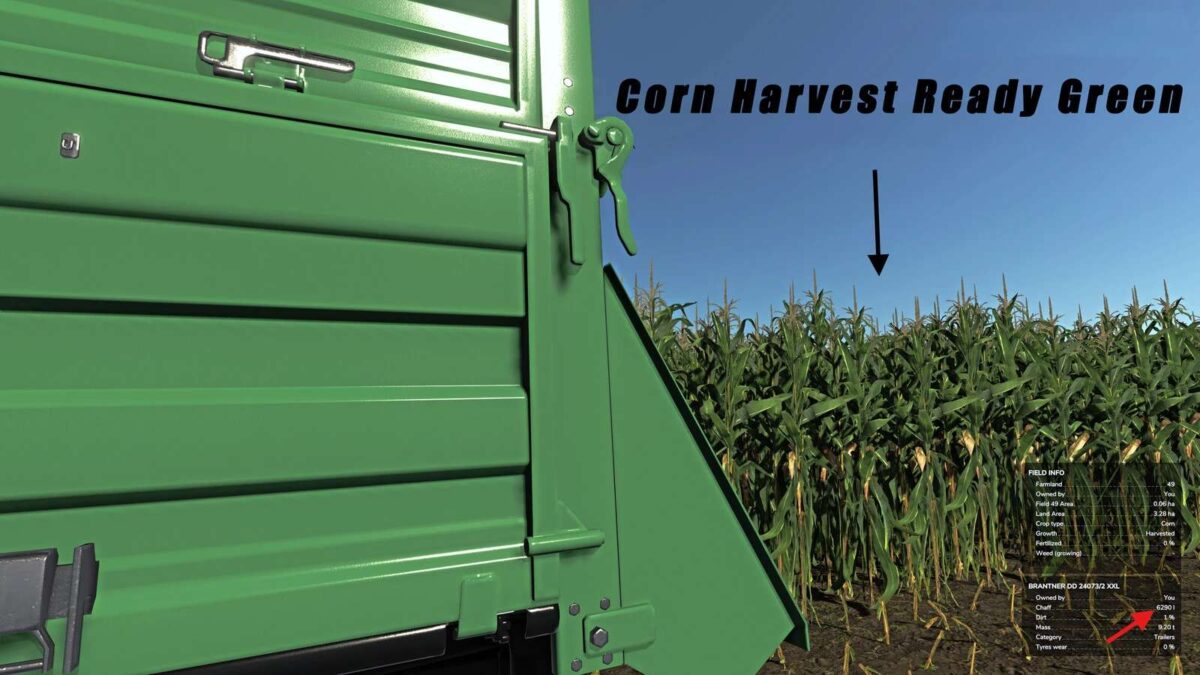
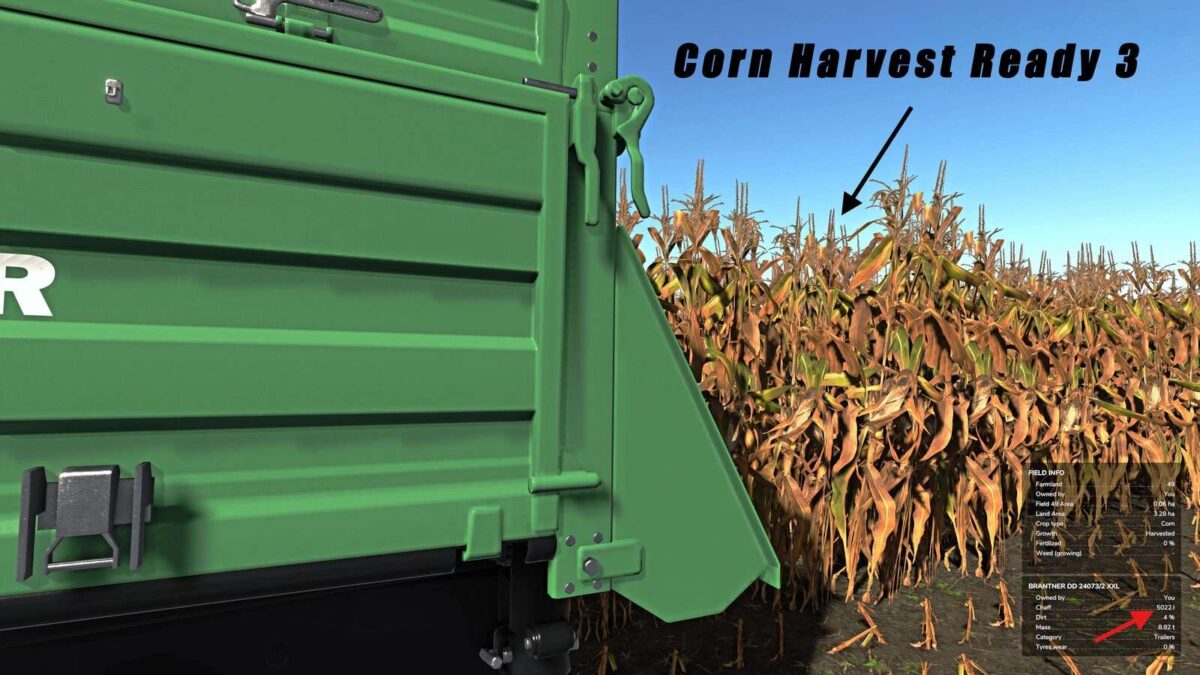
Example: Default values in the mod for Maize:
– harvestReadyGreen – Growth stage 5 – 100%
– harvestReadyGreen2 – Growth stage 6 – 125%
– harvestReady3 – Growth stage 7 – 80%
The mod includes a PDF guide that explains how to integrate it into mod maps and how to adjust the YieldScales directly within the mod.
Maps that use their own forageYieldScale entries remain playable without the mod and therefore do not lose their existing crossplay capability.
Credits:
[Weekend Farmers]


