

Farmland Auctions v1.0.0.2


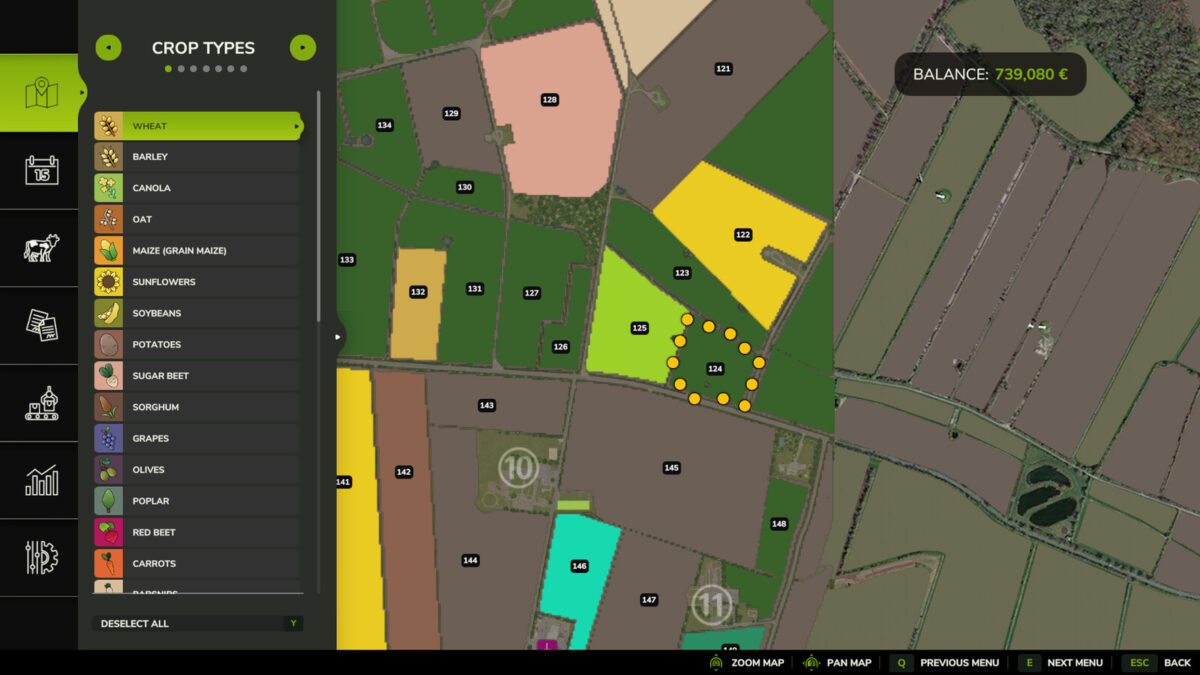
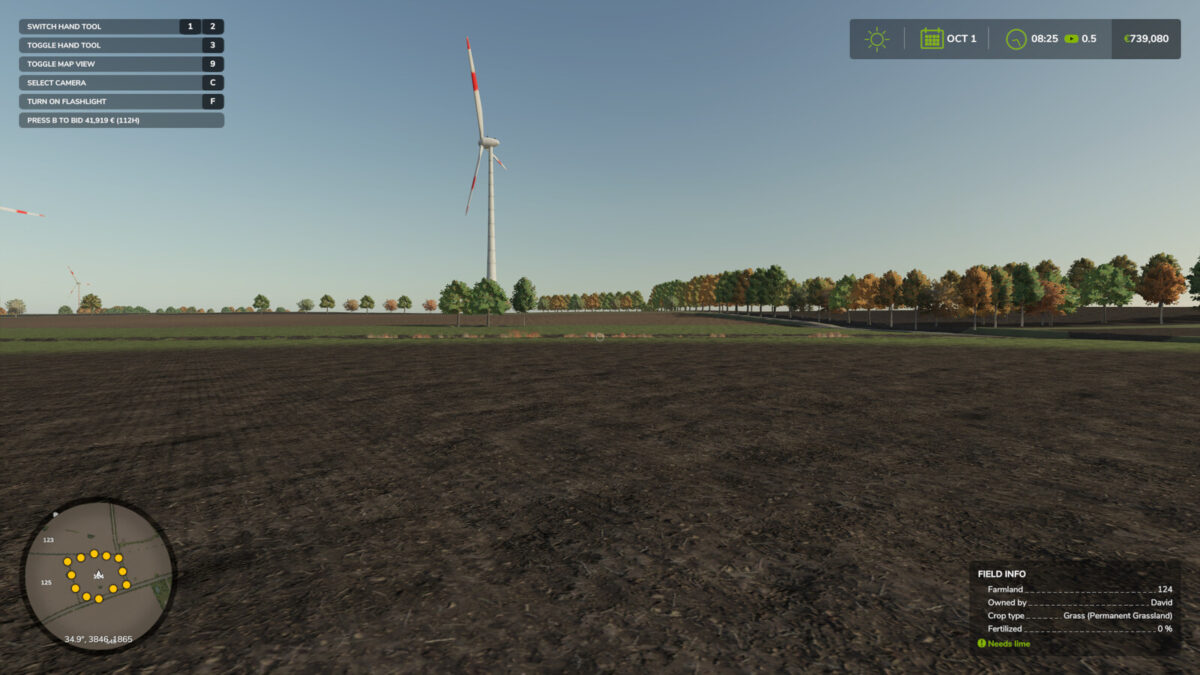
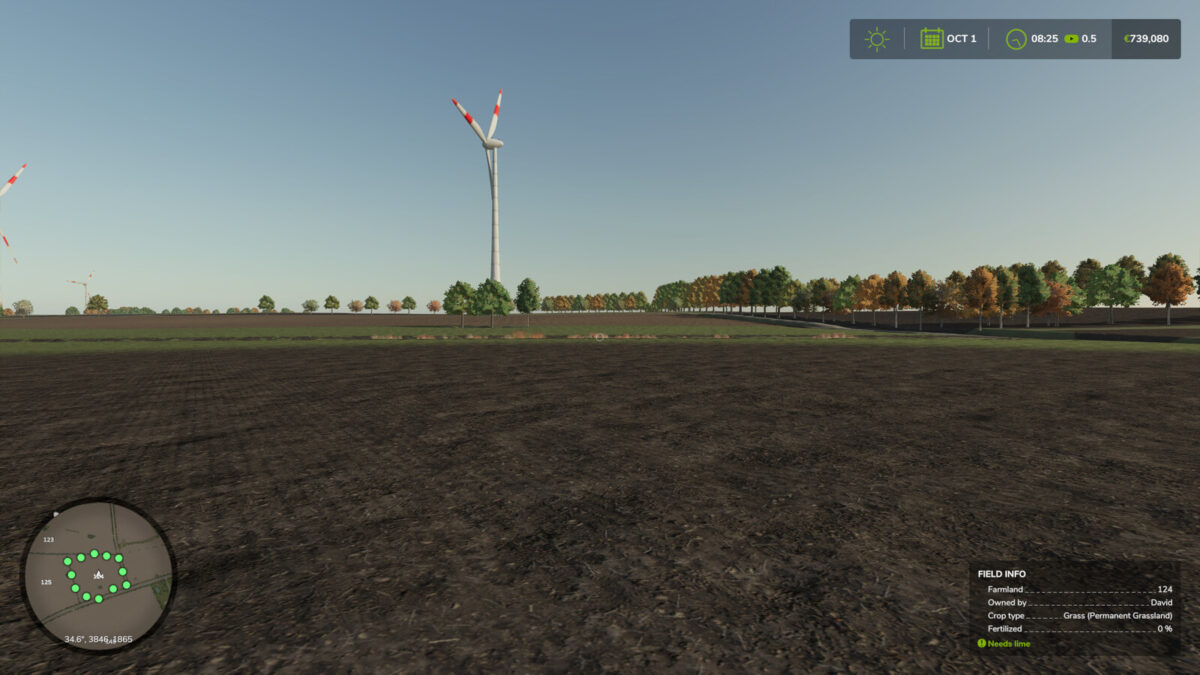
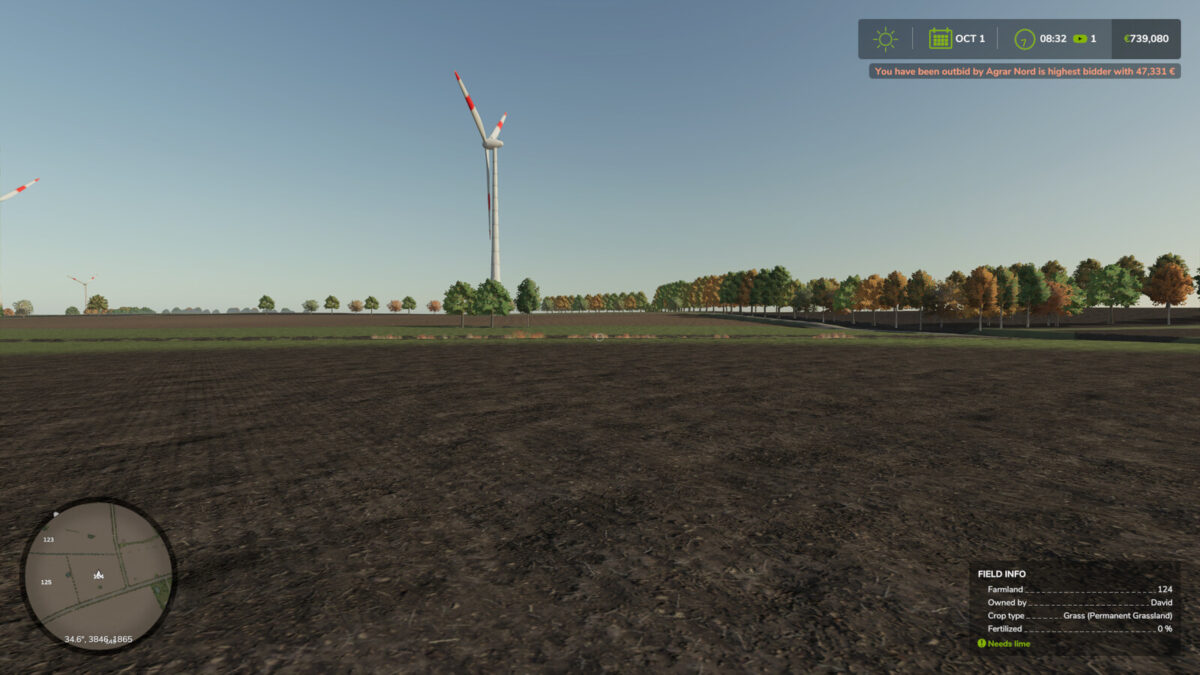
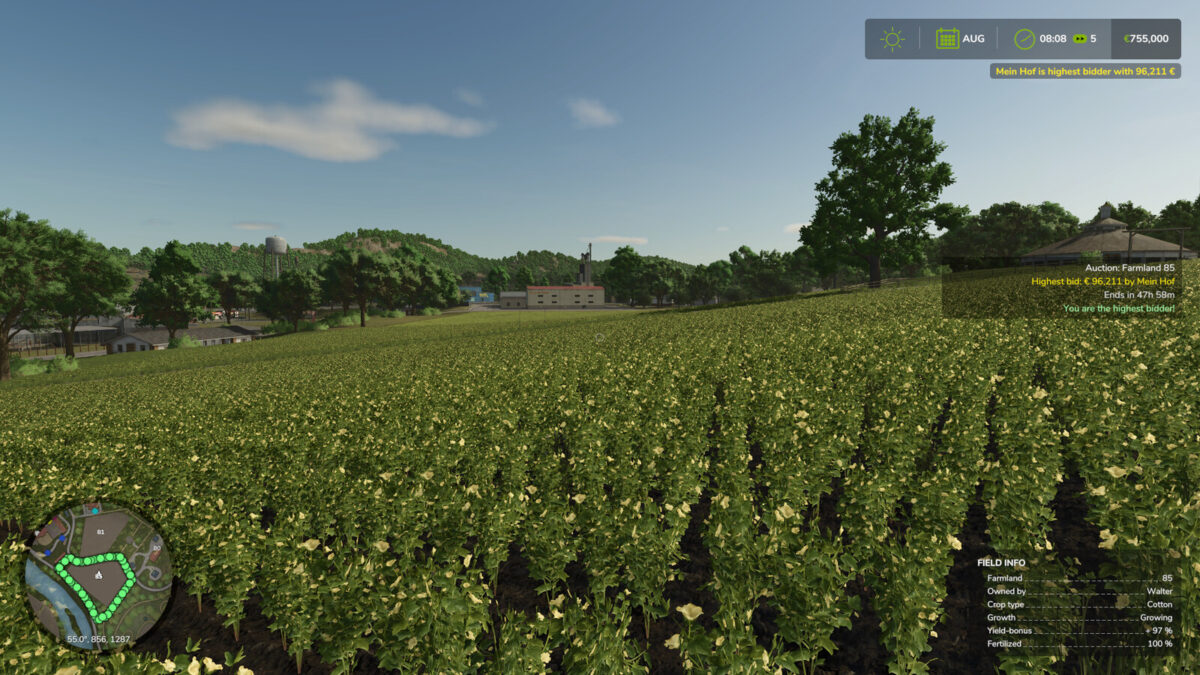
This mod adds regular farmland auctions.
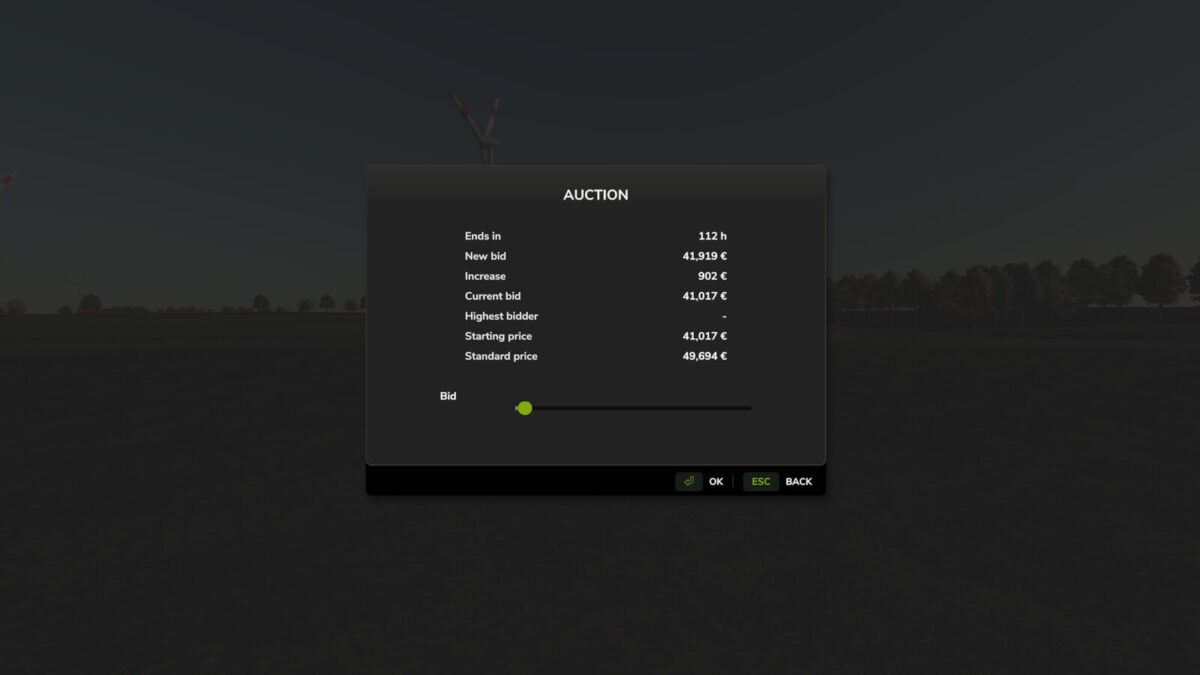
On auctioned land, bids can be placed directly on the field using the B key. Each new bid increases the current auction price and offers an alternative way to purchase land.
Depending on the mod settings, NPC bidders can be enabled or disabled. It is also possible to restrict farmland purchases so that land can only be bought through auctions while a standard purchase is blocked.
In multiplayer, farms can bid against each other.
Console commands (admin only, open the console with the usual key):
– faStartNow -> starts the next auction immediately. A scheduled auction begins right now and keeps its duration.
– faStartAuction -> starts an auction right away for a specific farmland. Not possible while another auction is running.
– faEndNow -> ends the running auction immediately. The highest bidder gets the land and pays the current price.
– faCancelAuction -> cancels the running or scheduled auction without selling the land.
– faSetAuctionTime -> sets the minimum and maximum auction duration in hours. Without values it shows the current range.
– faSetStartInterval -> sets the minimum and maximum waiting time in hours until the next auction starts. Takes effect for the next auction. Without values it shows the current range.
– faSetAuctionOnly [on/off] -> switches the auction-only mode. When active, land can only be bought through auctions. Without a value it toggles the mode.
–Changes 1.0.0.2–
– Admin commands are now checked on the server
– Bids always use the farm of the sender
– Payment is taken before the land is handed over
– Standard purchases are now really blocked during an auction / in auction-only mode
– Auctions are now also saved when you exit the game
–Changes 1.0.0.1–
– Fixed multiplayer issues
– Fixed timing issue
Credits:
SimuTools


