

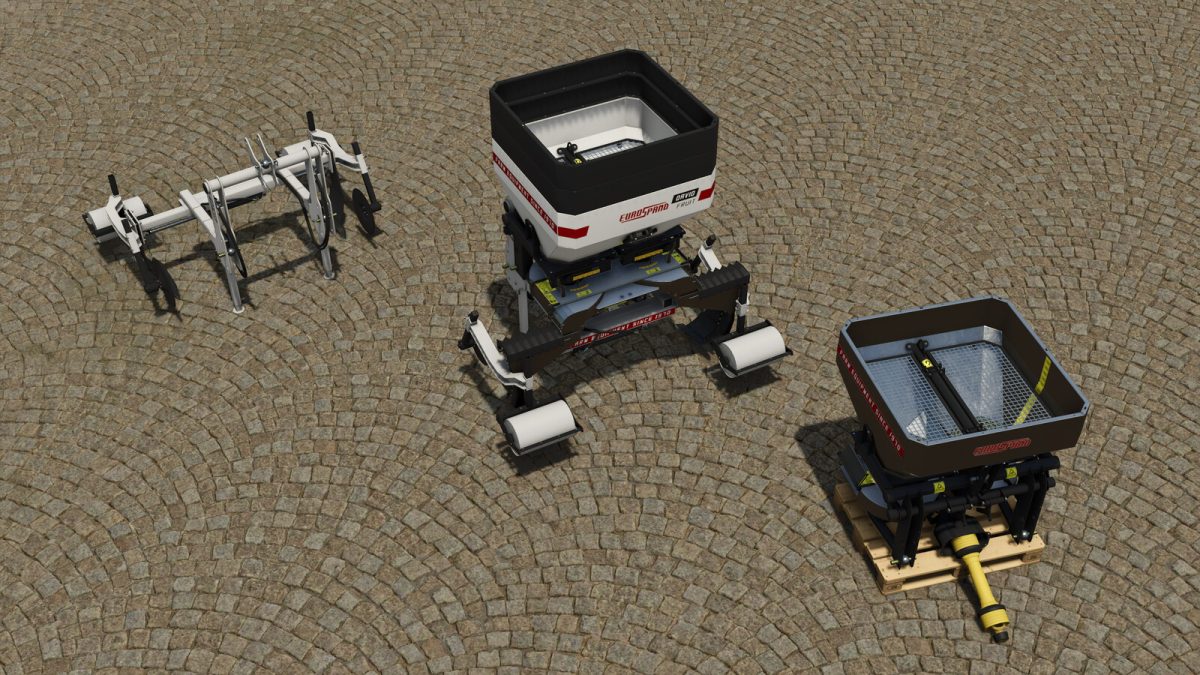
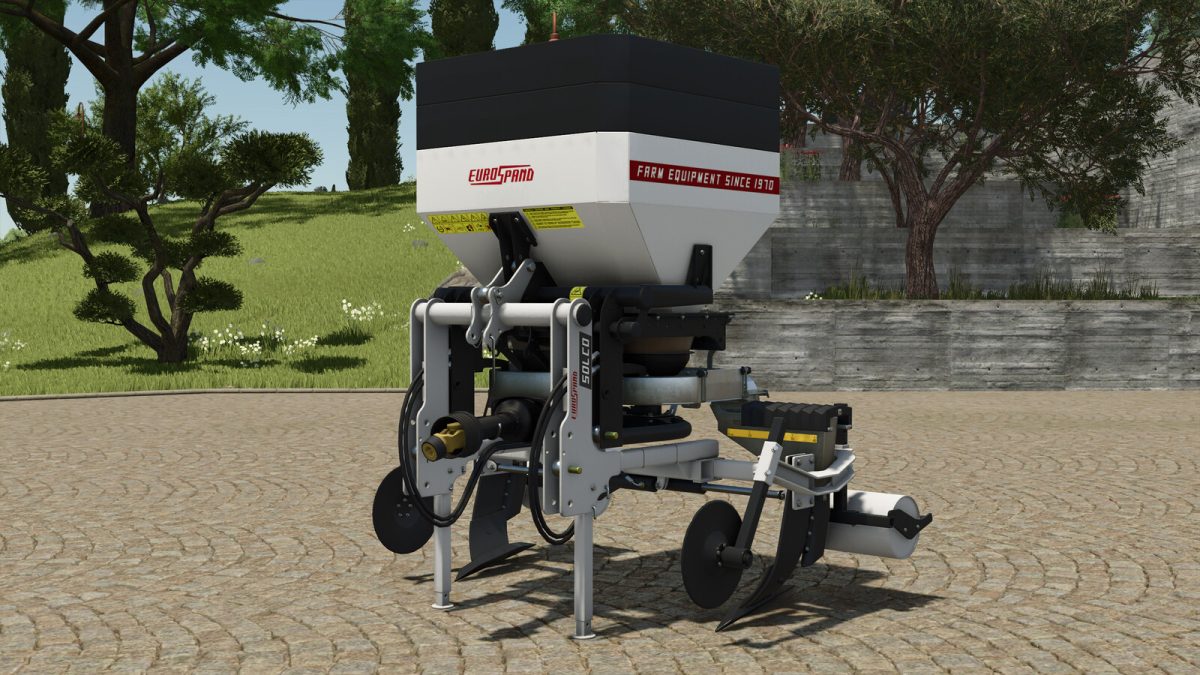
Eurospand SolcoAir – David Fruit v 1.0


Eurospand SolcoAir:
TWO ANCHORS FOR VINEYARD/ORCHARD
Ideal for subsoil fertilization, in combination with the David Fruit fertilizer spreader.
(The two anchors are adjustable independently and manually)
This tool is compatible with dynamicLowering (by SMI Modding)
Category: Subsoilers
Price: $4,500
Required power: 65 hp
Working width: 2m
Working speed: 8 kph
(AIWorker not available for subsoiler when used as standalone)
Eurospand DavidFruit:
DOUBLE DISC LOCALIZED INTER-ROW FERTILIZER SPREADER / IT CAN ALSO BE USED IN THE OPEN FIELD IF SPECIALLY CONFIGURED
The most versatile and performing machines on the market for localized distribution on rows, in open fields or in greenhouses.
Capacity: 600l – 800l – 1000l (depending on the configuration)
Category: Fertilizer Spreaders
Price: $6,500
Required power: 65 hp
Working speed: 18 kph
Work Width: 3mt-12mt
COMBO (how to connect each other):
– Fully extend the two anchors of the eurospand solco air
– Drive in reverse towards the eurospand David Fruit (configured in the “inter-row” version) until the message that allows connection appears
Credits:
A-ndrea - ZioFicus


