

Custom Traffic System v 1.0


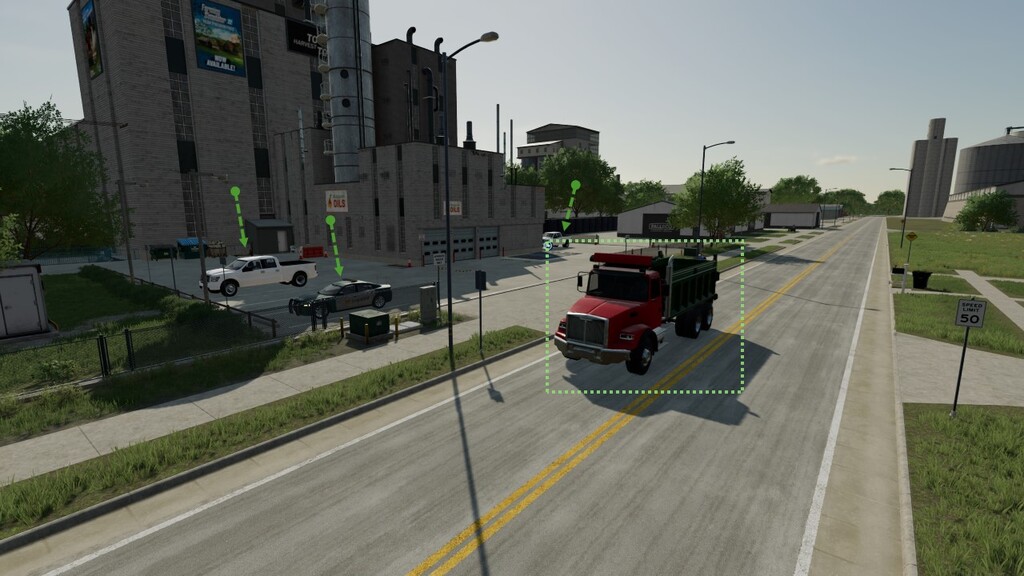
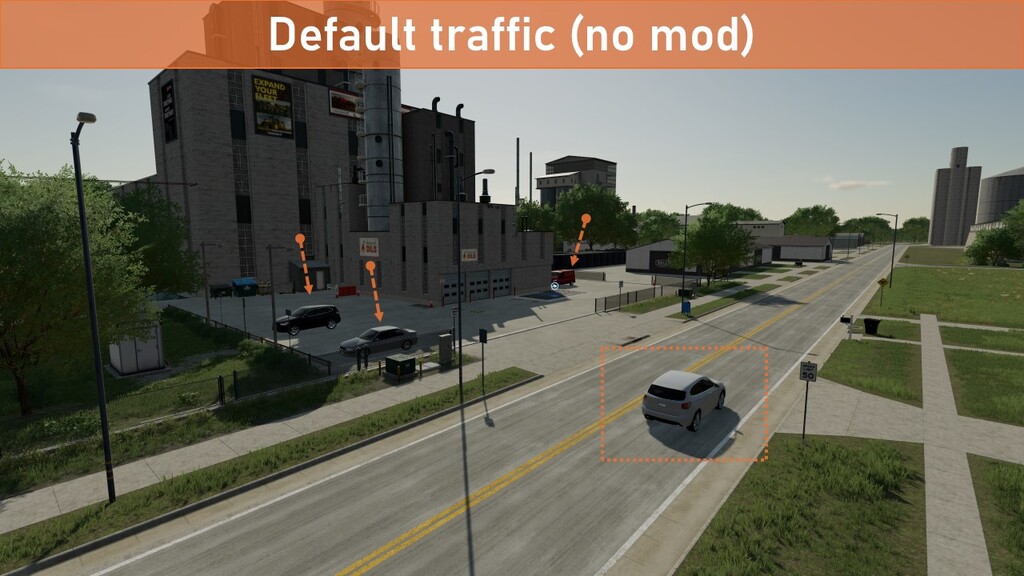
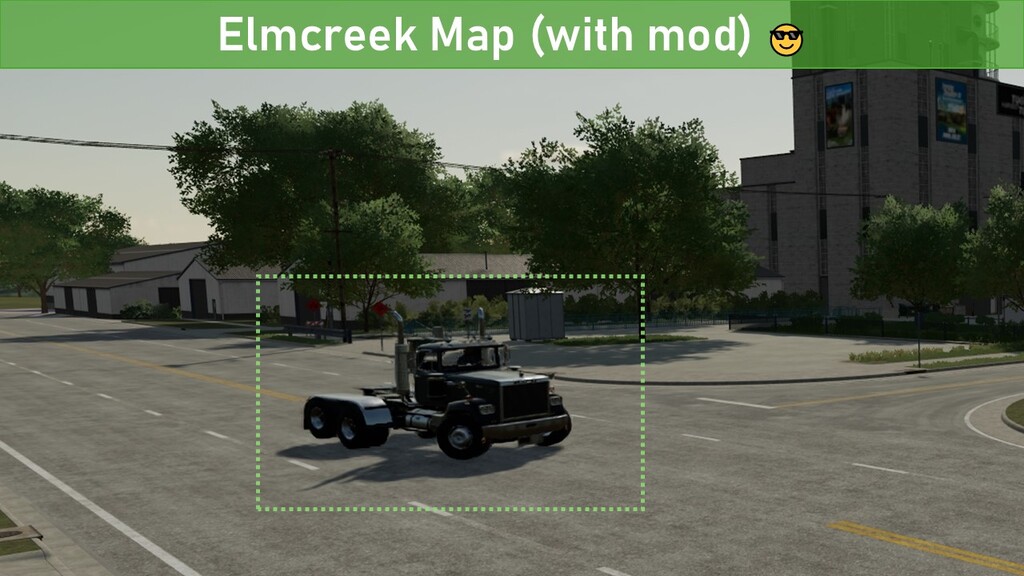
Have you ever wanted to add your own traffic vehicles to a map your are playing? Or maybe you have some favourite cars you always want to see on the roads when you are enjoying the map. Now you can!
Custom Traffic System enables you to load your own custom traffic system regardless of which map you are playing on, without the need to edit the map files. You can include traffic system vehicles from the base game, other maps and even create your own custom vehicles. All this works globally without changing any existing mods. The benefit of this is that your traffic system will be portable between maps and save games (you can even have different traffic systems on multiple savegames on the same map) and it will work even if you update the map.
# FEATURES:
* Uses a default custom traffic system shared by all maps (when mod is enabled)
* Supports custom traffic system per save game (‘customTrafficSystem_savegame[X].xml’ files)
* Supports custom AI license plates
* Automatically creates a folder in the modSettings folder with the required files
* Currently only support single player
# GET STARTED:
Before you can use the mod you need to create your first traffic system.
1. Rename the file ‘disabled_customTrafficSystem.xml’ to ‘customTrafficSystem.xml’ (the file is found in the ‘modSettings/FS22_000_CustomTrafficSystem’ folder found in your MyDocuments/MyGames/FarmingSimulator2022 folder)
2. Edit the ‘customTrafficSystem.xml’ in a text editor
3. Add references to the vehicles you want to include in your traffic system (a copy of a default car from the base game is included as an example)
4a. (optional) Create variants for each save game by copying ‘customTrafficSystem.xml’ to ‘customTrafficSystem_savegame[X].xml’ (where [X] is the save game id)
4b. (optional) Disable the global traffic system and only keep save game specific traffic systems by renaming ‘customTrafficSystem.xml’ to ‘disabled_customTrafficSystem.xml’ (and leaving the ‘customTrafficSystem_savegameX.xml’ files unchanged)
4. Enable the mod and enjoy!
See GitHub for additional information and instructions on how to find more vehicles for your traffic system.
# WANT RIGHT HAND TRAFFIC SYSTEM ON YOUR MAP?
It is easy, just download the ‘Traffic Vehicles Right Hand Drive (RHD)’ prefab by ALiEN JiM and follow these instructions:
1. Extract the ‘vehicles’ folder from the zip archive into your ‘modSettings/FS22_000_CustomTrafficSystem’ folder
2. Extract the ‘maps/trafficSystem.xml’ file into your ‘modSettings/FS22_000_CustomTrafficSystem’ folder
3. Rename ‘trafficSystem.xml’ to ‘customTrafficSystem.xml’ (or ‘customTrafficSystem_savegameX.xml’ if you only want it enable for a specific savegame)
4. Update file paths in all XML files (both ‘customTrafficSystem.xml’ and all 14 .xml files in the vehicles folder), replace the string “../vehicles/carsRHD/” with “vehicles/carsRHD/”
Credits:
w33zl


