
FS25 Massey Ferguson Harvesters

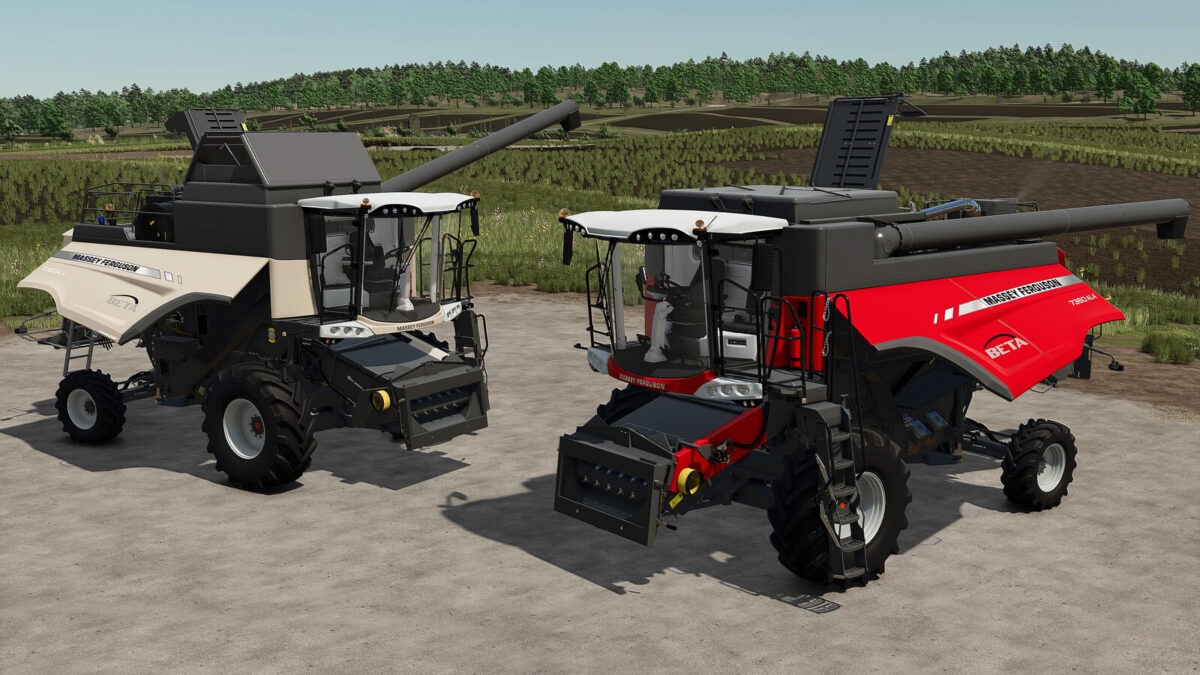
Massey Ferguson Beta 7360 v1.0.0.0

Massey Ferguson Beta 7360 v1.0.0.0

Massey Ferguson Beta 7360 v1.0.0.0

Massey Ferguson Beta 7360 v1.0.0.0

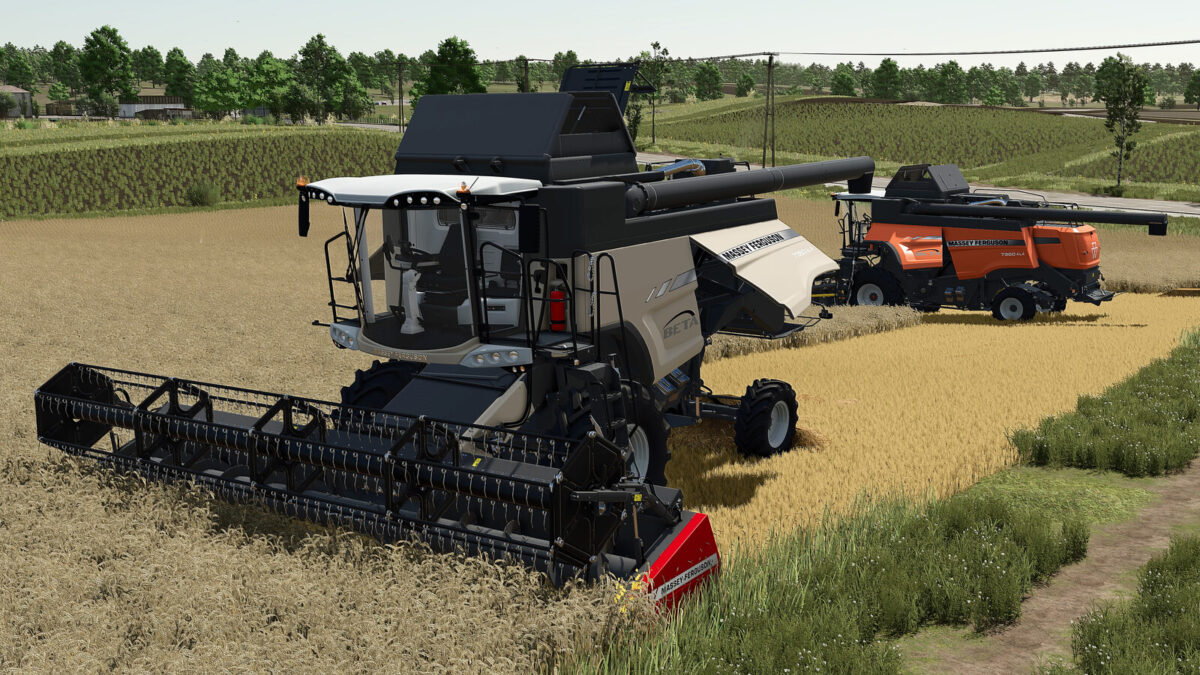
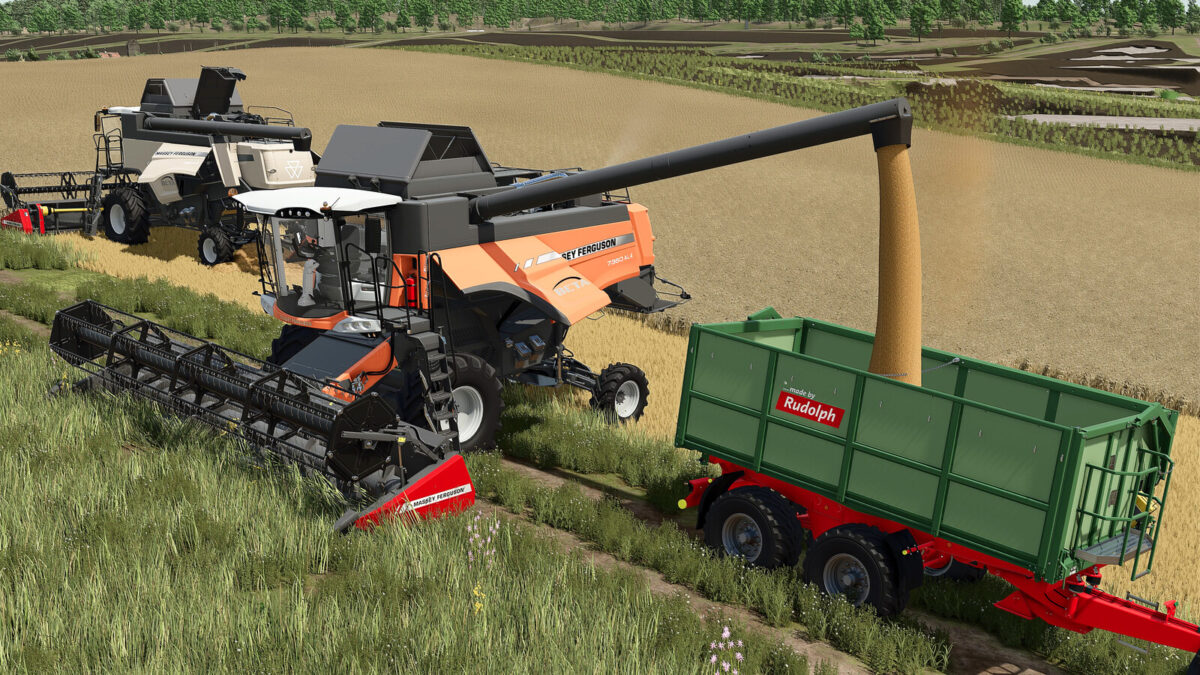
Let me introduce you to the Massey Ferguson Beta 7360 AL4 combine harvester:
– Available animations (controlled with the mouse or using the Interactive Control mod):
* Doors
* Steering wheel
* Maintenance hatch
* Rear ladder
* Mirrors
– Available configurations:
* Wheels
* Animation options
* Unloading auger
* Main color
– Category : Combine Harvester
– Price : 225 000 $
– Power : 306 hp
– Maximum speed : 30 km/h

Credits:

Just Farming

How to install FS25 Massey Ferguson Harvesters?
Firstly find a mod which you like and want to download. Then download a mod to your PC. Mods are usually in .zip format file. But sometimes it can be in .rar. If a mod file is a .zip format no needed additional actions. If a file is in .rar, then you must unarchive mod with software like WinRar or Zip7. Windows 10 users no need to use software for archives, Win10 itself has a feature to unarchive files.
The next step is to find mods folder in your PC. Usually, it is in Documents/My Games/Farming Simulator 25/2025. Open the "mods" folder and put downloaded .zip archive or unarchived .rar file to this folder.
Last step. Enjoy of FS25 mods!

Leave a Reply

Your email address will not be published. Required fields are marked *