

Carrefour Pack v 1.0


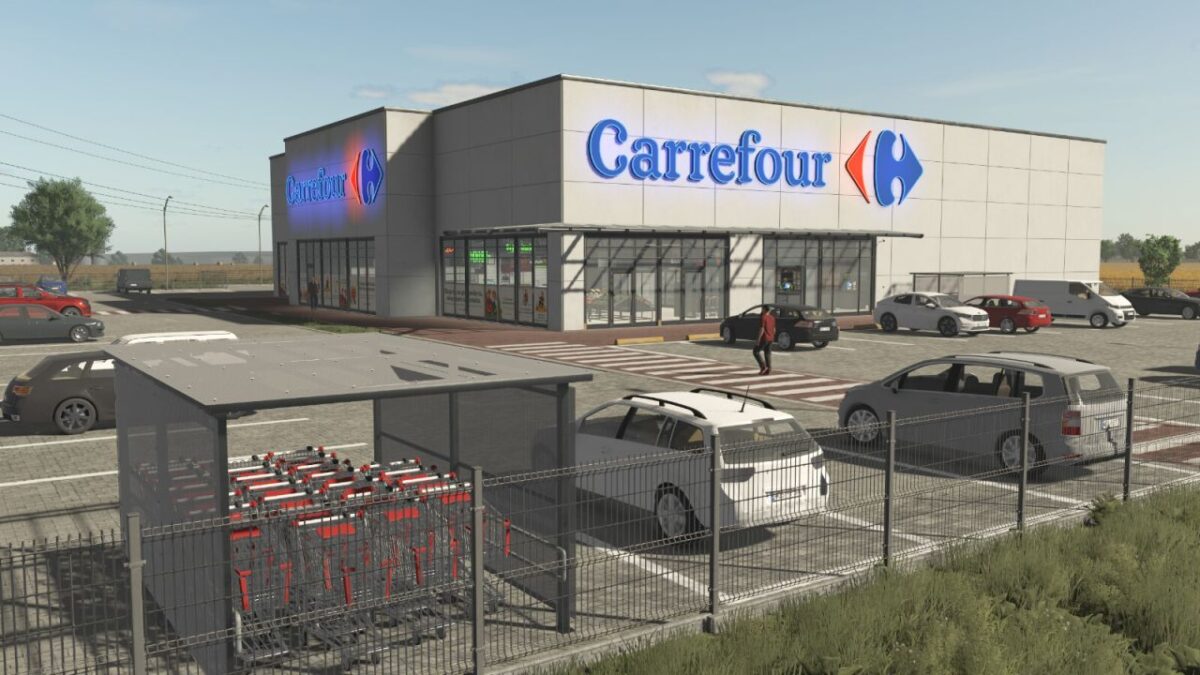
This mod includes a pack of objects and one of the Carrefour stores.
If you’re tired of searching all over the map for collection points for various products, this mod will solve that problem, as this shop serves as a collection point for all products from Farming Simulator.
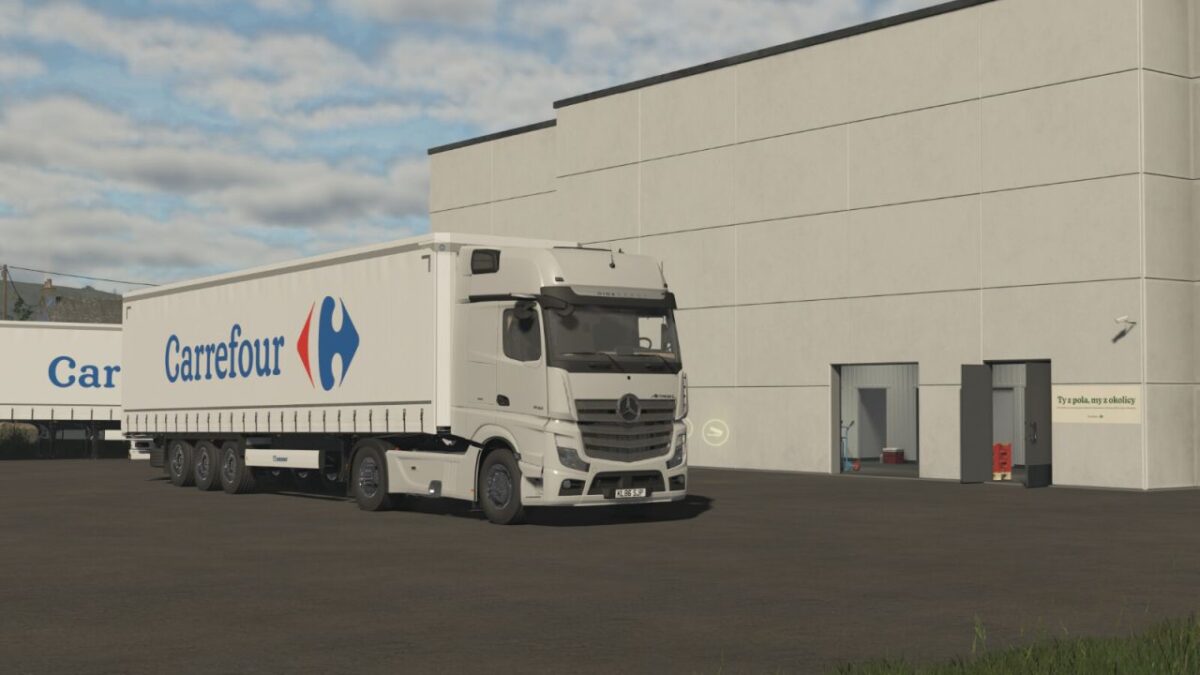
With this pack, you can build your own shop and car park from scratch, decorate it with cars and flags, and deliver goods using a trailer attached to a specially painted lorry.
The pack includes:
Carrefour Market
Price: 10 000 $
Category: Selling Points
Daily upkeep: 0 $
collection point for everything (with a bonus for fruit and vegetables)
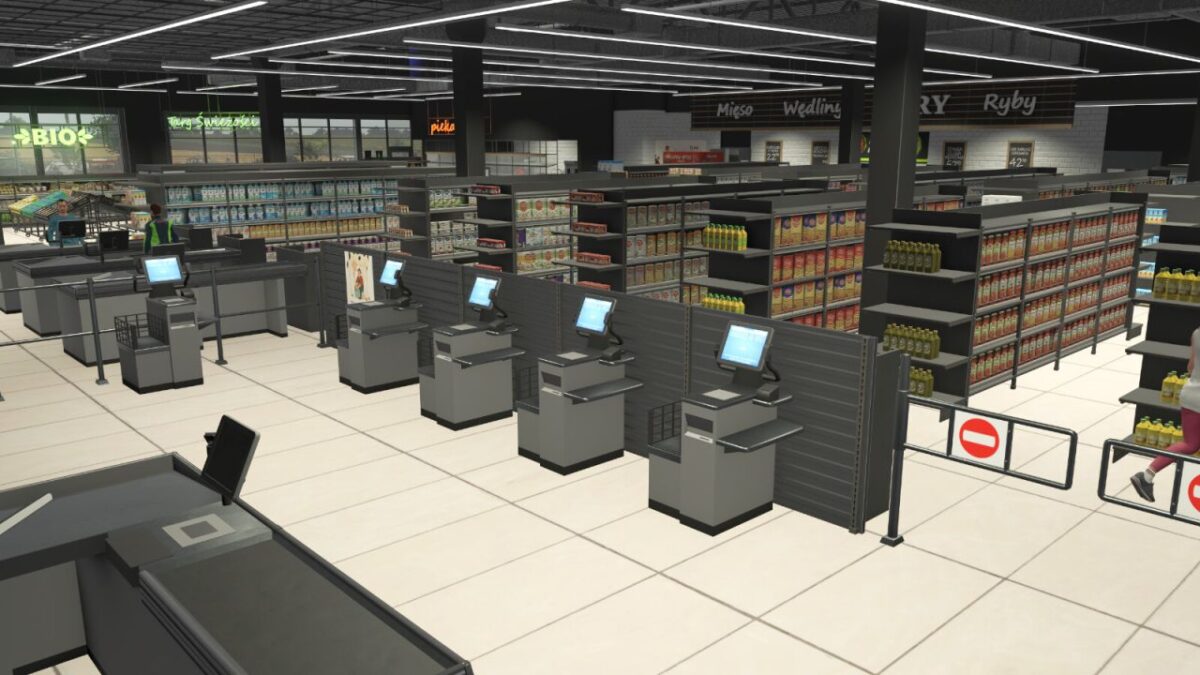
fully interactive shop, cash registers, neon signs and much more
there is a collection point and warehouse at the back of the shop
Shopping trolley shelter
Price: 1000 $
Category: Decoration
Daily upkeep: 20 $
Carrefour semi-trailer (Profi Liner)
Price: 29 500 $
Category: Semi Trailers, Flatbed Trailers
4 decorative cars
Price: 100 $
Category: Decoration
Daily upkeep: 5 $
Flag
Price: 100 $
Category: Decoration
Daily upkeep: 5 $
2 road signs
Price: 100 $
Category: Decoration
Daily upkeep: 5 $
Parking lines
Price: $50
Category: Decoration
Daily upkeep: $5
Credits:
Rajot GPLAY


