
FS25 Misc

Vehicle Seat Controls v 1.0

Vehicle Seat Controls v 1.0

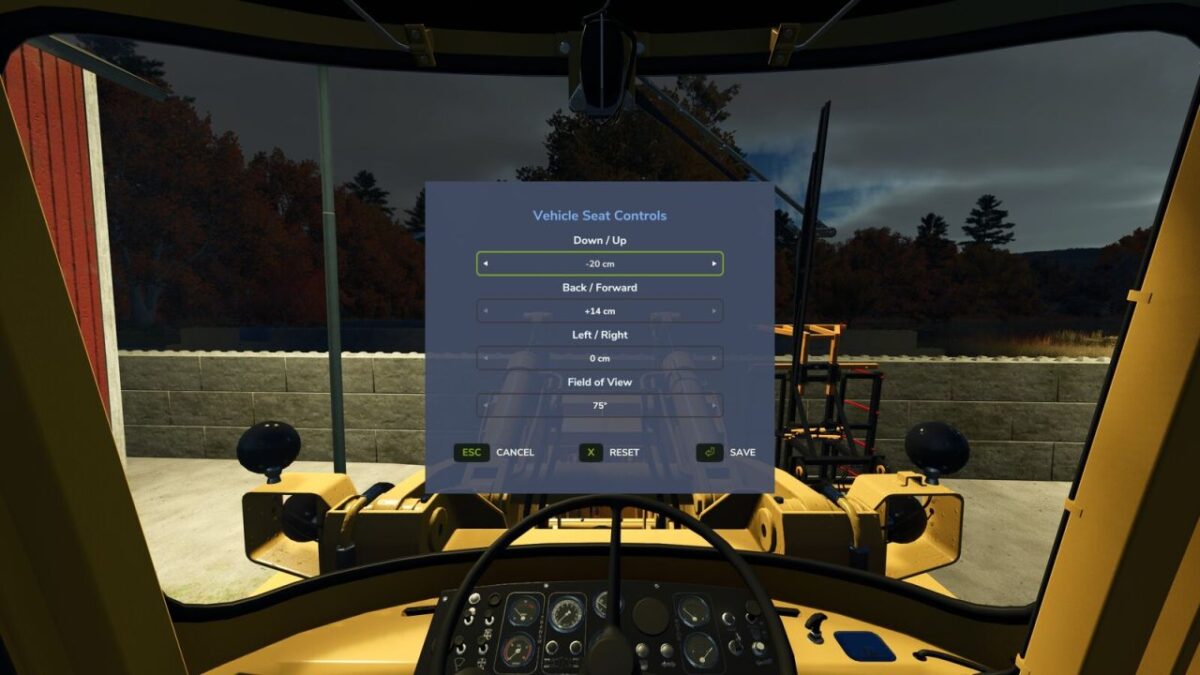
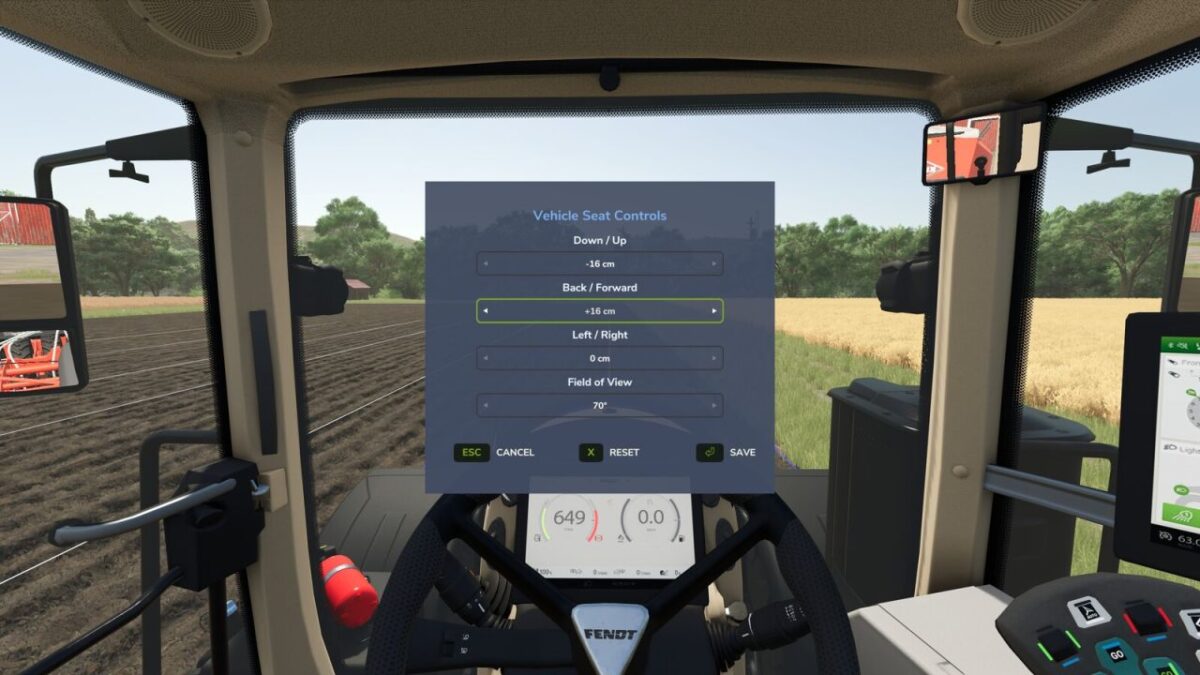
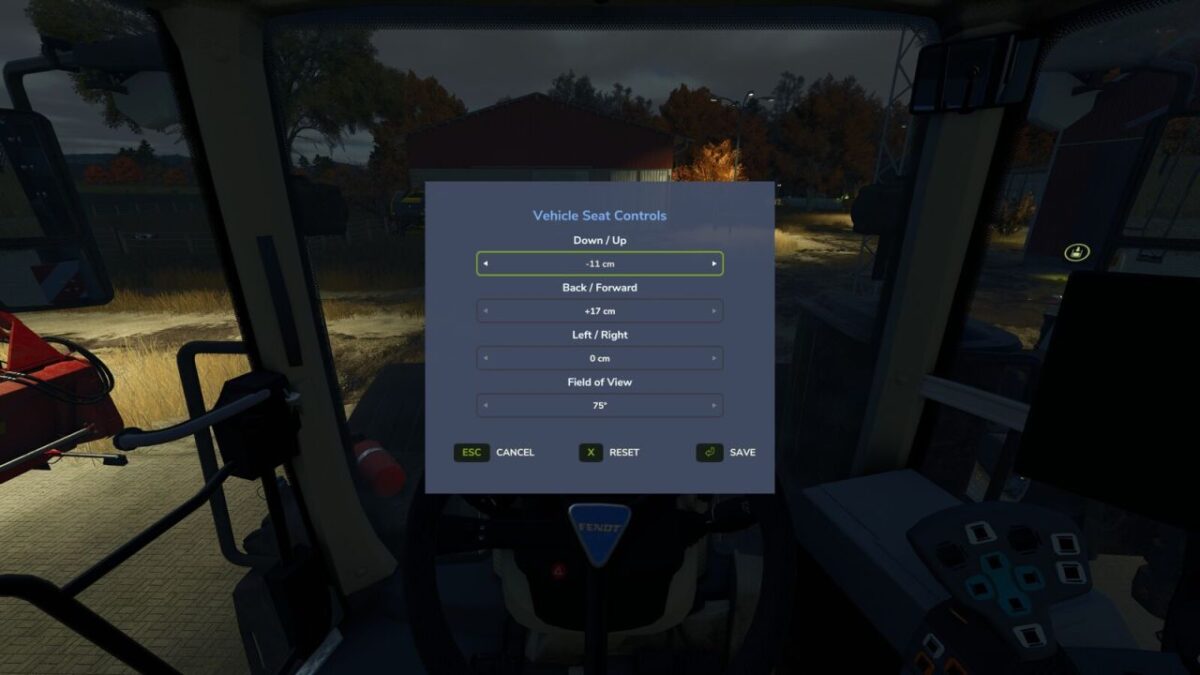
Adjust the indoor (cab) camera position and field of view of your vehicles.
While seated in a vehicle, press Numpad – (rebindable in Settings > Controls) to open the Vehicle Seat Controls window.

Use the arrow selectors to set:
Up / Down
Forward / Back
Left / Right
Field of View (zoom)

Changes preview live on the cab. Press Save to keep them, Reset to recenter, or Cancel to discard.
Want to look around while you adjust? Click and hold the left mouse button anywhere outside the window and drag to freely glance around the cab – the menu stays open the whole time, so you can line up the perfect view before saving.
Settings are saved per player and per vehicle and persist across leaving/rejoining and server restarts.

Credits:

Magzan

How to install FS25 Misc?
Firstly find a mod which you like and want to download. Then download a mod to your PC. Mods are usually in .zip format file. But sometimes it can be in .rar. If a mod file is a .zip format no needed additional actions. If a file is in .rar, then you must unarchive mod with software like WinRar or Zip7. Windows 10 users no need to use software for archives, Win10 itself has a feature to unarchive files.
The next step is to find mods folder in your PC. Usually, it is in Documents/My Games/Farming Simulator 25/2025. Open the "mods" folder and put downloaded .zip archive or unarchived .rar file to this folder.
Last step. Enjoy of FS25 mods!

Leave a Reply

Your email address will not be published. Required fields are marked *