

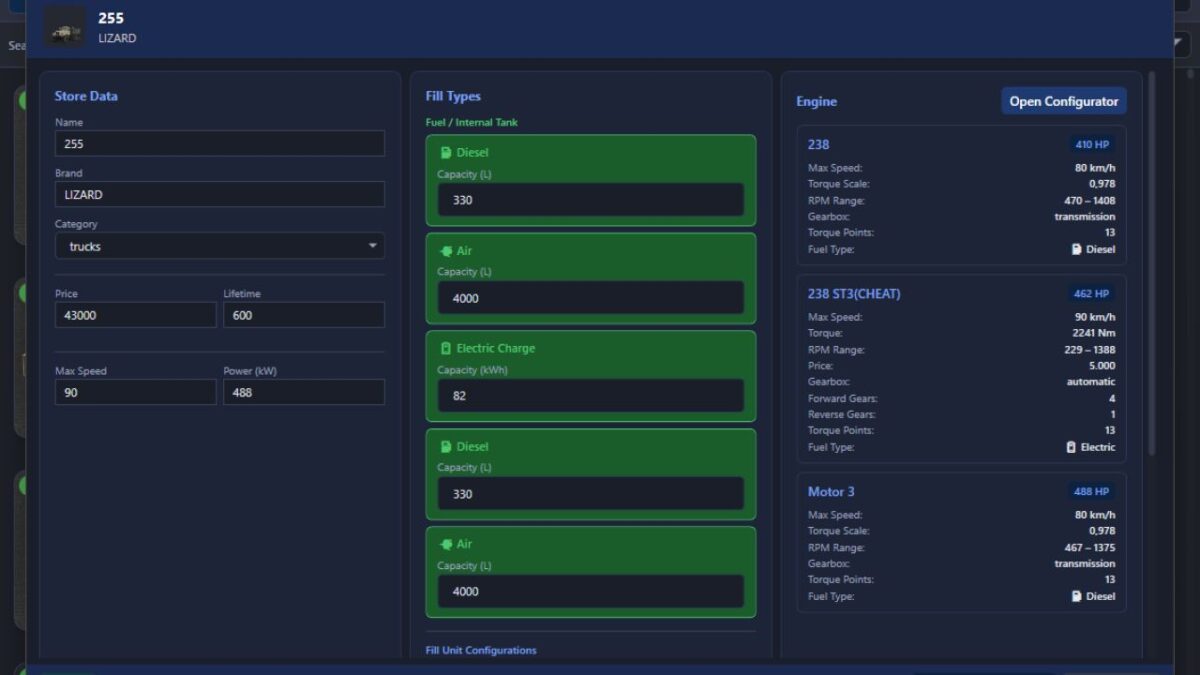
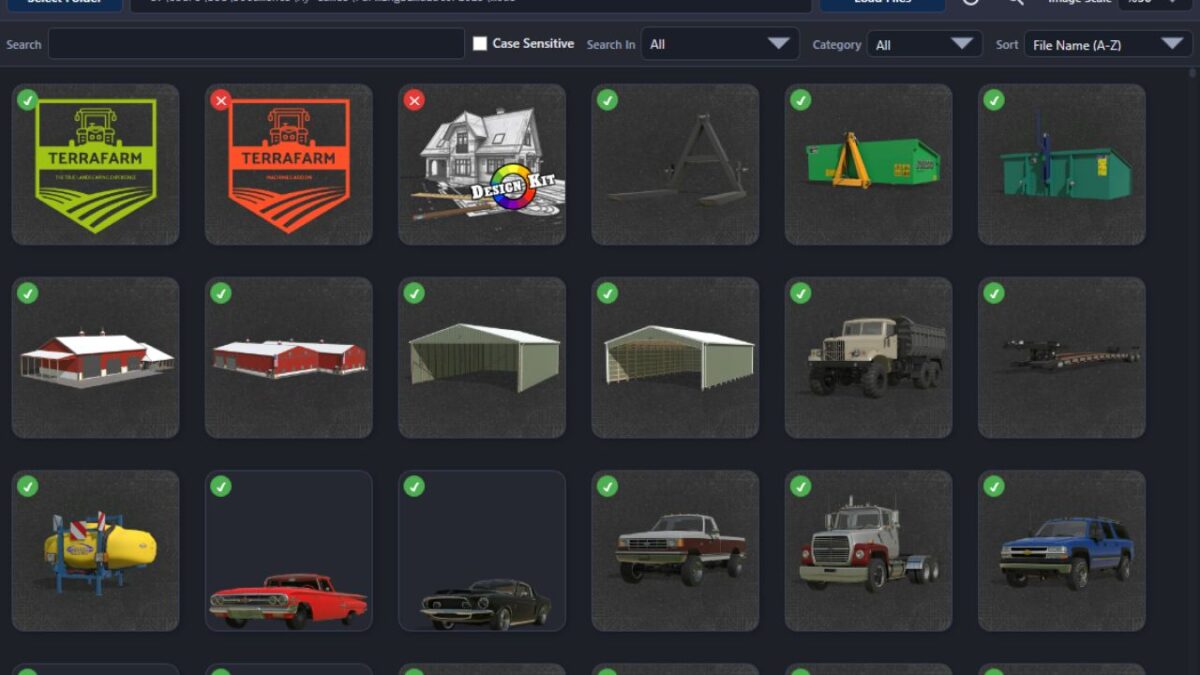
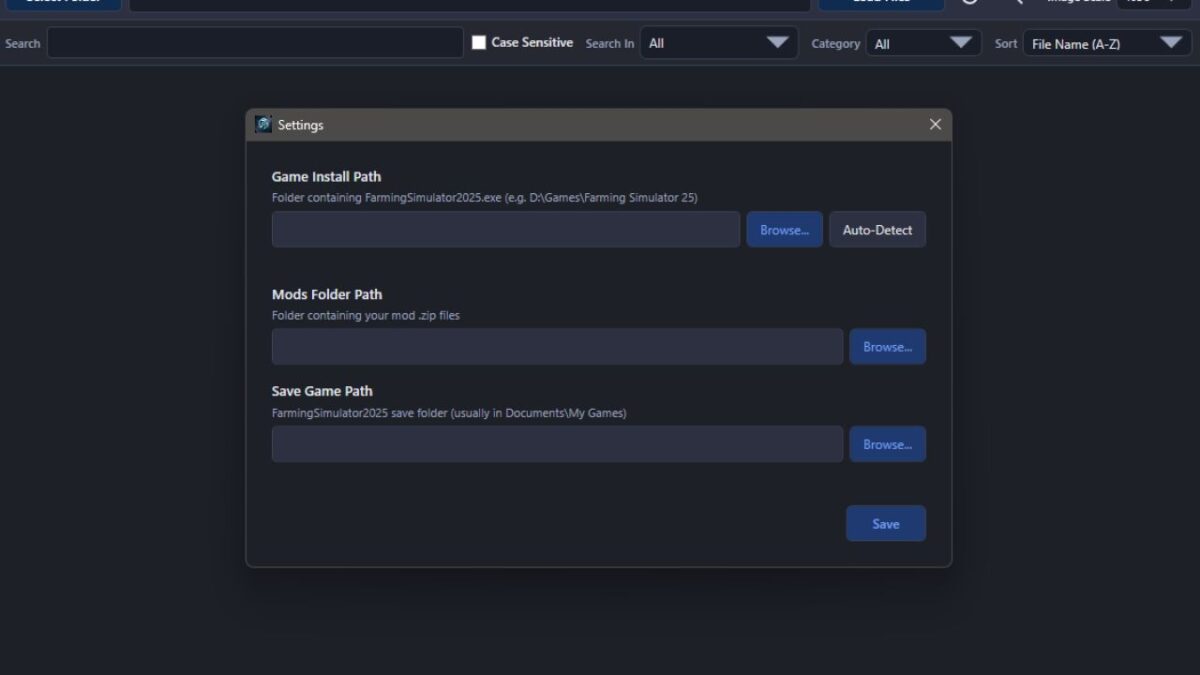
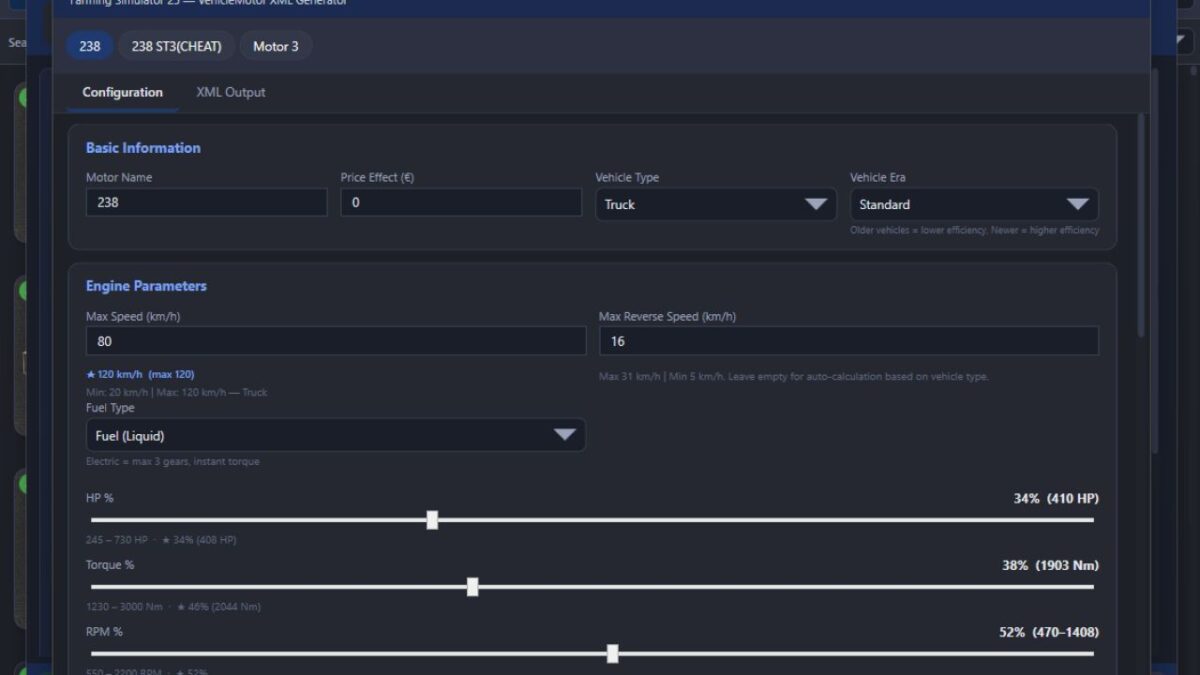
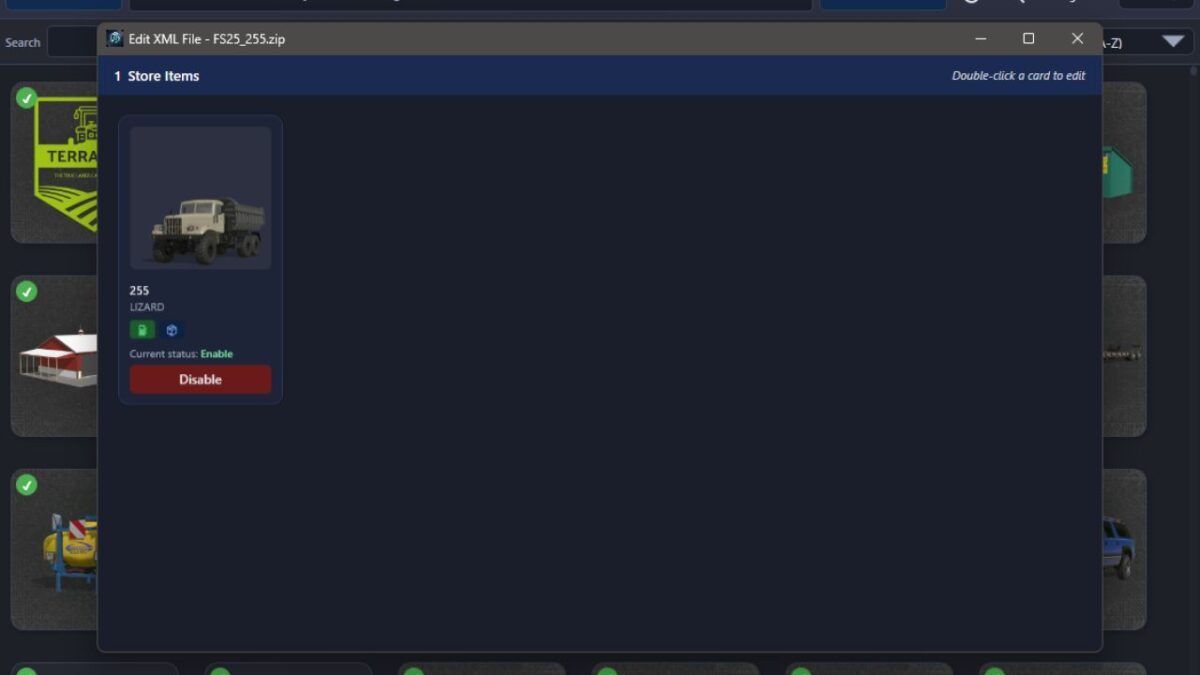
BUG Mod Manager v 3.3.1


This is not a MOD. It is a program that allows you to manage your mods before launching the game. Keep the program in a different location from the folder where your mods are stored.
Technically, it works as follows:
# Every mod contains a file named modDecs.xml. The game first reads this file and then uses the relevant instructions within it to locate the other files it needs to read. The program works on a similar principle. It first locates the modDecs.xml file inside the mod’s ZIP file. Then it retrieves the necessary information from this file and executes the corresponding functions.
NOTE: The program can run on its own, but it still includes a dependency checker. If it prompts you to install .NET 8, you can download it from the official Microsoft website.
Version 3.3.1:
* Fixed an issue where dragging a mode within the same window and dropping it back into the window would cause the mode to be deleted
* Fixed an error where the profile deletion process was not being saved
* Added missing translations for the Spanish language and made some general fixes
Credits:
BUG05


