

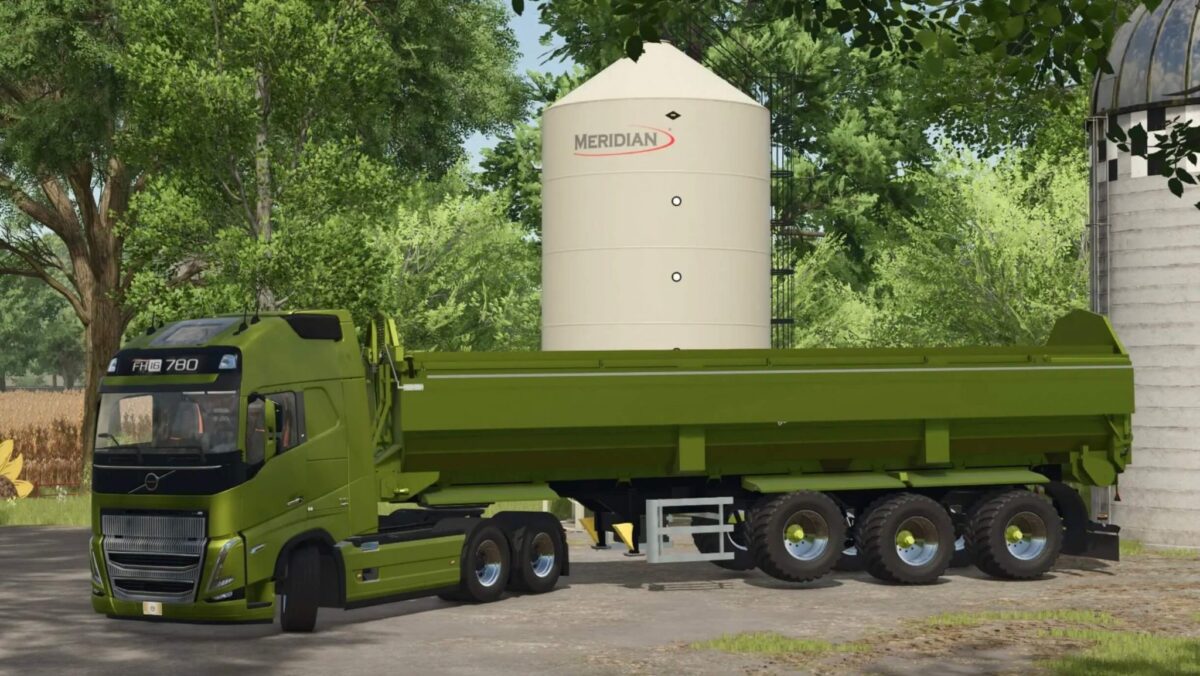
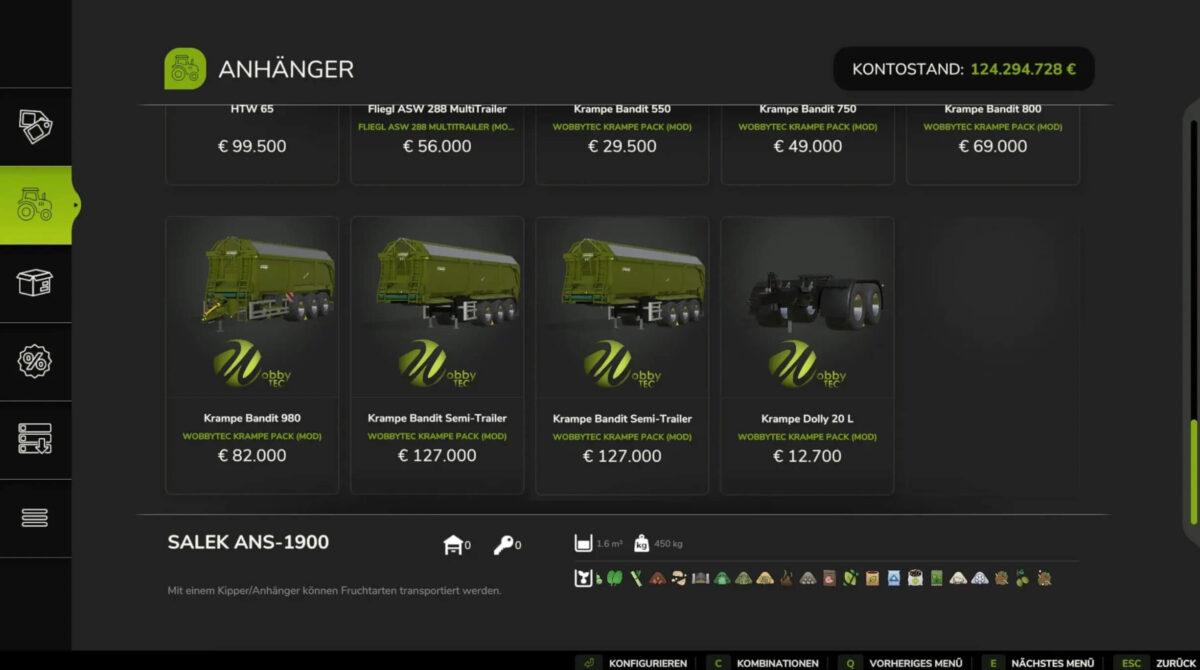
Krampe Trailers Pack v 1.0


Krampe 550, 750, 800, 980 and trailers & dolly 20L all-in pack with animated rolling floor and automatic lifting axle in the trailer, LED dynamic taillights latest Krampe standard.
Features:
– Bandit 750, 800, 980 and semi-trailer with optional VAKO aluminum folding roof
– VBK Soft top optional for Bandit 750 and SemiTrailer
– Rollband animated with sound
– Animated chopping flap in 60s and 80s design (left mouse)
– Trailing axles
– Color choice for exterior color, rim color, roller belt and chassis in the semi trailer (including original Krampe colors)
– Sound animations
– LED RUL’s
– Dynamic indicators Krampe Original
– License plate and license plate lighting
– Level indicators left and right
– Automatic lifting axle on the trailer (also manually controllable)
– Original filling quantities from Krampe specifications & additional higher filling volumes selectable
Credits:
Wobby


