

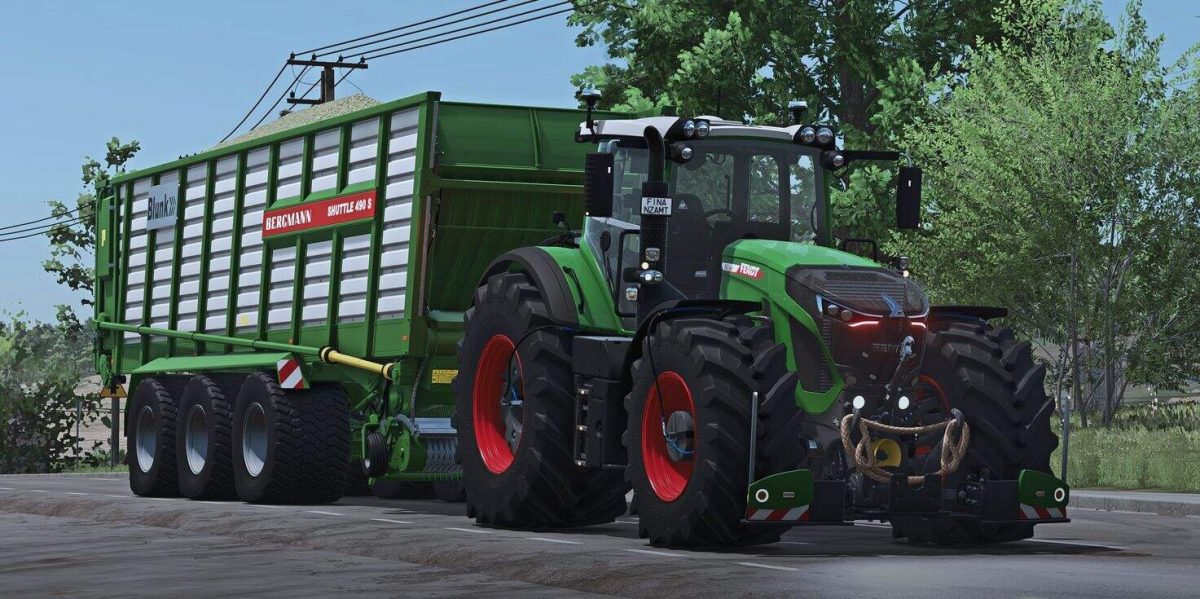
Bergmann Shuttle 490S+ v 1.0


2 versions included in the mod: Standard and Physics
Visually increased load
Various images for the rear panel
2 RUL variants
2 LU logos to choose from (REIFF.lu/BLUNK)
Color configuration
Unloading speed adjusted (slightly lower for the standard version, realistic physics version)
Physics adjustments: (not for the standard version, only for the physics version in the shop)
Springs and dampers (chassis) adjusted
Center of gravity increased
2 versions included in the mod: Standard and Physics
Visually increased load
Various images for the rear panel
2 RUL variants
2 LU logos to choose from (REIFF.lu/BLUNK)
Color configuration
Unloading speed adjusted (slightly lower for the standard version, realistic physics version)
Physics adjustments: (not for the standard version, only for the physics version in the shop)
Springs and dampers (chassis) adjusted
Center of gravity increased
Credits:
Finanzamt31er


