

FS25 Other Tractors

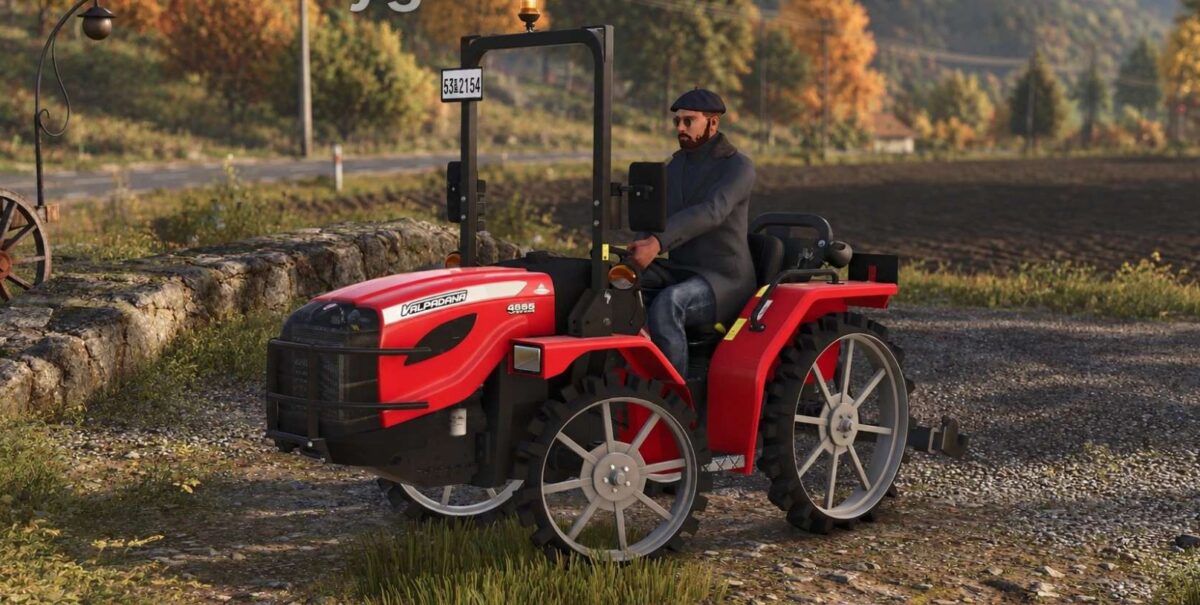
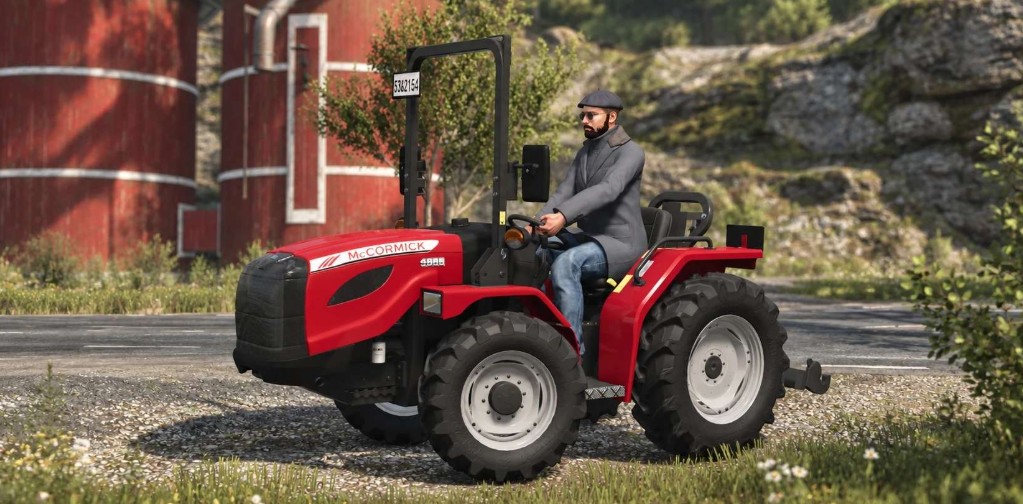
Valpadana 4655 VRM v 1.0

Valpadana 4655 VRM v 1.0

– Category: Small Tractors
– Starting price: 19,500 $
– Speed: Forward 30 KM/H, Reverse 10 KM/H
– Diesel capacity: 35 Litres
– Transmission: Manual
– Weight: 1.4 Tonnes
– Power: 47.5 – 98 HP
– Engine: Yanmar
– Year: 2024

Options:
– “Made in Italy” option
– Wheel weights option
– Rice wheels option
– Rear worklight
– Warning signs
– Beacon light
– Front bumper

Interactive Control:
– Left mirror (Fold/Unfold)
– Right mirror Fold/Unfold)
– Roll bar lights (Left/Right)
– Turn signals (Left/Right)
– Lights (2 stages)
– Beacon light (On/Off)
– Ignition (Start/Stop)
– Fuel cap (Open/Close)
– ROPS/Roll bar (Fold/Unfold)
– Hazards (On/Off)
– Hood (Open/Close)
– Implement (Raise/Lower)
– Implement (Fold/Unfold)
– Implement (Turn On/Off)
– Cruise control (Activate/Deactivate)

Credits:

My GameSteam

How to install FS25 Other Tractors?
Firstly find a mod which you like and want to download. Then download a mod to your PC. Mods are usually in .zip format file. But sometimes it can be in .rar. If a mod file is a .zip format no needed additional actions. If a file is in .rar, then you must unarchive mod with software like WinRar or Zip7. Windows 10 users no need to use software for archives, Win10 itself has a feature to unarchive files.
The next step is to find mods folder in your PC. Usually, it is in Documents/My Games/Farming Simulator 25/2025. Open the "mods" folder and put downloaded .zip archive or unarchived .rar file to this folder.
Last step. Enjoy of FS25 mods!

Leave a Reply

Your email address will not be published. Required fields are marked *