

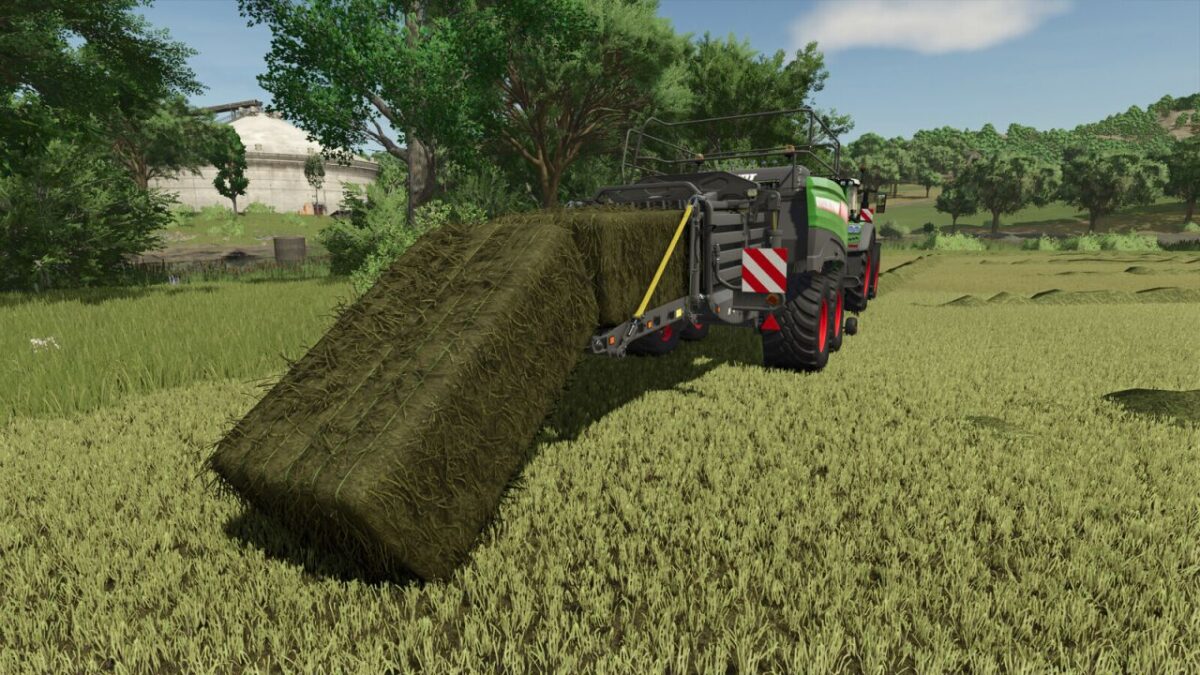
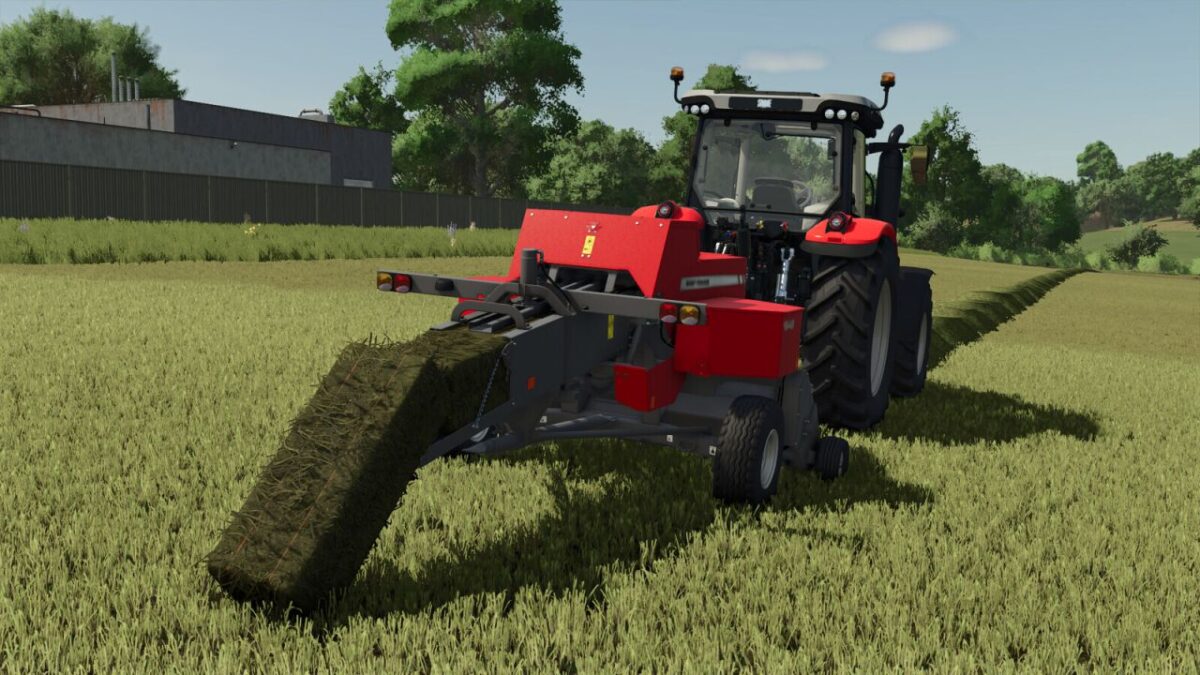
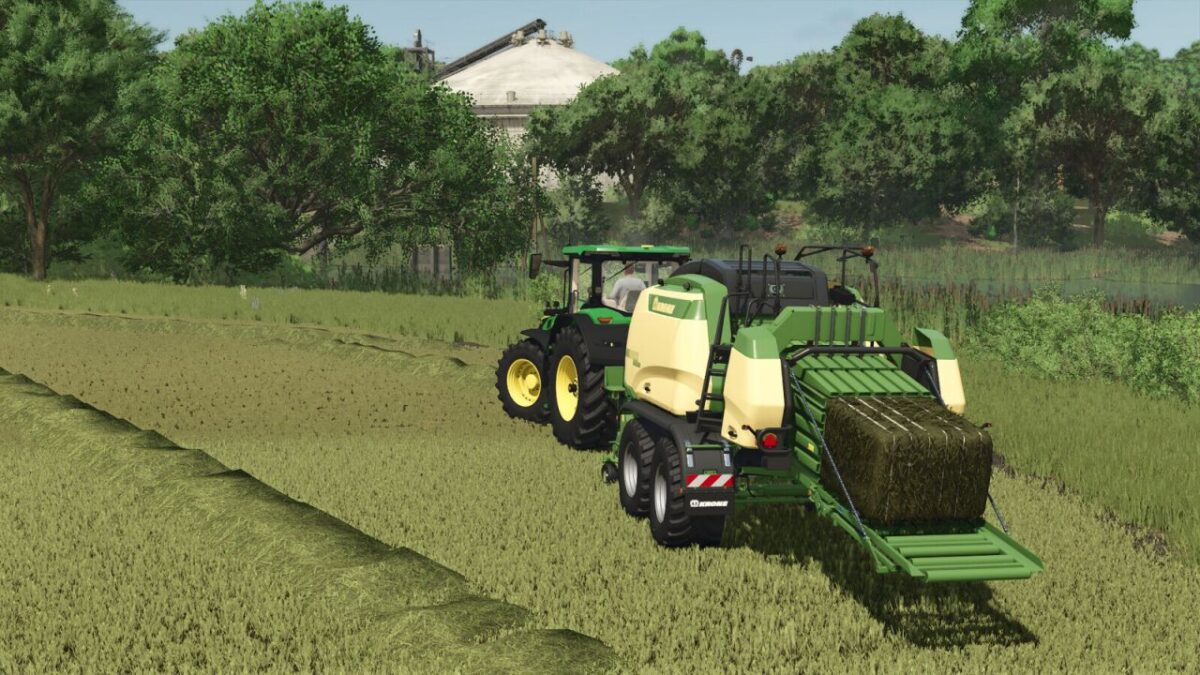
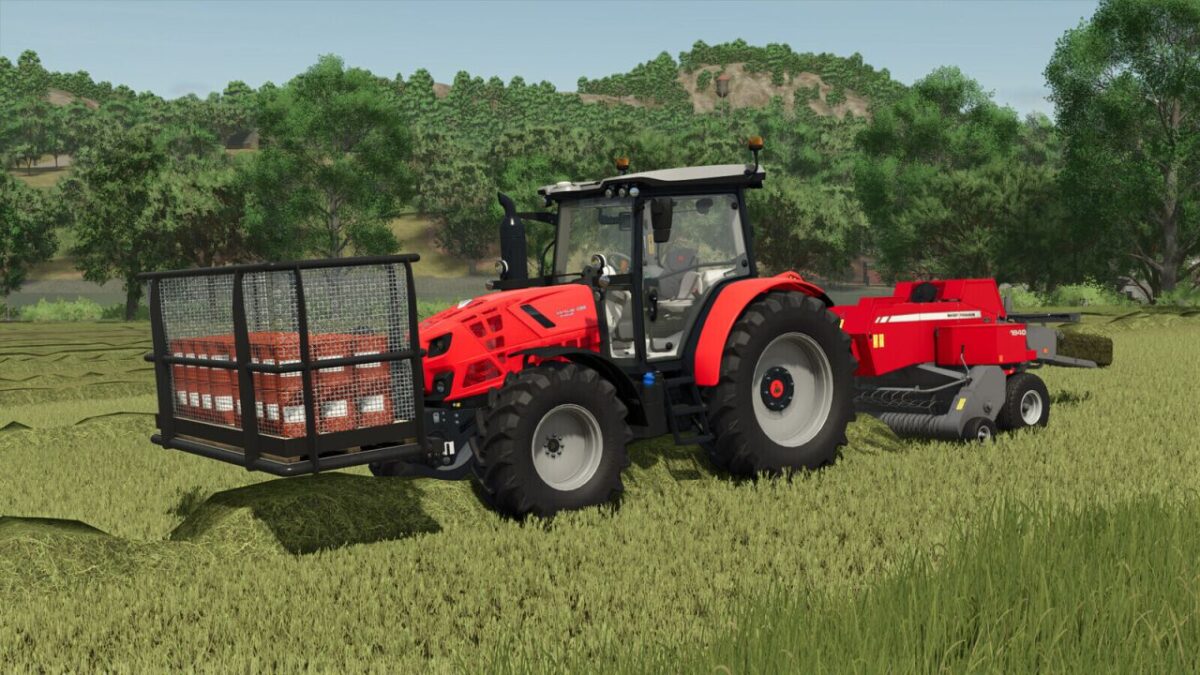
Bale Twine Addon Additional Features v 1.0.0.5


This mod adds some functions and other nice features to the Bale Twine Addon.
You have to download the Bale Twine Addon aswell, this mod is only additional!
The mod is linked below as ‘required mod’.
This feature is automatically added, no installation required.
Features
Added support for all balers
Removed duplicate store items of the balers
Removed the configuration of the consumables for the vehicles in the store
Added the configuration for defines if the bale net can be refilled via the UI dialog
Added the random rotation for the single consumable
Added the ability for unloading the unfinished bale
Version 1.0.0.5:
* Fixed the support with dependency mod
* Added the configuration for defines if the bale net can be refilled via the UI dialog
* Removed the configuration of the consumables for the vehicles in the store
* Added the random rotation for the single consumable
* Added the ability for unloading the unfinished bale
Credits:
DD ModPassion


