
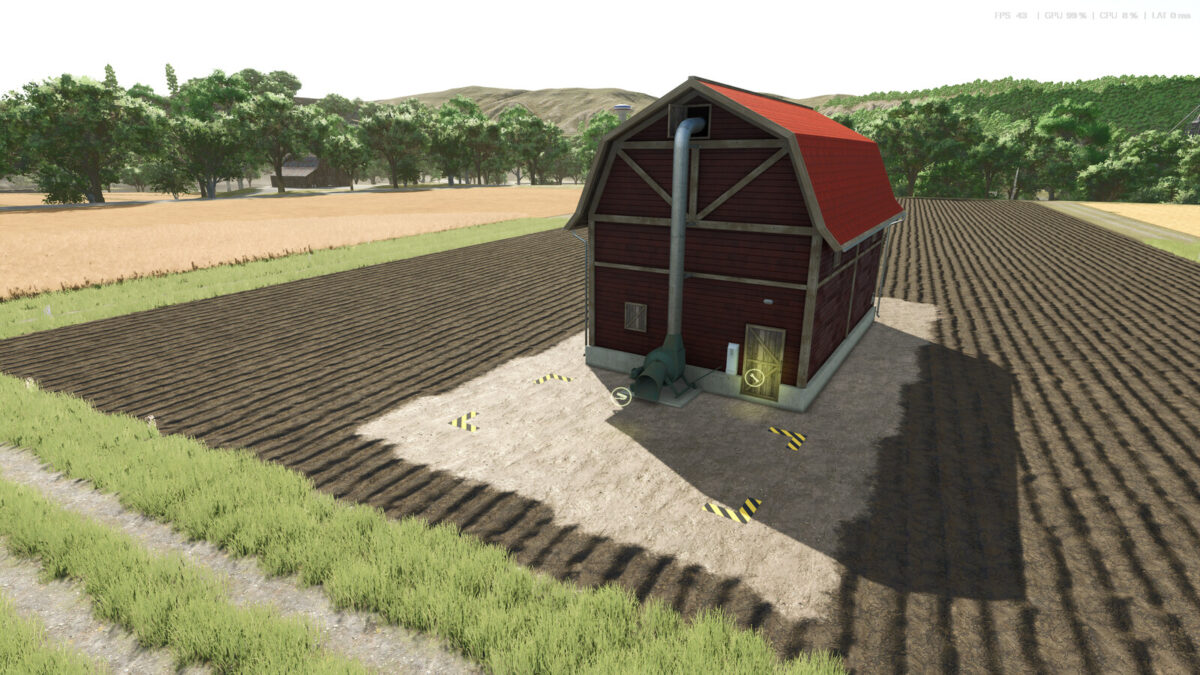
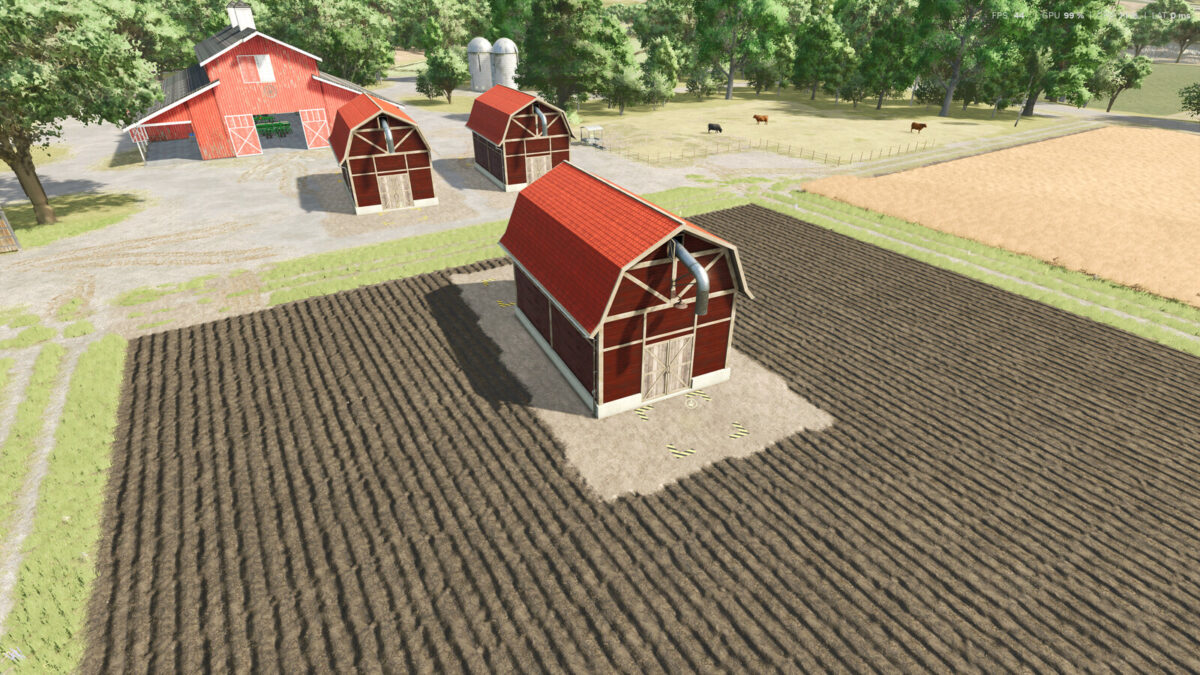
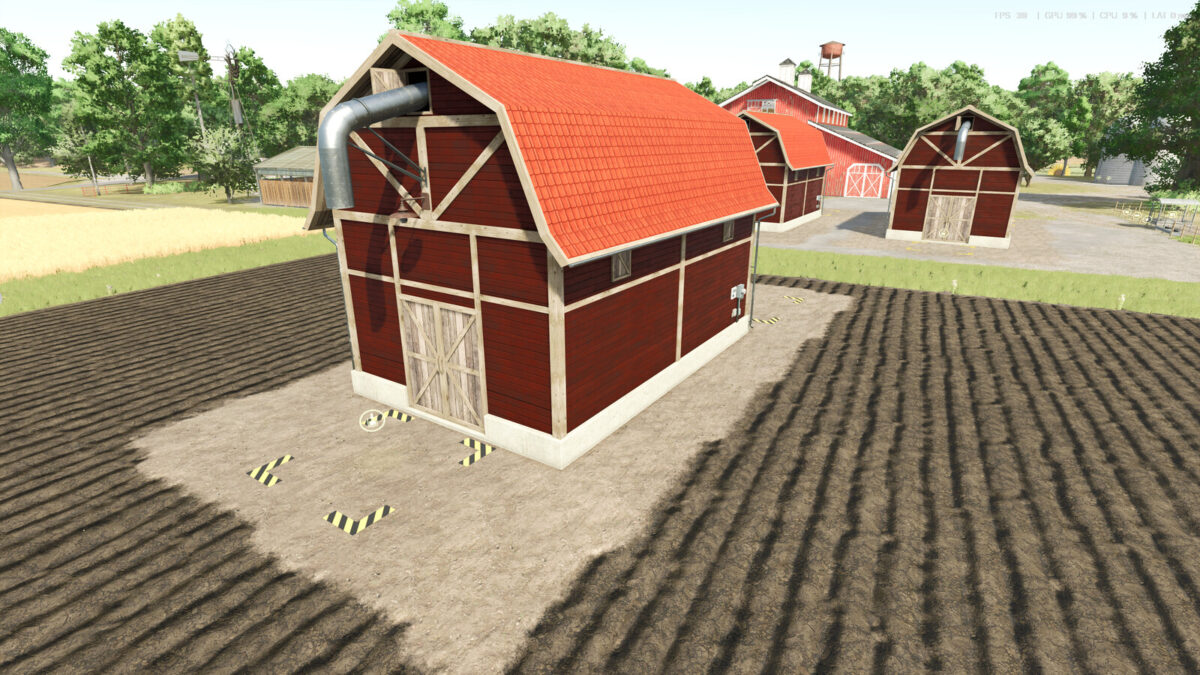
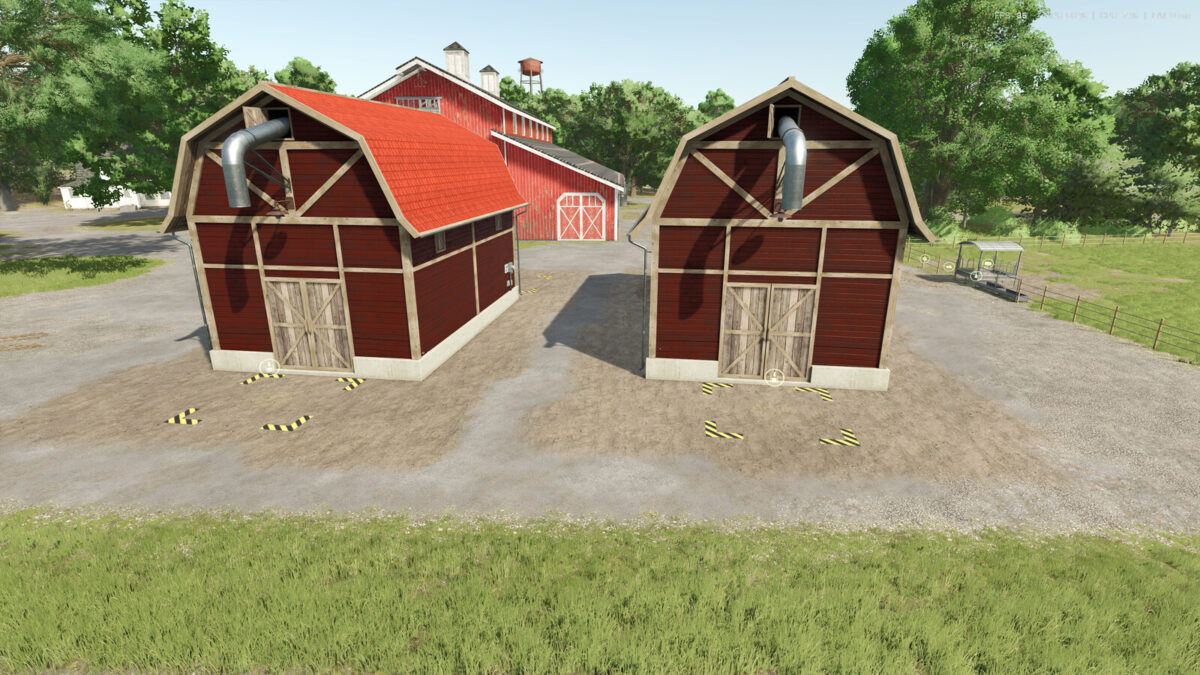
FS25 Buildings

Hof Productions v1.0.2.0

Hof Productions v1.0.2.0

Hof Productions v1.0.2.0

Hof Productions v1.0.2.0

Hof Productions v1.0.2.0

These production buildings allow you to produce feed for your animals on the farm.
Grass Drying:
Input: Grass
Output: Hay
Fermenter:
Input: Grass, Straw, Chopped Forage
Output: Silage
Mineral Feed:
Input: Soybeans, Potatoes, Sugar Beets, Barley
Output: Mineral Feed
Price: €75,000
Daily Maintenance Costs: $140
Cow Feed:
Input: Hay, Straw, Silage, Mineral Feed
Output: Cow Feed
Price: €75,000
Daily Maintenance Costs: §140
Pig Feed:
Input: Wheat, Potatoes, Sugar Beets, Soybeans, Corn
Output: Pig Feed
Price: €75,000
Daily Maintenance Costs: §140
Changelog 1.0.1.0
Ballet trigger fixed
Production for cow feed and pig feed added
hangelog 1.0.2.0
Adjusted modDescVersion
Adjusted textures
Adjusted the bale trigger again

Credits:

BlackPanter Modding

How to install FS25 Buildings?
Firstly find a mod which you like and want to download. Then download a mod to your PC. Mods are usually in .zip format file. But sometimes it can be in .rar. If a mod file is a .zip format no needed additional actions. If a file is in .rar, then you must unarchive mod with software like WinRar or Zip7. Windows 10 users no need to use software for archives, Win10 itself has a feature to unarchive files.
The next step is to find mods folder in your PC. Usually, it is in Documents/My Games/Farming Simulator 25/2025. Open the "mods" folder and put downloaded .zip archive or unarchived .rar file to this folder.
Last step. Enjoy of FS25 mods!

Leave a Reply

Your email address will not be published. Required fields are marked *