
FS25 Misc

Bale Physics Stabilizer v 1.0

Bale Physics Stabilizer v 1.0

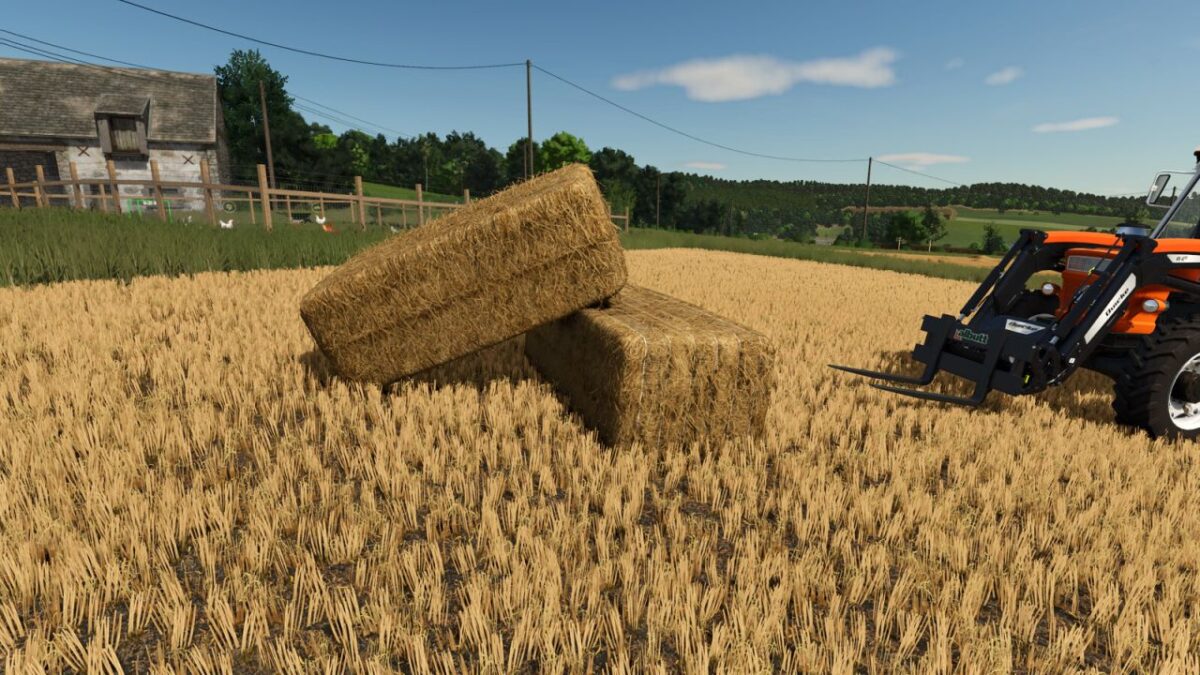
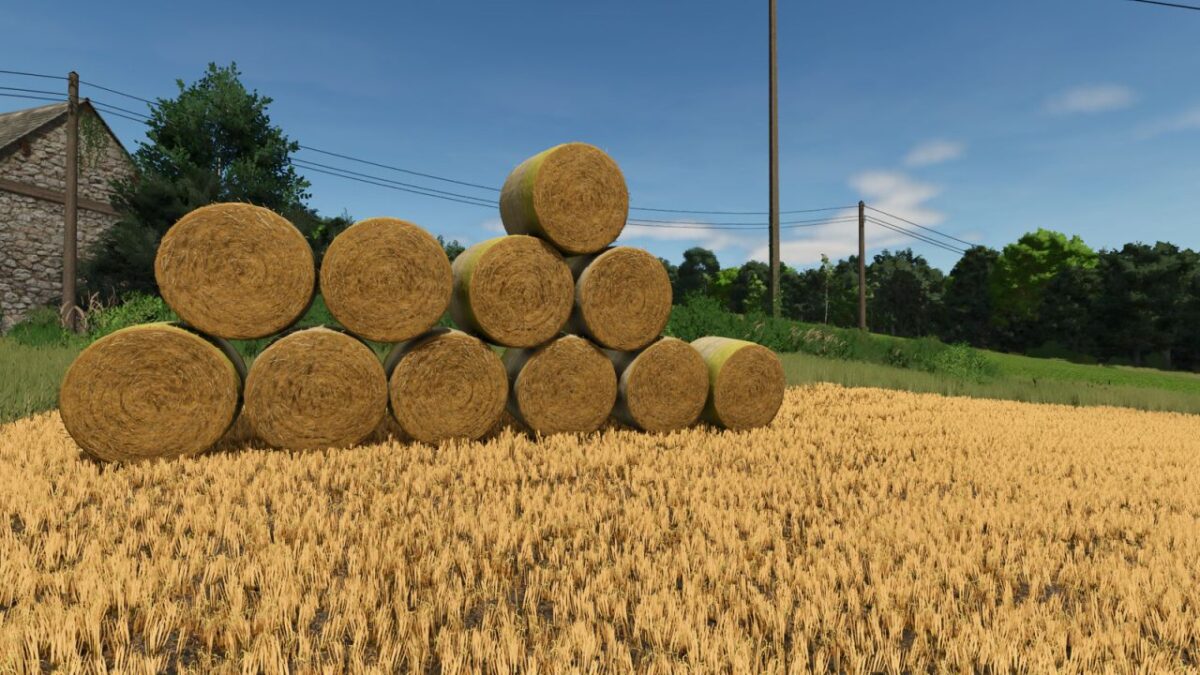
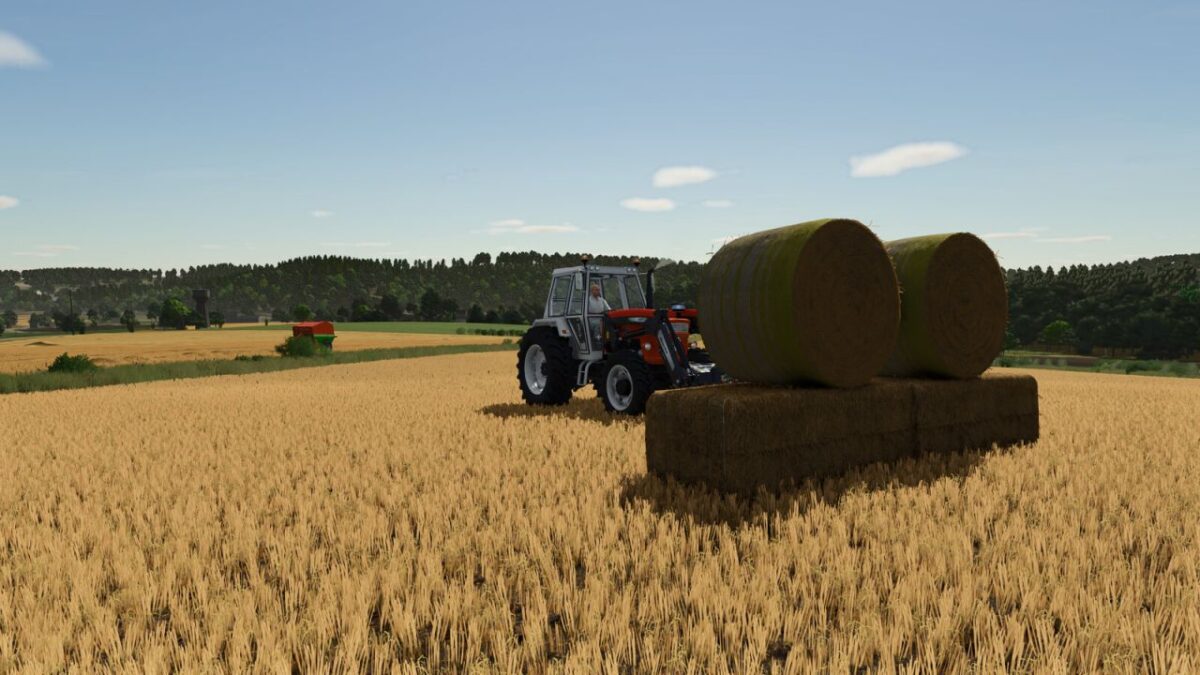
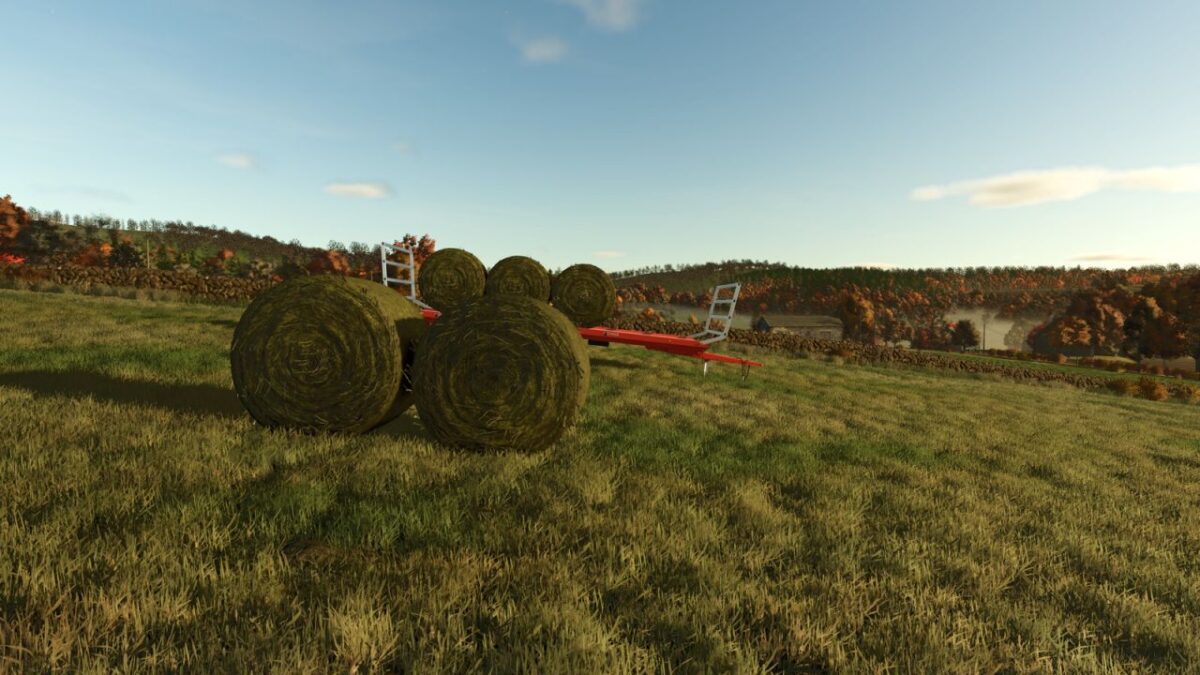
Improves and stabilizes the physics behaviour of all bales in the game.

Features:
Prevents round bales from rolling endlessly on normal slopes while keeping realistic movement on steep terrain.
Reduces unrealistic bouncing and instability of square bales during stacking and collisions.
Applies dynamic mass and damping adjustments to make bales feel heavier and more realistic.
Improves bale stability during transport on trailers, platforms and flatbeds.
Reduces unwanted sliding and unexpected movements caused by small physics interactions.

Credits:

NazzaB82

How to install FS25 Misc?
Firstly find a mod which you like and want to download. Then download a mod to your PC. Mods are usually in .zip format file. But sometimes it can be in .rar. If a mod file is a .zip format no needed additional actions. If a file is in .rar, then you must unarchive mod with software like WinRar or Zip7. Windows 10 users no need to use software for archives, Win10 itself has a feature to unarchive files.
The next step is to find mods folder in your PC. Usually, it is in Documents/My Games/Farming Simulator 25/2025. Open the "mods" folder and put downloaded .zip archive or unarchived .rar file to this folder.
Last step. Enjoy of FS25 mods!

Leave a Reply

Your email address will not be published. Required fields are marked *