

4 Bridges Map v 1.0


– The four bridges connect the north and south of the island and, through their construction, have ended the decades long conflict between North and South 4 Bridges
– This year, 1. FC 4Brücken is also hosting the annual Island Cup, where neighboring islands compete in a tournament
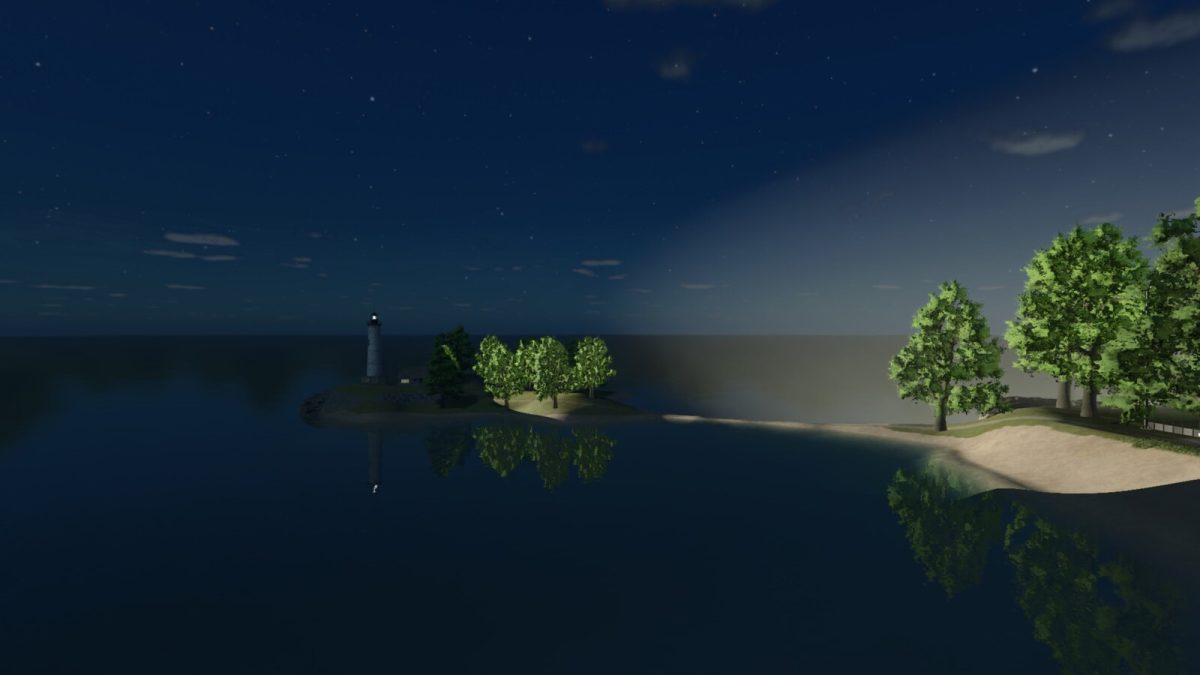
– A lighthouse guides visitors from afar to the island, even in the dark, where they are welcome to stay at the local hotel
– A freight port allows locally produced goods to be shipped all over the world
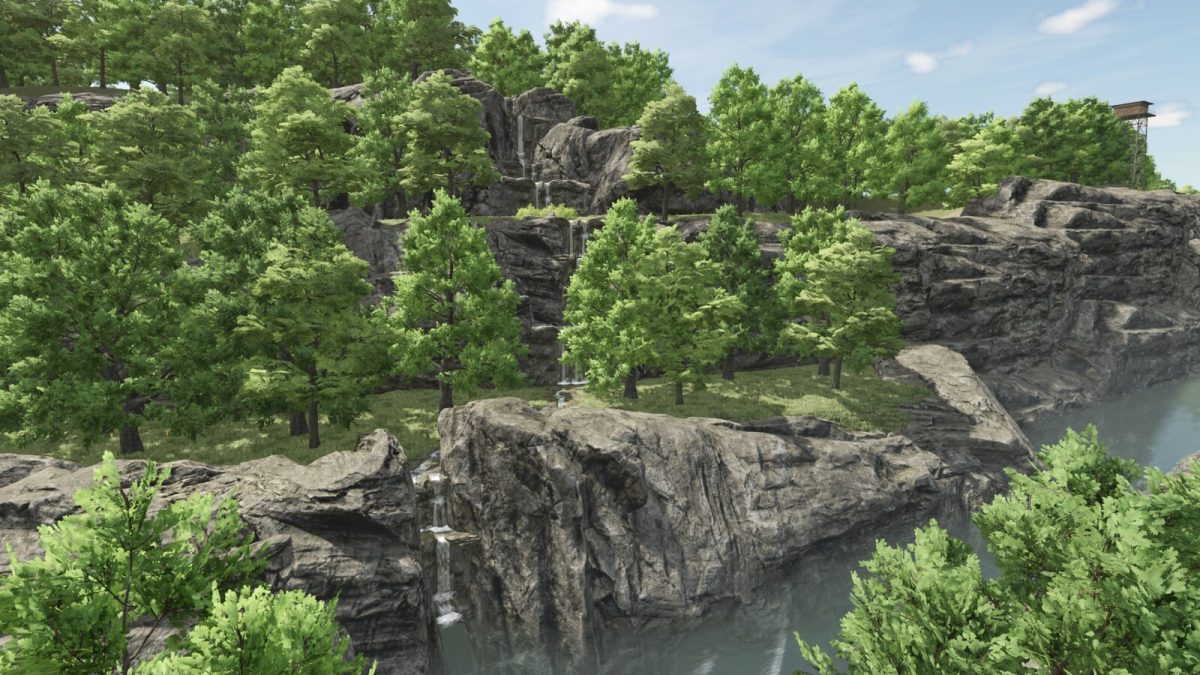
– Numerous hiking trails especially near the waterfall offer a great opportunity to unwind and recharge, making work in the fields more effective
– A starting farm with vehicles to kick off your farming operations
– 47 purchasable fields
– Including 4 forest areas and 2 pastures
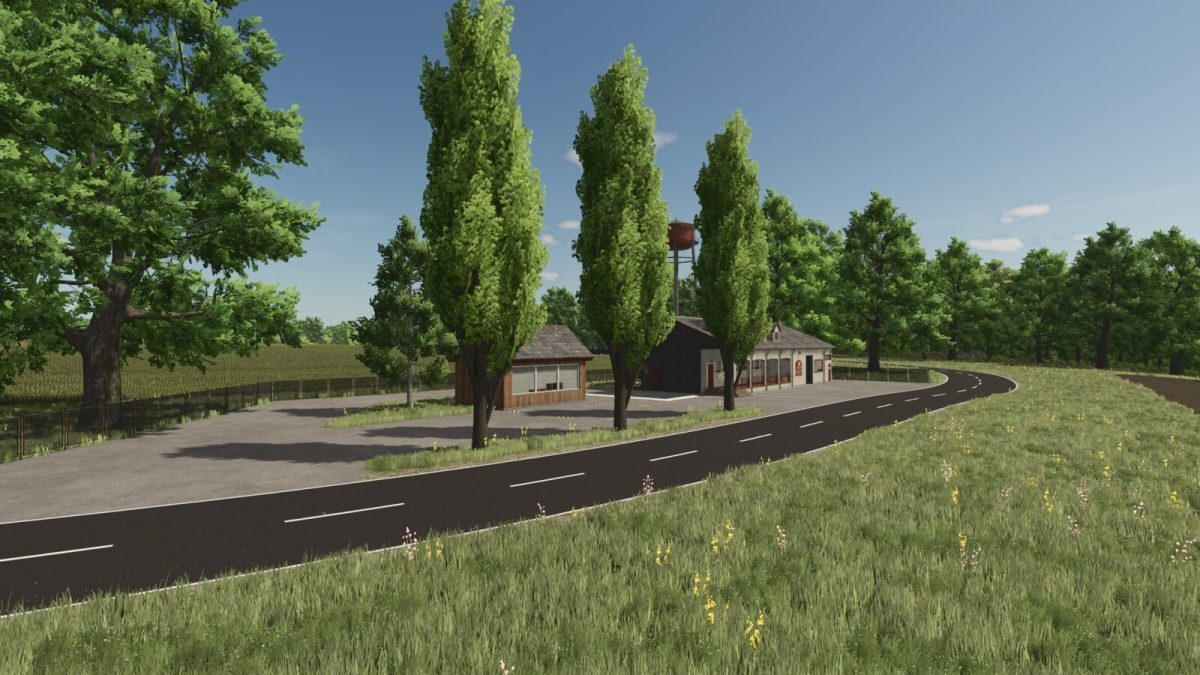
– Various selling points, including a farmer’s market and a farm kiosk
– Multiple production facilities to keep the island’s economy running
– Naturally, there’s also a BGA (biogas plant) for power generation
– Cotton and rice have been removed due to regional conditions
– The map was hand-drawn to provide a clear PDA
Credits:
Bastian2103


