

Used Machinery Market v 1.0


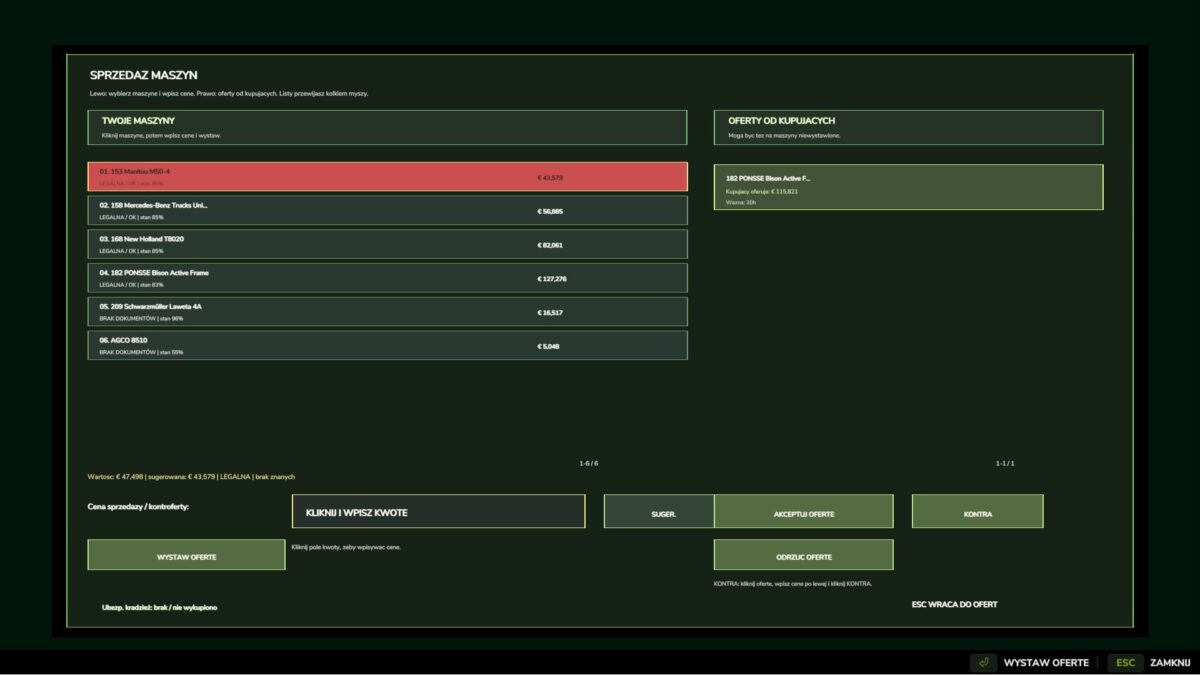
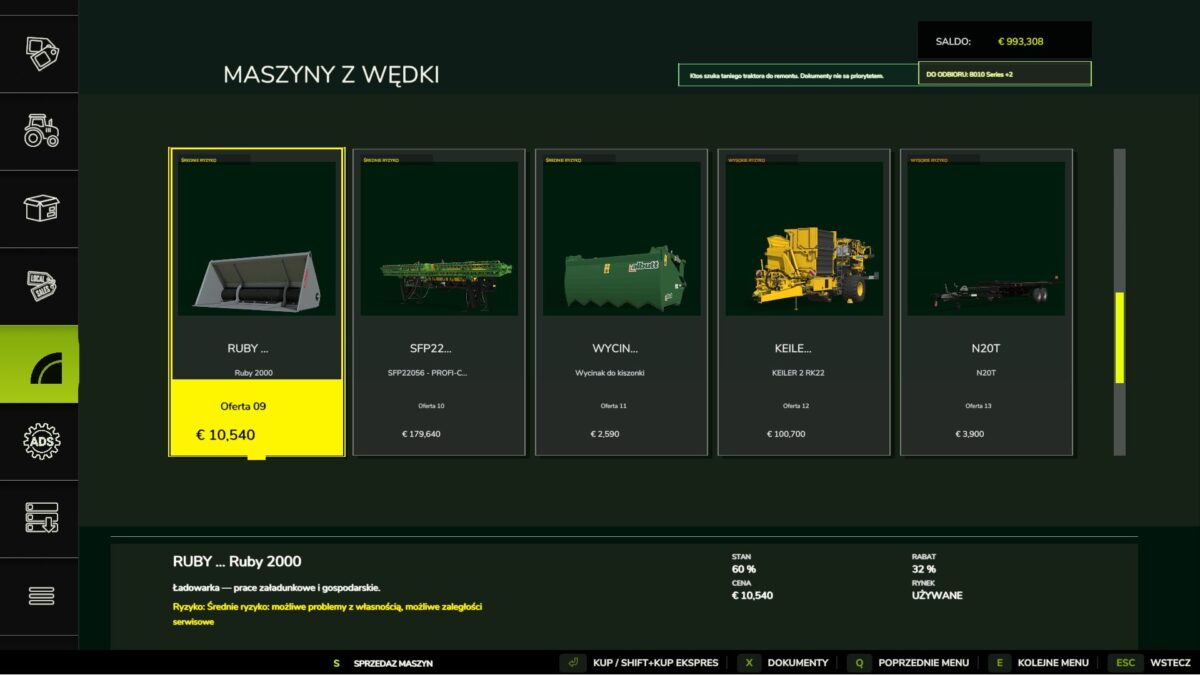
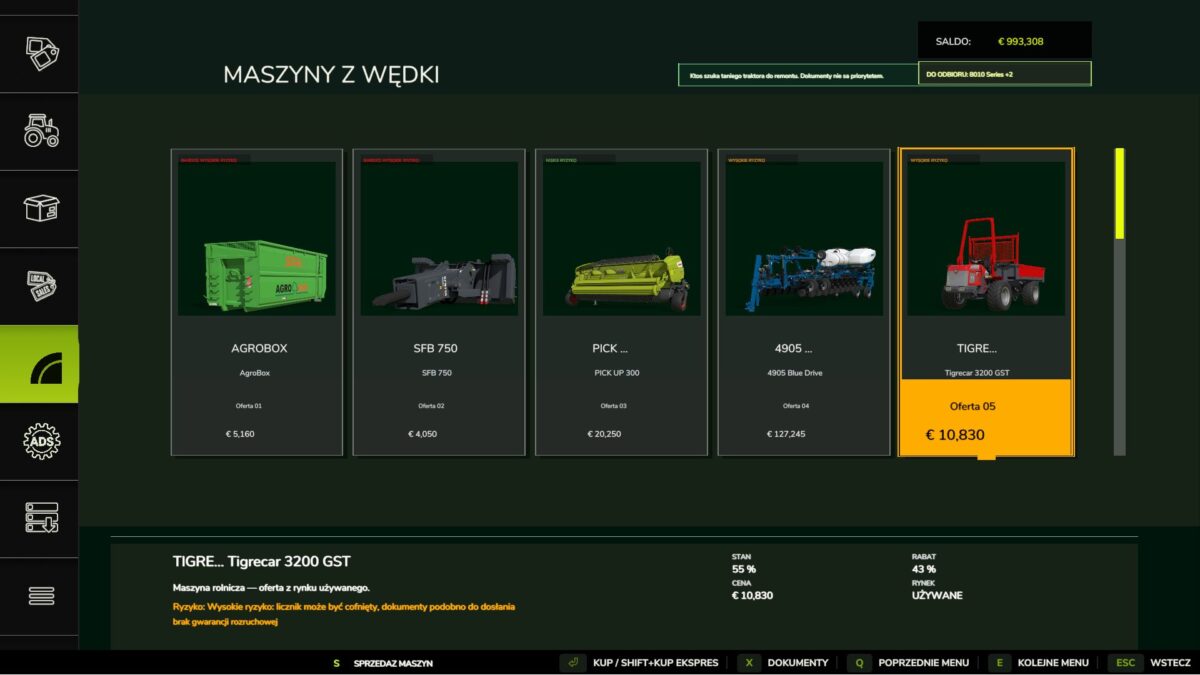
Machines from Wędki is an extensive mod for Farming Simulator 25 that adds a real market for machine opportunities. You find used machines at lower prices, but each offer has its own history, technical condition, documents, risk of origin and possible consequences after purchase.
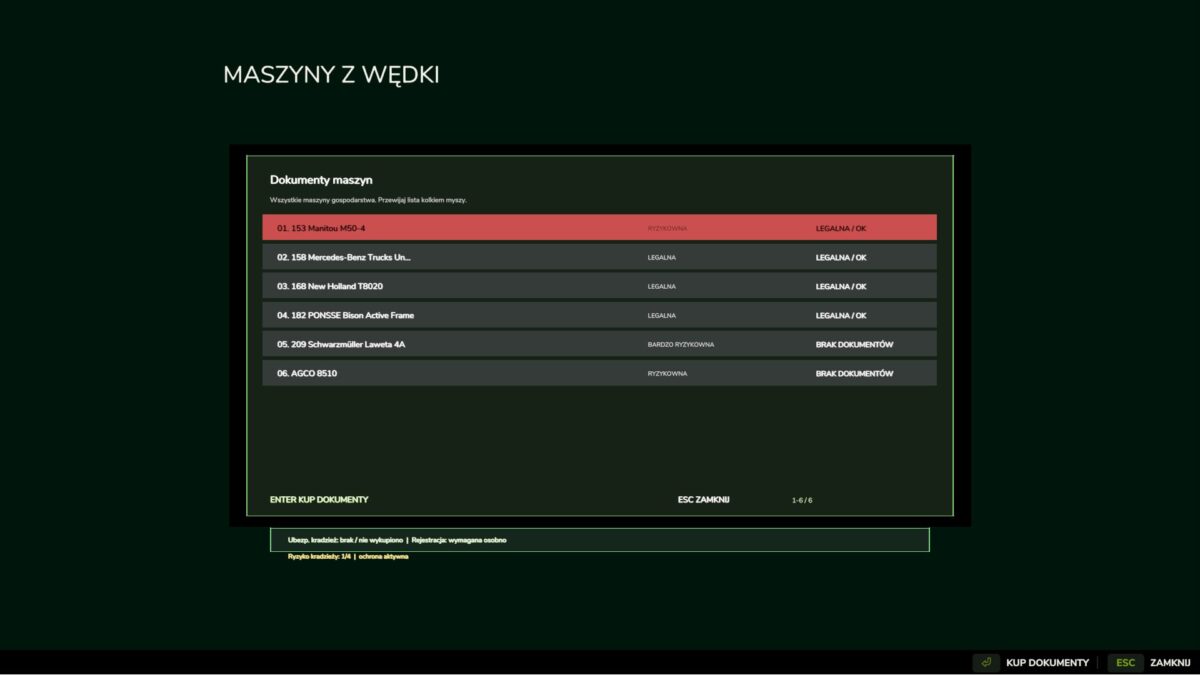
After purchasing the machine, it does not end with just collecting the equipment. The machines must be monitored, documents checked and registered at the Communication Department. Failure to register can mean fines, additional deadlines and problems with continued use. Purchasing just the documents does not automatically register the machine, so registration remains a separate step.
The mod also adds a system for stealing machines from the farm. Risky, unattended or uninsured machines may be stolen. For your safety, you can purchase voluntary theft insurance. If the insured machine is stolen, the insurer pays a cash refund corresponding to the purchase price of the machine, and the compensation history is saved together with the savegame.
This is not an ordinary machine shop. It is a system of opportunities, risks, papers, registration, insurance and real consequences for the farm. The mod supports multiple languages and will be further developed.
Credits:
grzemat36


