

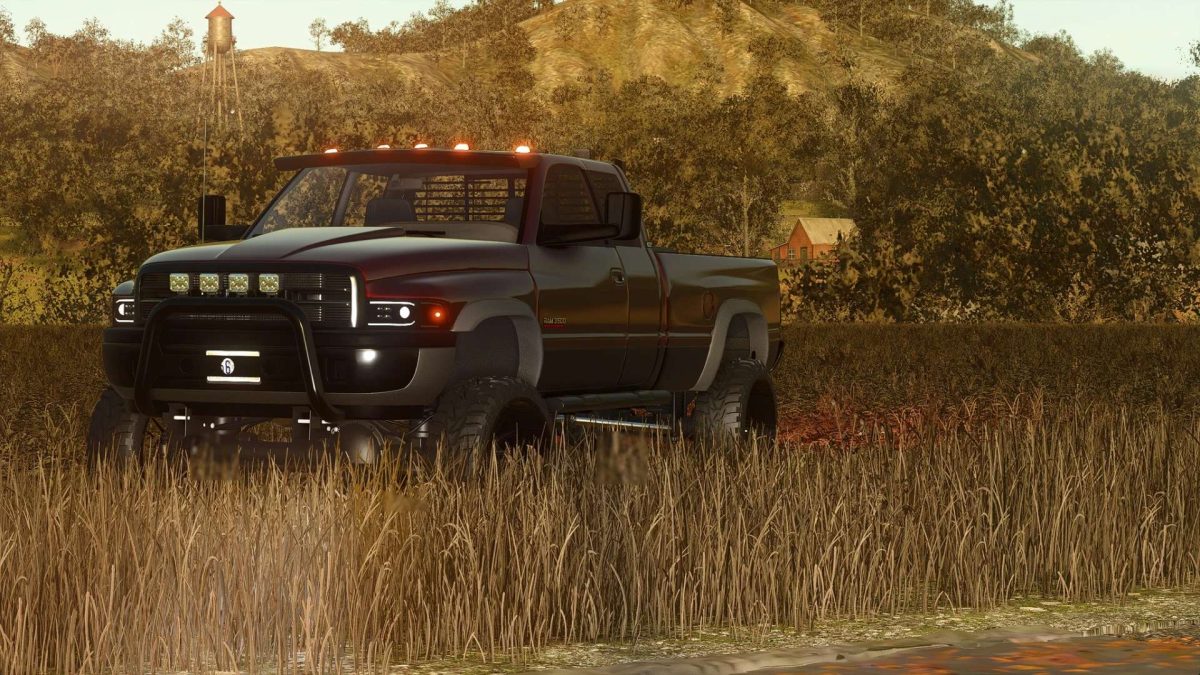
2002 Dodge Ram 3500 v 1.0


The 2002 Dodge Ram 3500 mod for Farming Simulator 25 introduces a classic heavy-duty pickup truck that can enhance your farming experience.
Known for its durability and performance, this model features a realistic design and attention to detail that captures the essence of the original vehicle.
The truck is equipped with various functionalities that make it suitable for transporting goods and equipment around the farm.
This mod includes custom sound effects, accurate handling, and the ability to tow trailers or other vehicles, making it a practical addition to any player’s fleet.
The Dodge Ram 3500 is versatile enough for both on-road and off-road tasks, allowing for a seamless transition between different farming activities.
With various customization options available, players can modify the truck to best suit their personal preferences and farming needs.
This mod aims to add a reliable vehicle that fits well within the Farming Simulator 25 environment.
– 2002 Dodge Ram 3500 model
– Realistic design and performance
– Custom sound effects
– Towing capabilities
– Off-road functionality
– Various customization options
Credits:
GearWrench Modding


