

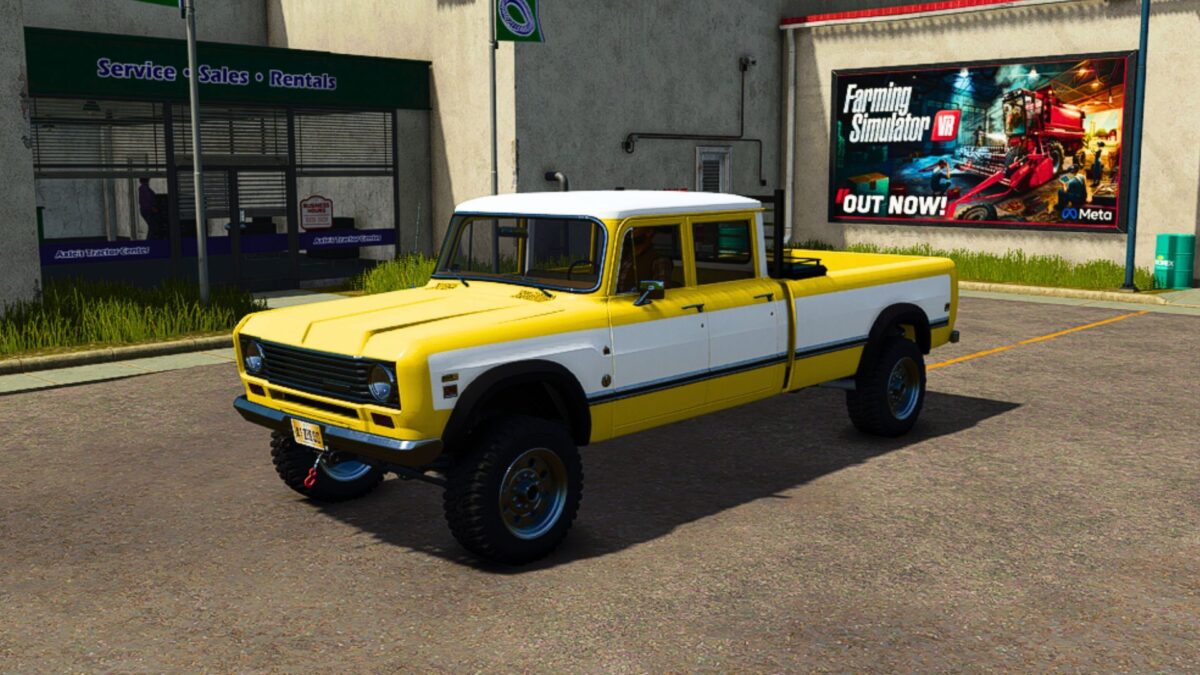
1975 International 200 Travelette v 1.0.0.8


Added chainsaw truck bed storage
Changed all engine options to Cummins Engine options for more power and torque
Changed the original engine sounds to a Cummins Turbo Diesel
Added our style toolbox (Camlocker) / Fuel transfer tank option
Added a subwoofer option
Added a custom backrack option
Deleted the bed tonneau cover
Added a front sun visor option
Added a rollbar option
Added a camper shell option
Added a working winch
Added a snow plow mount option
Added fuel transfer and refueling ability by selecting capacity 2 option
Added field vehicle repair by lowering the tailgate then drive a vehicle that needs repaired behind the truck by its tail gate. A prompt for money deducted should appear if done correctly in the upper right hand corner of the screen.
Version 1.0.0.8:
* Fixed the Texture Errors and its ability to transport fuel
Credits:
FSMR, Agro Tonho


