

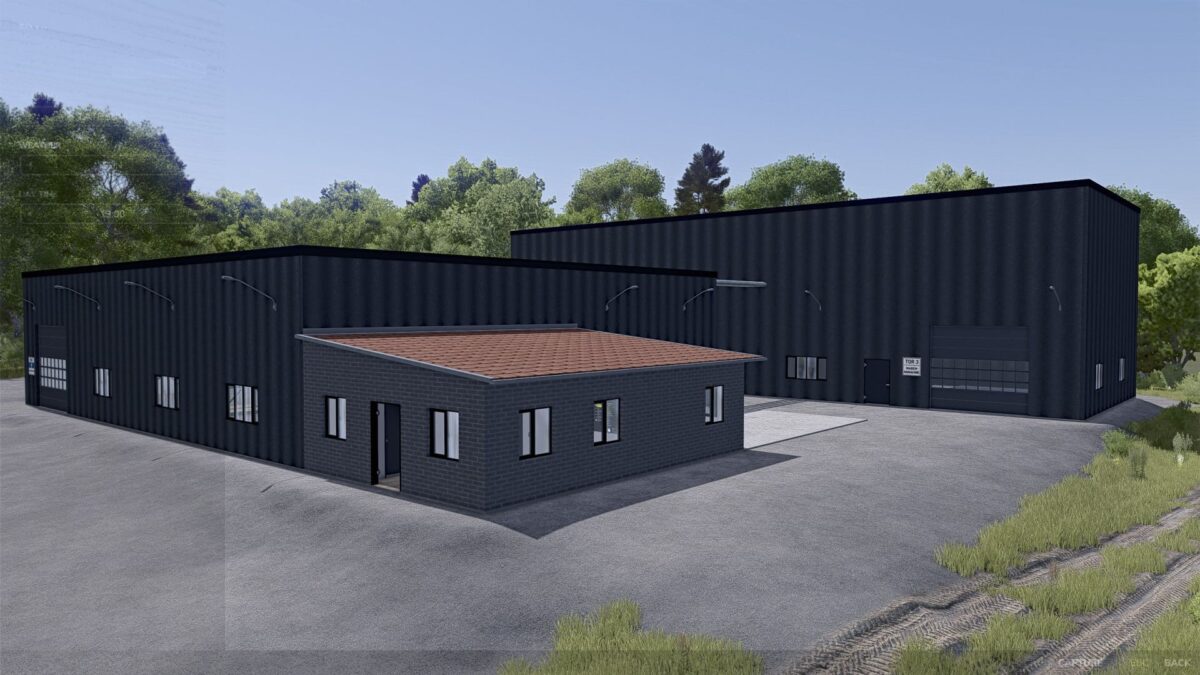
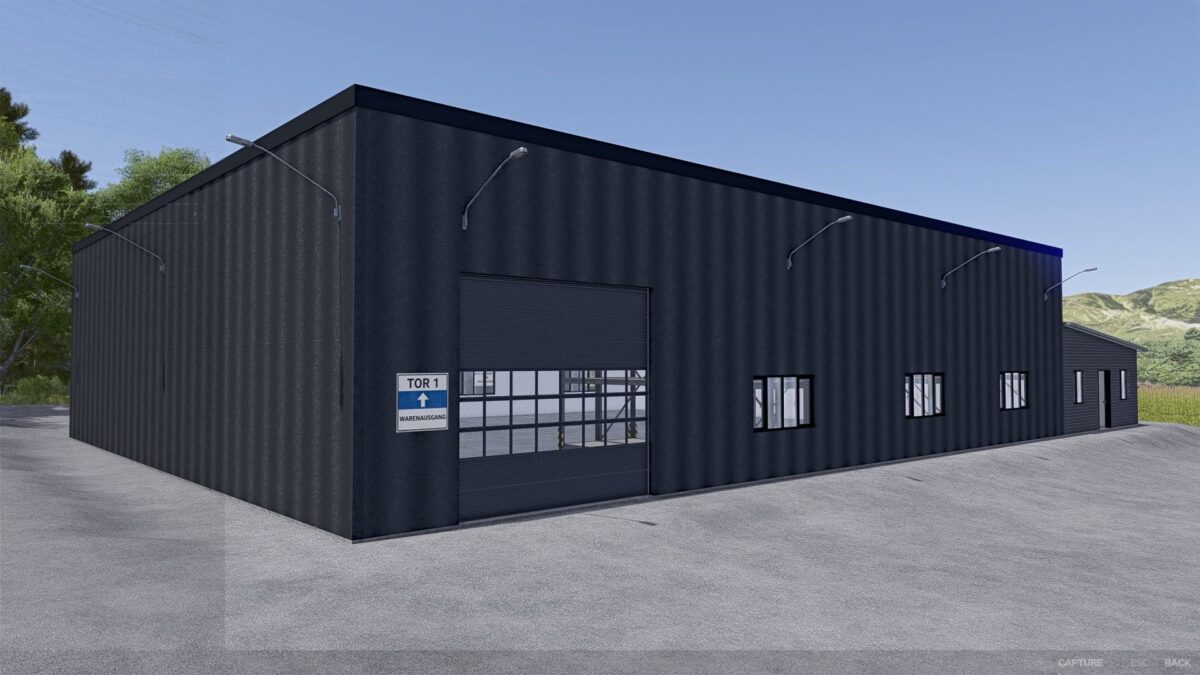
Ostereiden Oil Mill v 1.0


With the Ostereiden Oil Mill you get a modern and versatile production facility for Farming Simulator 25 that meaningfully expands your farming and creates new economic opportunities.
The oil mill was built to match the style of modern industrial and agricultural businesses and fits perfectly into both classic farm maps and larger industrial areas.
The facility allows for the processing of various agricultural raw materials.
This creates real added value from your harvests, instead of simply selling crops directly.
The Ostereiden Oil Mill offers many new possibilities, especially for players who enjoy working with production chains, goods flows, and realistic economics.
Possible products:
rapeseed oil
Sunflower oil
olive oil
Rice oil
Biodiesel
By-products depending on the production line
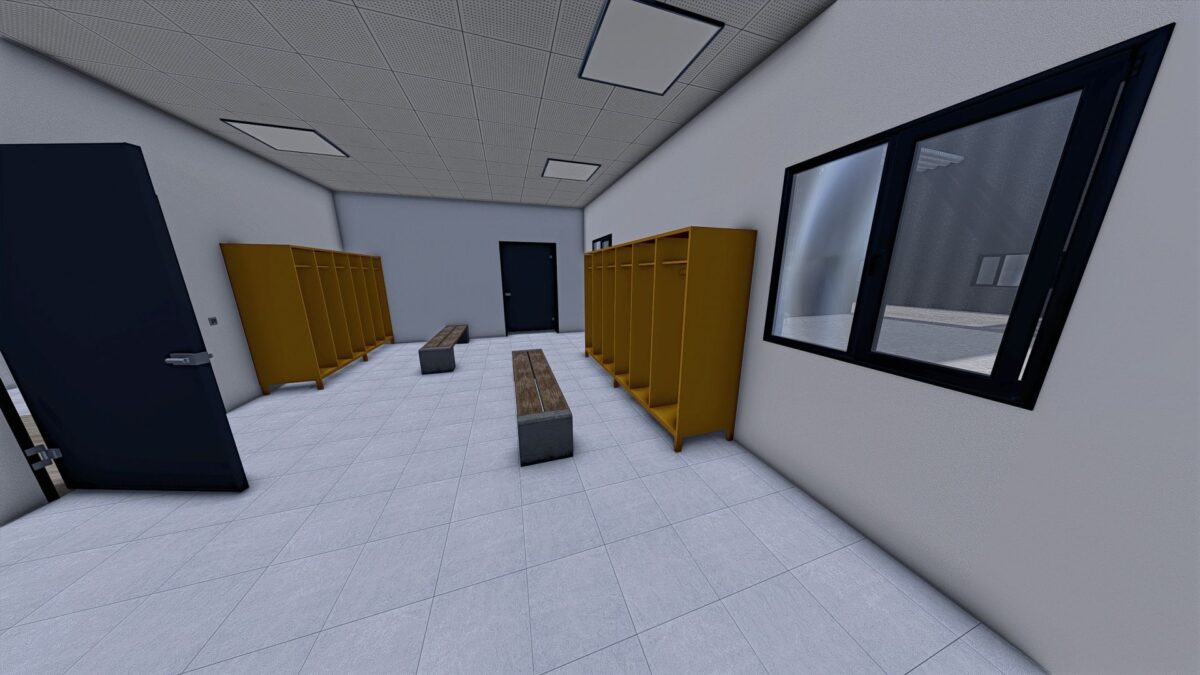
The facility was designed with great attention to detail and offers a realistic appearance with modern technology, functional areas, and a believable operational look.
This makes it ideally suited for immersive game states and long-term careers.
Credits:
Doktor Mertahens


