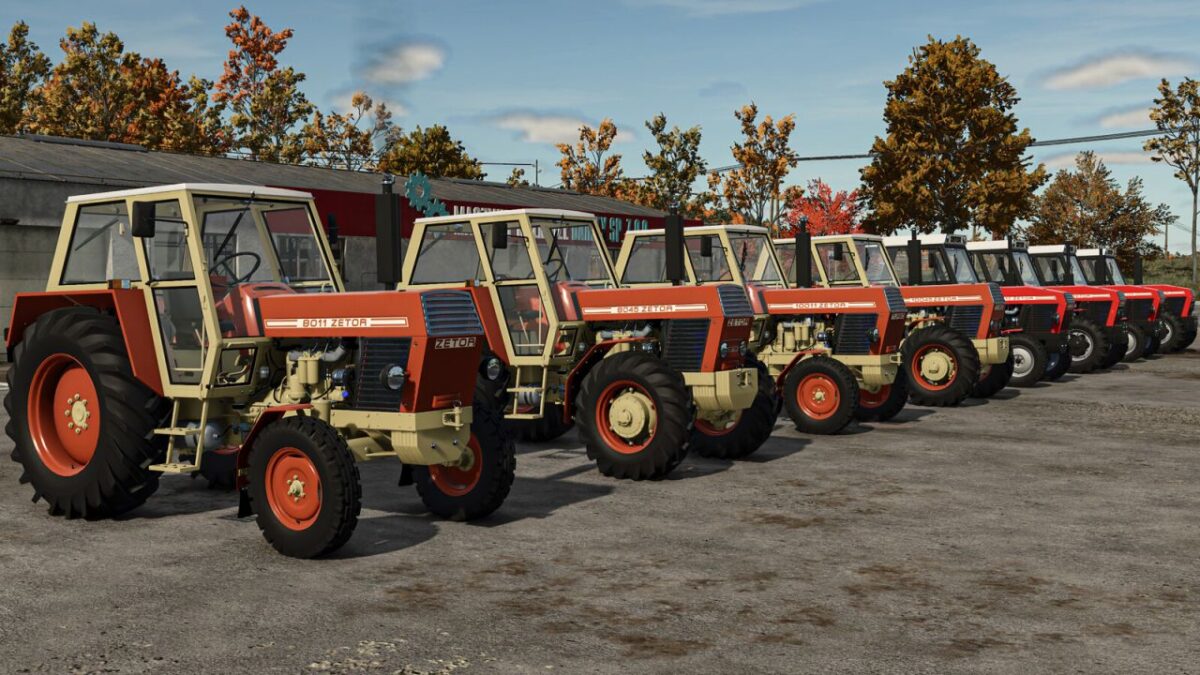
Zetor UR2 4 Pack v 1.2


A series of tractors constructed at the Polish Czechoslovak Research and Development Center for Tractors in Brno, produced in 1971- 1984
8011:
– Price: 30000 $
– Power: 80 hp
– Max. speed: 28 kph
8045:
– Price: 40000 $
– Power: 80 hp
– Max. speed: 28 kph
10011:
– Price: 34000 $
– Power: 95 hp
– Max. speed: 28 kph
10045:
– Price: 44000 $
– Power: 95 hp
– Max. speed: 28 kph
8111:
– Price: 32500 $
– Power: 80 hp
– Max. speed: 28 kph
8145:
– Price: 42500 $
– Power: 80 hp
– Max. speed: 28 kph
10111:
– Price: 36500 $
– Power: 95 hp
– Max. speed: 28 kph
10145:
– Price: 46500 $
– Power: 95 hp
– Max. speed: 28 kph
Configurations:
– Tires
– Transmission
– Decals
– Front weight
– Wheel weight
– Back fenders
– Front fenders
– Mud guards
– Cabine
– Front lights
– Grill
– Back attacher
– Exhaust
– Steering wheel
– Hood
– Frontloader console
– Animations: Ic/Mc
Color configurations:
– Engine
– Hood
– Fenders
– Cabine
– Grill
– Rims
– Front weight
– Wheel weights
Version 1.2:
* Improved configurations
* Fixed sounds in 4cyl turbo
Credits:
Kasztan18