

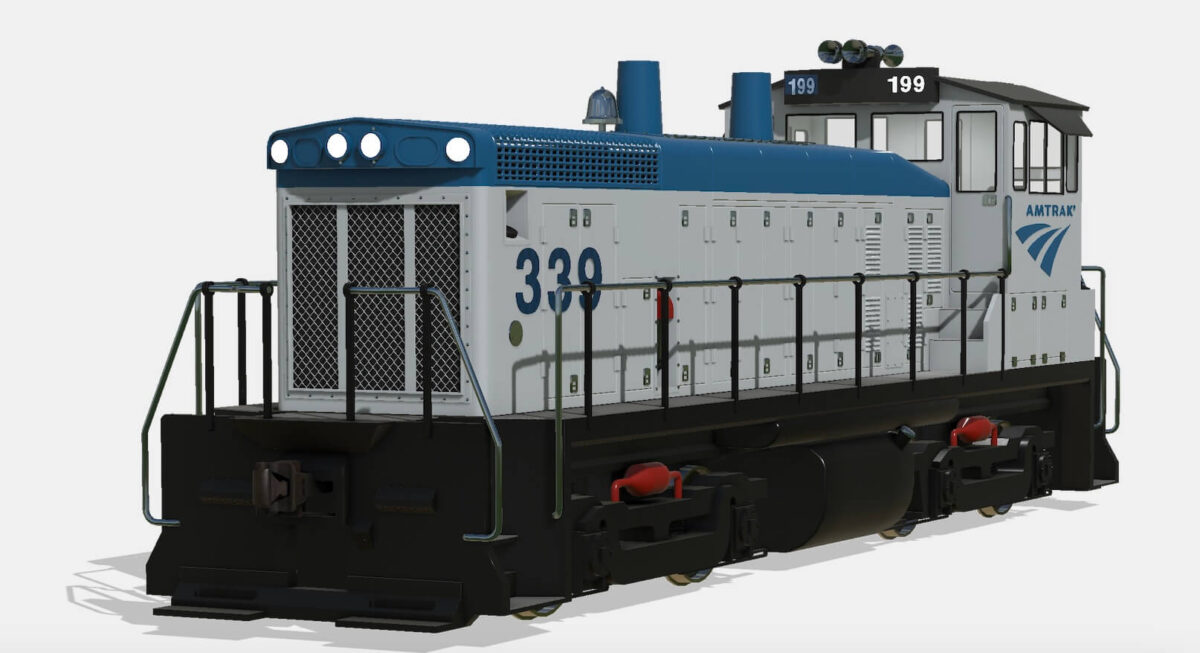
ZCA Store Items v 1.0


The ZCA Store Items v 1.0 mod for Farming Simulator 25 enhances your gameplay experience by introducing various store items specifically designed for ZCA mods. This mod complements other ZCA offerings, including ZCA Trains, ZCA Train Carts, and ZCA Railroads, allowing for a more comprehensive railroad simulation experience within the game. Whether you’re looking to expand your railway infrastructure or integrate new elements into your farming operations, this mod provides the necessary tools to do so.
– Adds store items for ZCA mods
– Compatible with ZCA Trains, ZCA Train Carts, and ZCA Railroads
– Enhances railroad simulation experience
– Facilitates integration with existing ZCA content
– Expands gameplay options within Farming Simulator 25
Credits:
zcaalock


