

Yurihonjo Map v 2.5


This Map was personalized from Huntan Pantai with an honorable Japanese touch.
– Many textures swapped/reworked
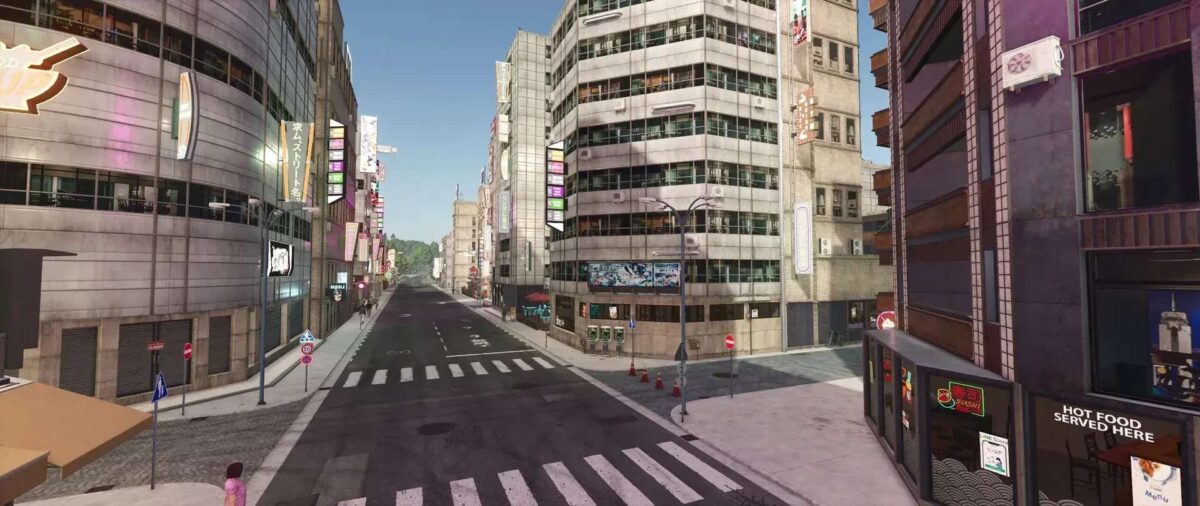
– Traffic has been reviewed and adjusted
– Adapted traffic signs
– Added small sales stations
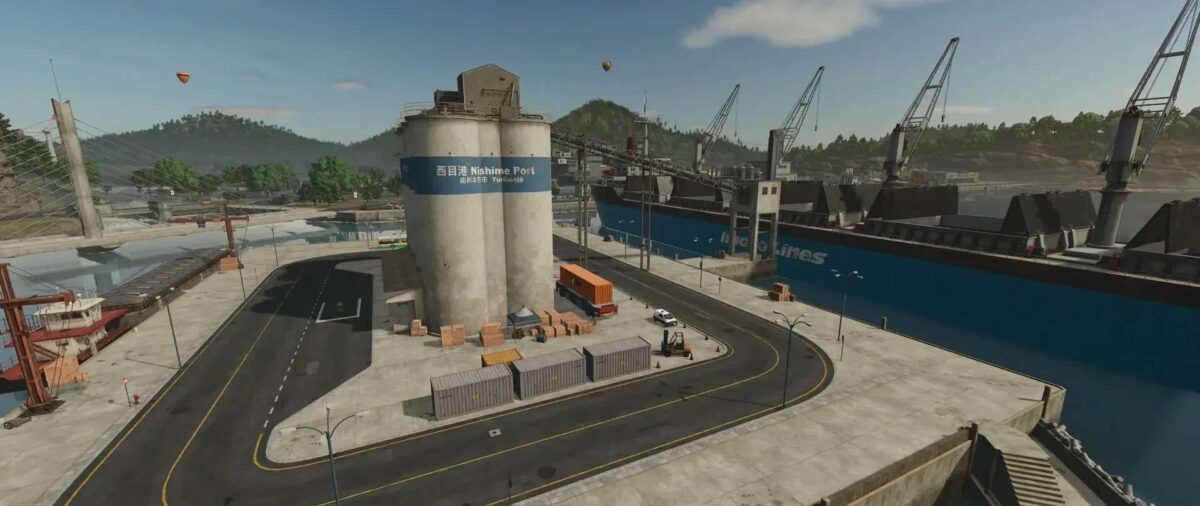
– Cement factory installed
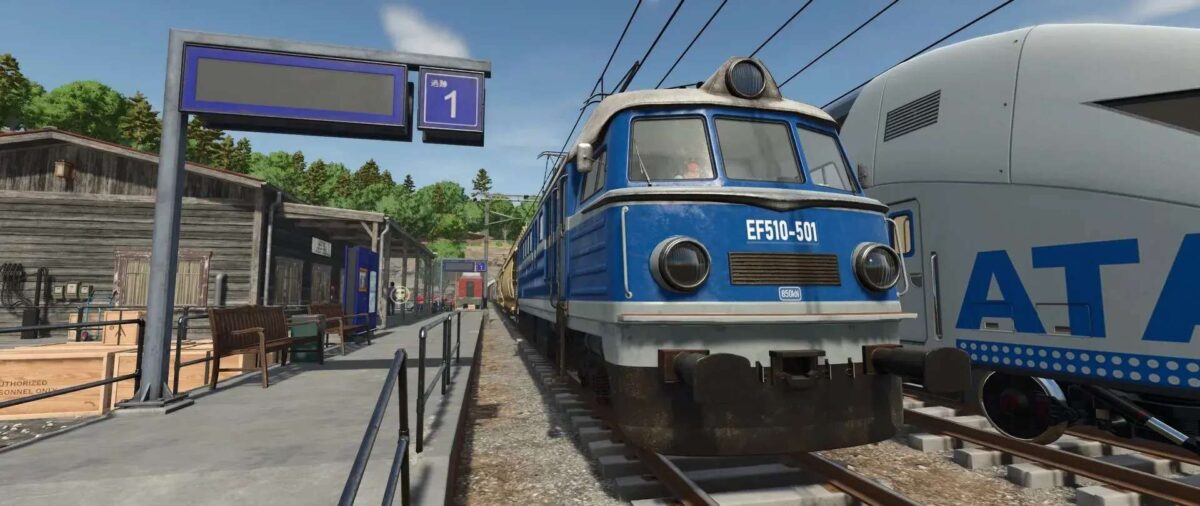
– Adjusted train length to make it a little more realistic
– Revised starting yard
– The main focus was on adjusting the texture
Version 2.5:
* New PDA, better visibility
* Japanese license plates for vehicles and AI traffic
* Many textures revised/changed
* New fields created and better rice fields laid out
* Farm revised (now with a small pigsty and another calf stable)
* New 3D objects and ambience sounds
* Train revised and textured
* Dealers provided with decorative vehicles
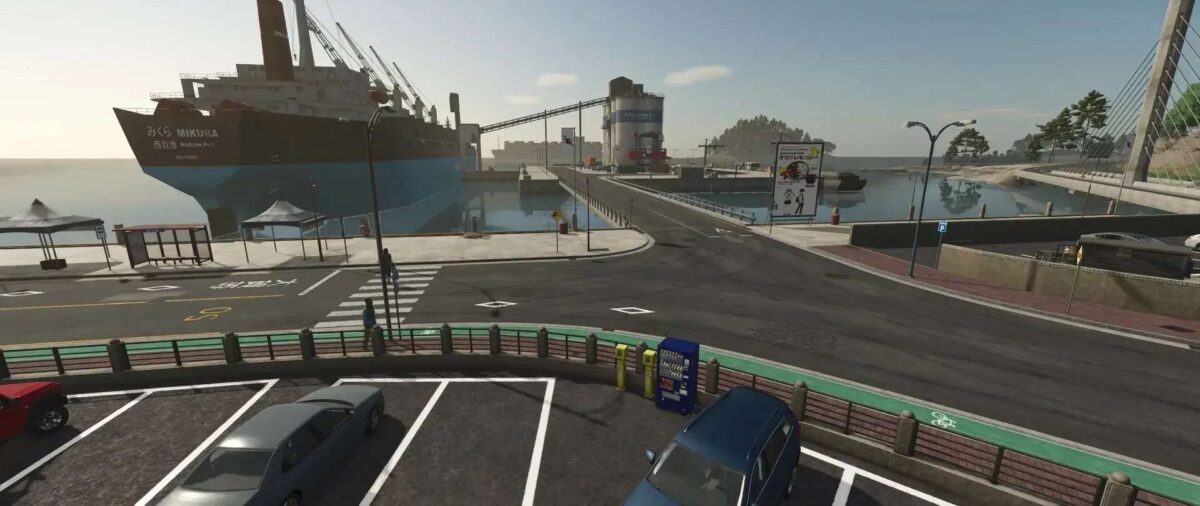
* Animated objects added (ships, boats and planes)
* Road system revised
* Decoration changed, adjusted and improved (small Easter eggs)
Credits:
SunnFarmingLS


