

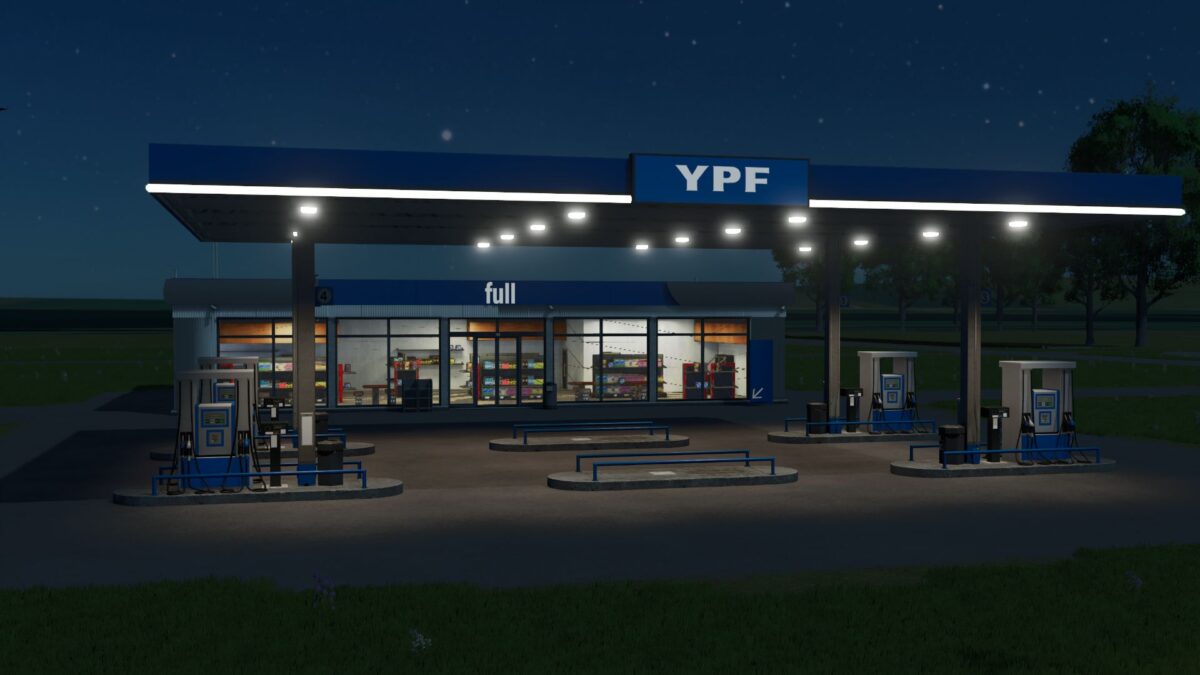
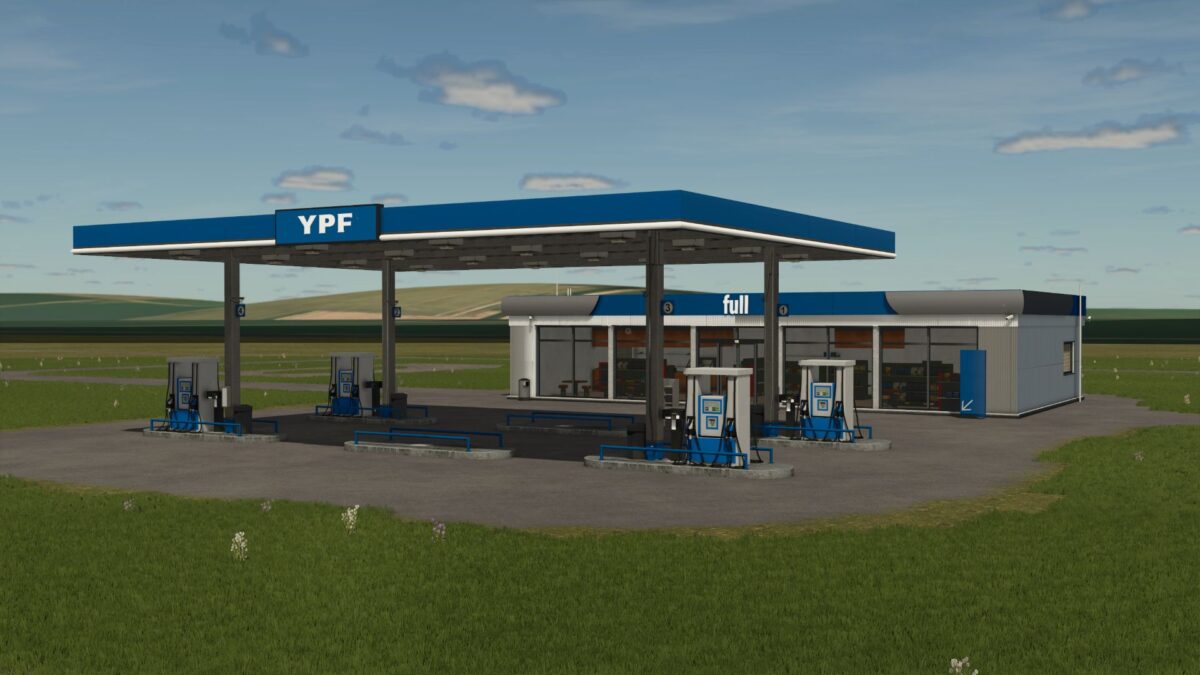
YPF Service Station (Prefab) v 1.0


Enhance your Farming Simulator 25 experience with the YPF Service Station prefab mod. This mod offers a detailed and realistic model of a service station, inspired by the well-known YPF stations found throughout Argentina, providing your map with an authentic South American vibe.
Key features of this mod include a thoughtfully designed station that easily integrates into any existing map, ensuring compatibility across various environments. The station is equipped with night lighting, adding to the overall ambiance and functionality during nighttime gameplay. Textures are rendered in high quality, contributing to a more immersive visual experience.
This mod has also been optimized for performance, ensuring that it runs smoothly without compromising your game’s quality. Additionally, the package includes the YPF.i3D model along with a pre-configured gas station setup for immediate use.
Download and bring a slice of Argentine authenticity to your Farming Simulator 25 adventures.
Credits:
FarmerARG


