FS25 Misc

Yield Tracker v 1.0
Yield Tracker v 1.0
Yield Tracker v 1.0

Yield Tracker v 1.0

This mod currently supports Singleplayer mode only on PC/Mac.

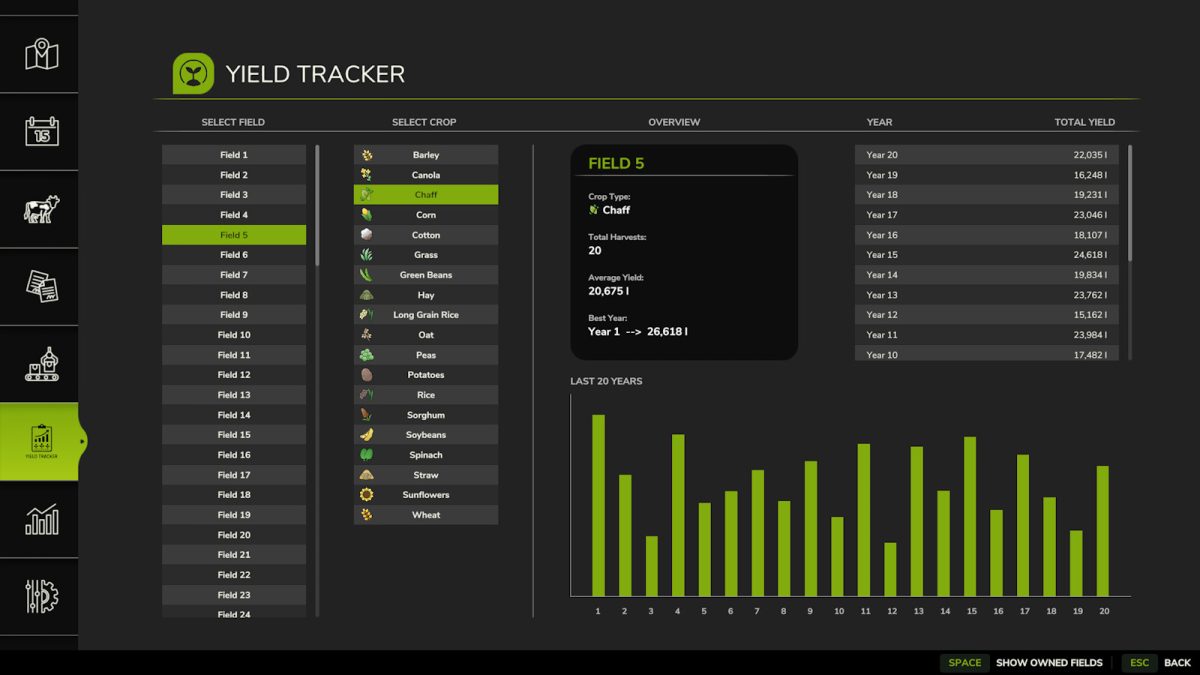
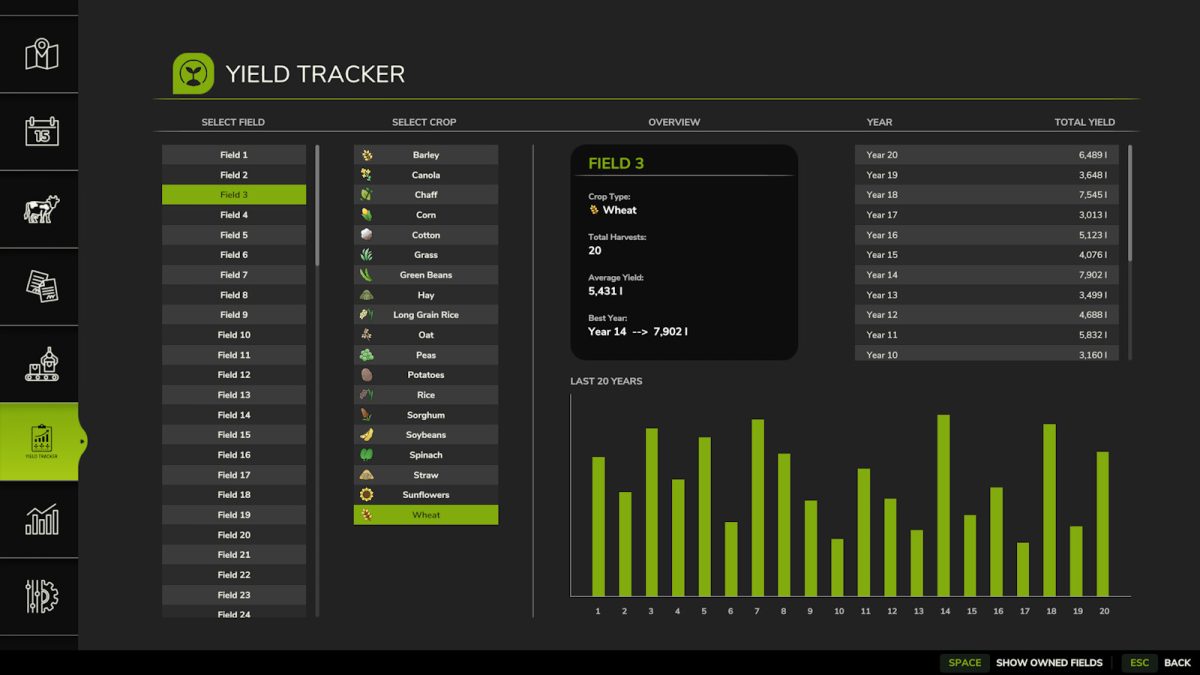
YieldTracker helps you keep track of your harvests across different fields and years. It logs total yields by crop (fill type), field number, and year, so you can easily monitor your farm’s performance over time.

Works with both AI workers and contract jobs.

Supported Fill Types (19):
– Barley
– Canola
– Chaff
– Corn
– Cotton
– Grass (baler only)
– Green Beans
– Hay (baler only)
– Long Grain Rice
– Oat
– Peas
– Potatoes
– Rice
– Sorghum
– Soybeans
– Spinach
– Straw (baler only)
– Sunflowers
– Wheat

If you’re looking for a simple way to monitor field productivity and plan better crop rotations, YieldTracker has you covered.

Credits:

BitBarn Mods

How to install FS25 Misc?
Firstly find a mod which you like and want to download. Then download a mod to your PC. Mods are usually in .zip format file. But sometimes it can be in .rar. If a mod file is a .zip format no needed additional actions. If a file is in .rar, then you must unarchive mod with software like WinRar or Zip7. Windows 10 users no need to use software for archives, Win10 itself has a feature to unarchive files.
The next step is to find mods folder in your PC. Usually, it is in Documents/My Games/Farming Simulator 25/2025. Open the "mods" folder and put downloaded .zip archive or unarchived .rar file to this folder.
Last step. Enjoy of FS25 mods!

Leave a Reply

Your email address will not be published. Required fields are marked *