

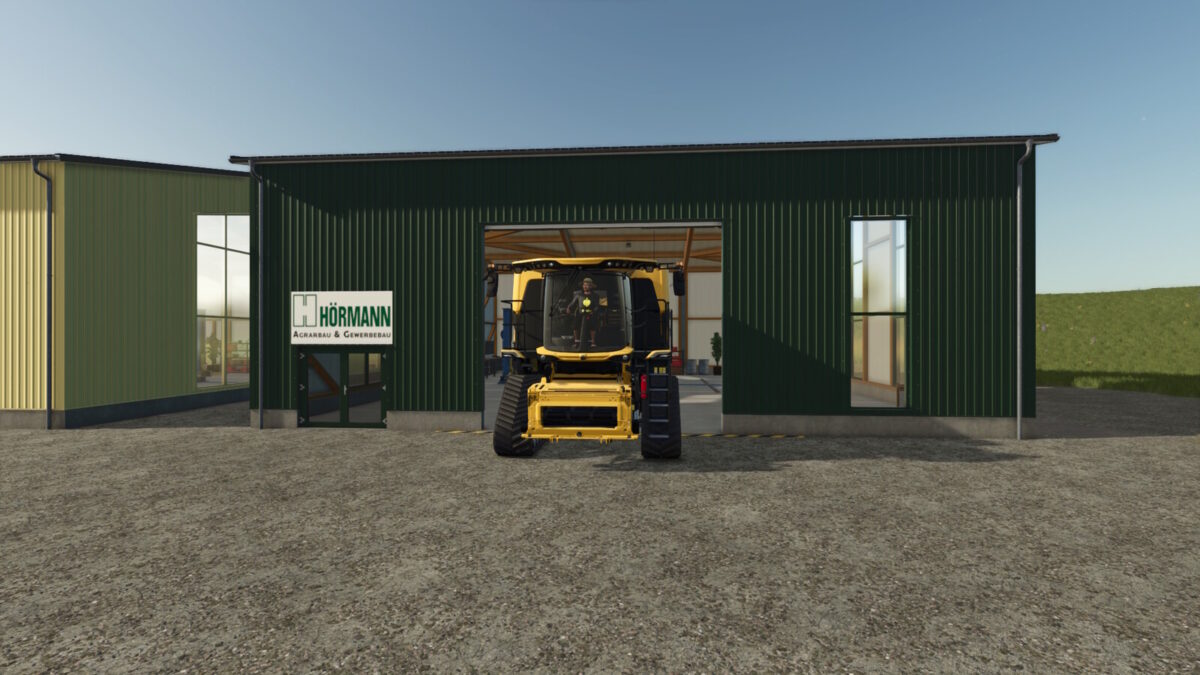
Workshop v 1.0


Workshop v 1.0 is a large Hörman hall that provides ample space for both a workshop and storage of large agricultural machinery. This versatile building combines functionality with customization options, including a selection of colors to suit your farm’s aesthetic. Additionally, it offers the ability to install a solar power system on the roof for those looking to incorporate renewable energy into their operations.
The workshop is priced at $150,000, with a daily maintenance cost of $30. If you’re interested in the solar option, you can add it for an extra $20,000, which can help reduce your energy costs in the long run. This mod is designed to enhance your Farming Simulator experience by providing both practicality and customization to your farming setup.
Credits:
Razak


