

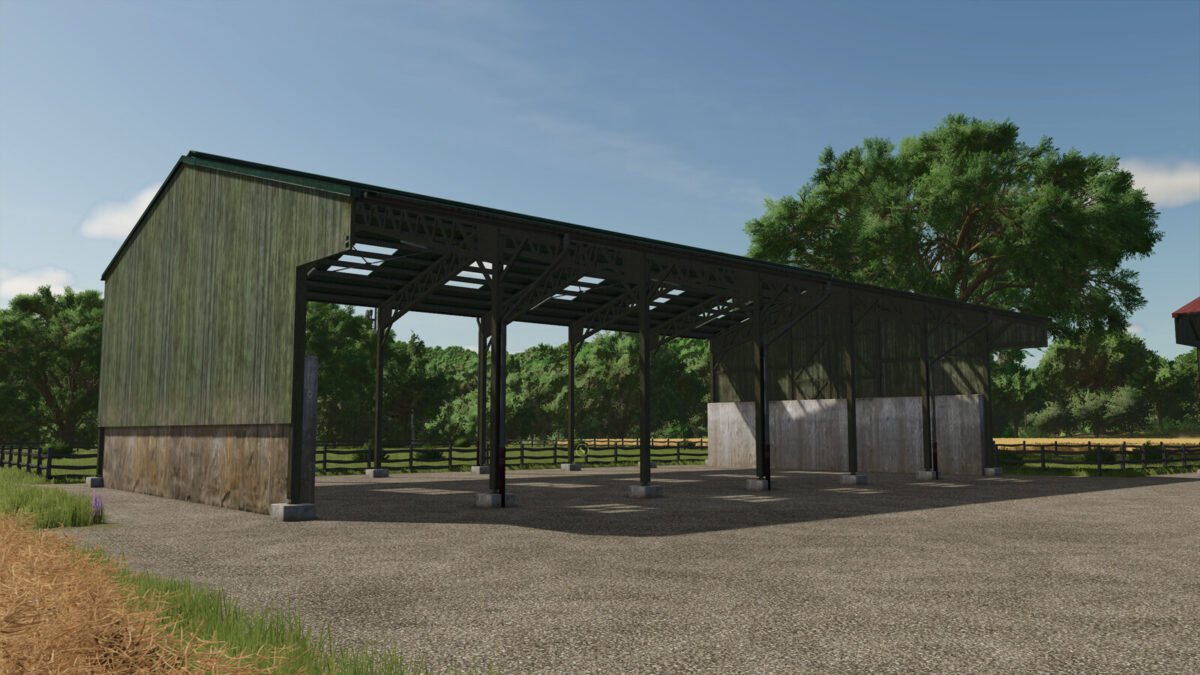
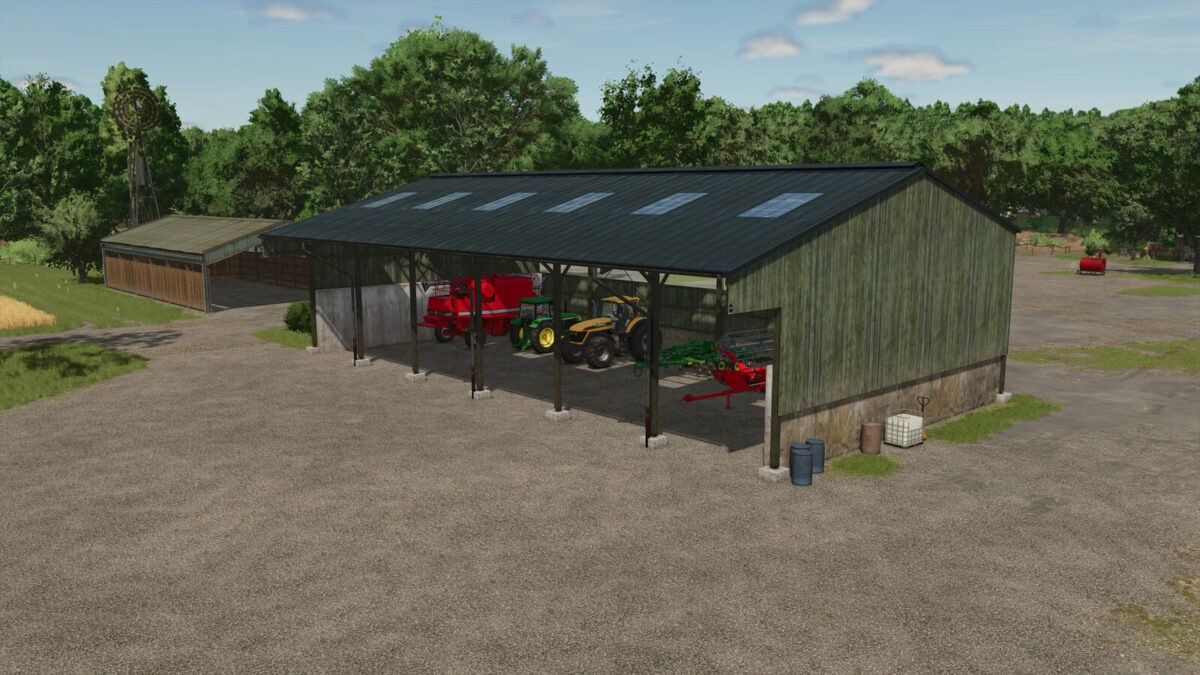
Wooden Shed v 1.0


The Wooden Shed v 1.0 is a functional addition to your farming simulation, designed to provide storage solutions for various farm equipment and goods. This shed, categorized under Sheds, is priced at $32,000, with a manageable monthly upkeep cost of $30. It offers several configuration options, allowing you to customize its appearance to better fit your farm’s aesthetic.
Players can choose from different colored roofs, which enhances the visual appeal of the structure. Additionally, the shed features the option to incorporate a concrete silo, providing extra functionality for grain storage. For added versatility, there is also the possibility of adding a wall at the back of the building, further expanding your storage capabilities.
– Price: $32,000
– Monthly upkeep: $30
– No production recipe
– Colored roof customization available
– Option to add a concrete silo
– Possibility of adding a back wall
Credits:
MA7Studio


