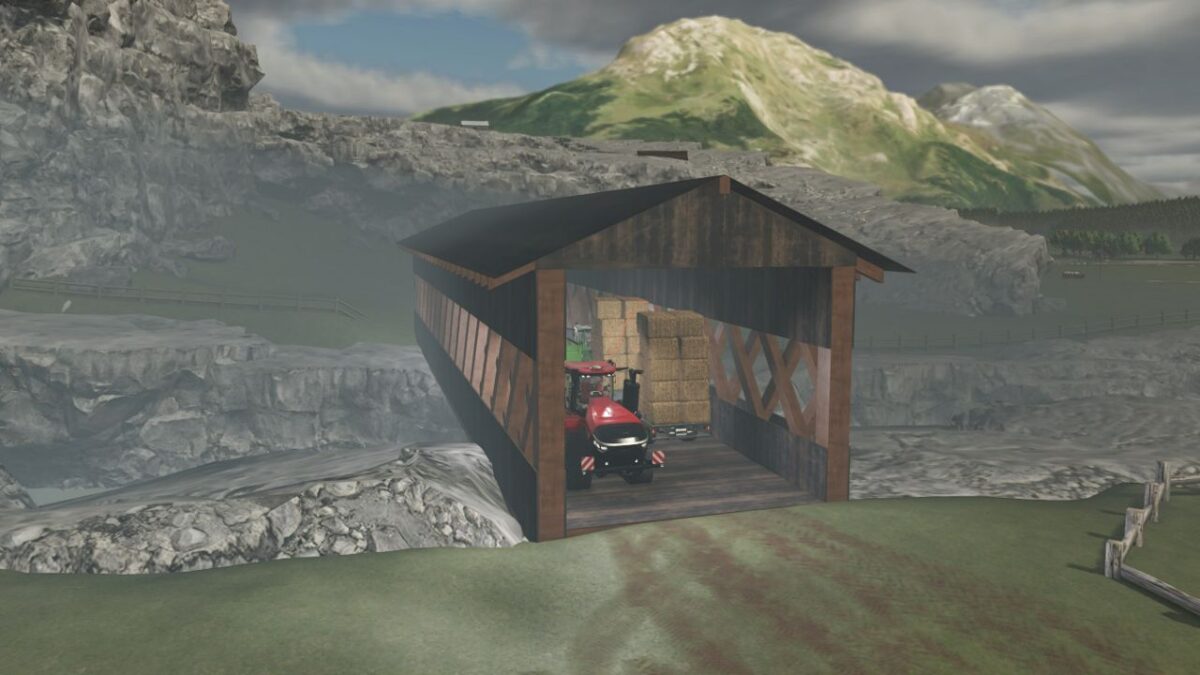
Wooden Covered Bridge v 1.0


The Wooden Covered Bridge mod for Farming Simulator 25 introduces a realistic and detailed structure, measuring 50 meters in length, 10.4 meters in width, and 8.5 meters in height. Inspired by the architectural style of the Ithiel Town bridges constructed in 1832, this mod offers players a charming addition to their farming environment. The bridge serves as a functional piece that allows seamless transportation across rivers, ditches, and other obstacles, enhancing the overall gameplay experience. Additionally, it features automatic lighting, ensuring visibility during nighttime or low-light conditions when crossing.
– Dimensions: 50m x 10.4m x 8.5m
– Inspired by Ithiel Town bridges (1832)
– Functional for crossing rivers and ditches
– Automatic lighting feature
Credits:
Alaindu80