

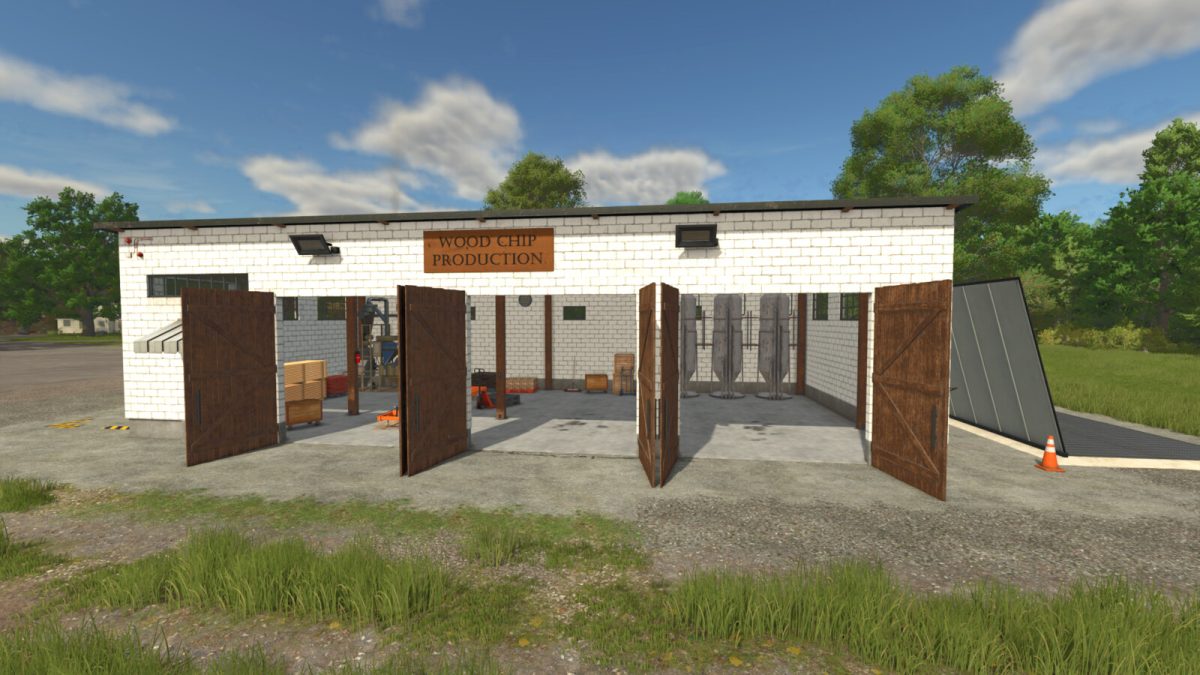
Woodchip Production v 1.0


A production for using wood chips to make six new products: fire logs, MDF boards, OSB boards, and three types of wood mulch natural, dark brown, and red. All products can be sold at any selling point. There is an area to unload logs and trees to be made into wood chips marked by a warning strip in front of the building with the trigger just inside the doors. At the back of the building, there is a loading pipe to take the wood chips out in bulk with a trailer.
Category: Productions
Price: $55,000
Production Recipes:
Fire logs recipe
100 Wood chips
10 Diesel
5 Water to 60 Fire logs with 25 cycles an hour
Mdf board recipe
100 Wood chips
10 Water to 50 Mdf boards with 35 cycles an hour
Osb board recipe
100 Wood chips
10 Water to 65 Osb boards with 45 cycles an hour
Wood mulch recipes
100 Wood chips to 100 Natural wood mulch with 50 cycles an hour
100 Wood chips to 100 Dark brown wood mulch with 50 cycles an hour
100 Wood chips to 100 Red wood mulch with 50 cycles an hour
Smoker Pellets recipe
100 Wood chips
10 Water to 45 Smoker Pellets with 40 cycls an hour
Wood chips recipe
1000 Wood to 1000 Wood Chips with 400 cycles an hour
Credits:
Biggins


