

Wood-Biogas v1.1.1.2


Wood-Biogas
Shop Category: Production Facilities
Price: $50,000
Daily Upkeep: $70
Inputs:
Silage
Manure
Slurry
Sugar Beet Pulp
Wood Chips
Outputs:
Electricity
Methane
Digestate
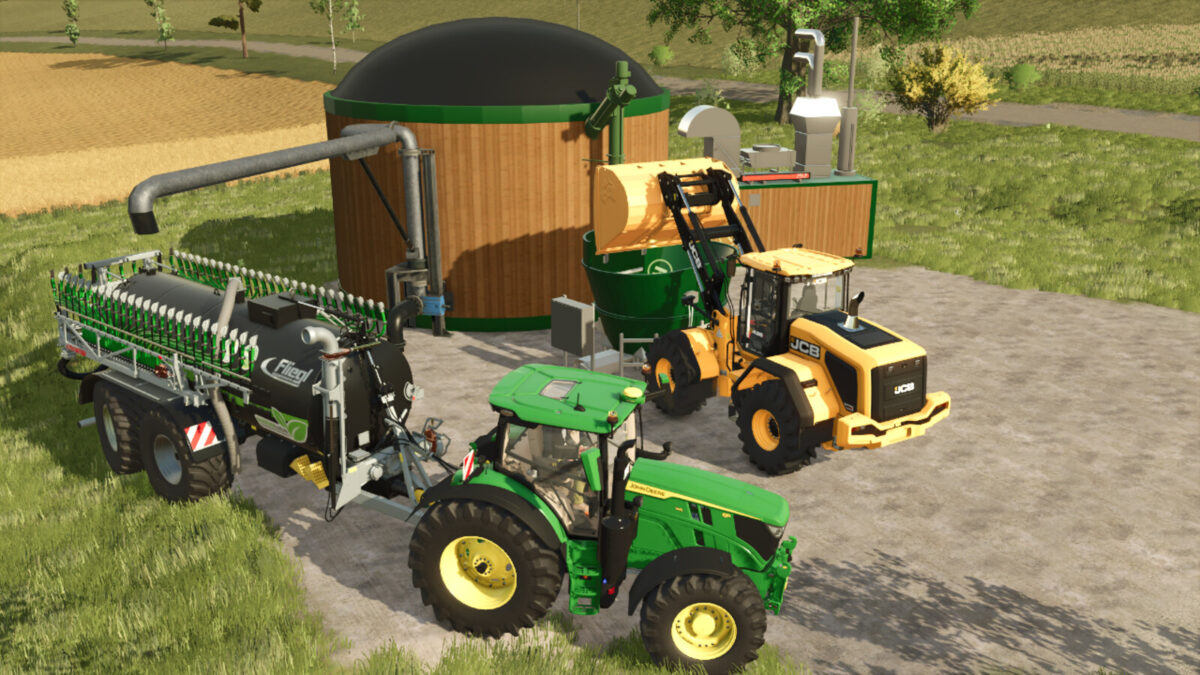
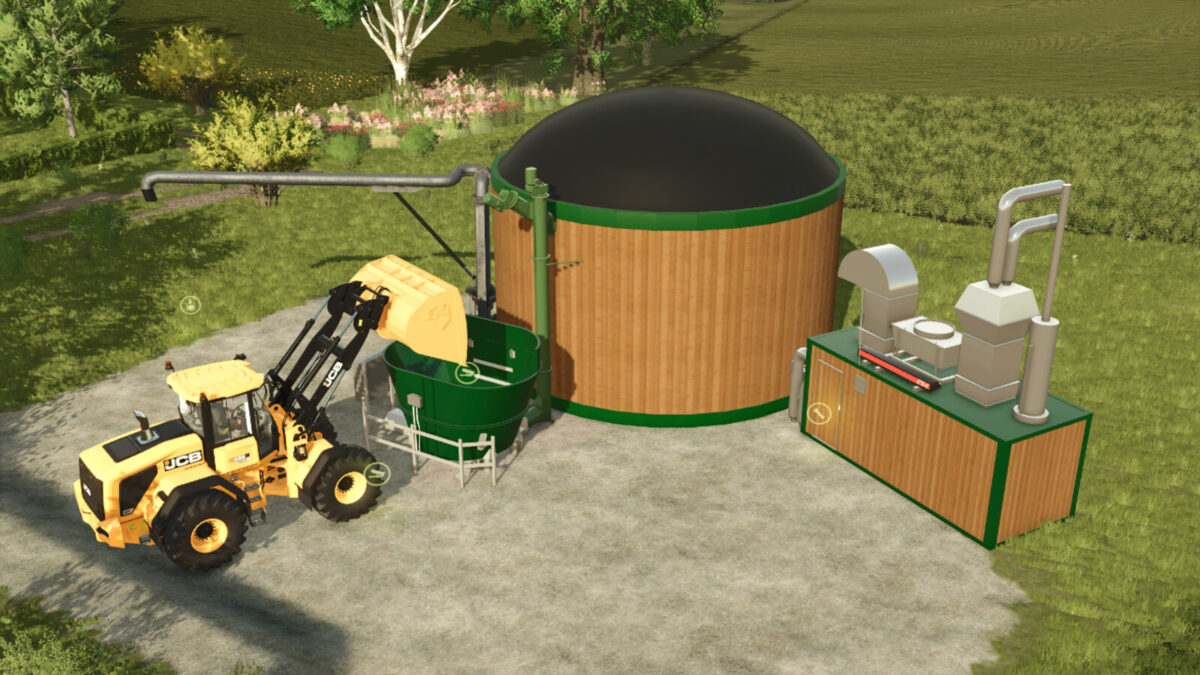
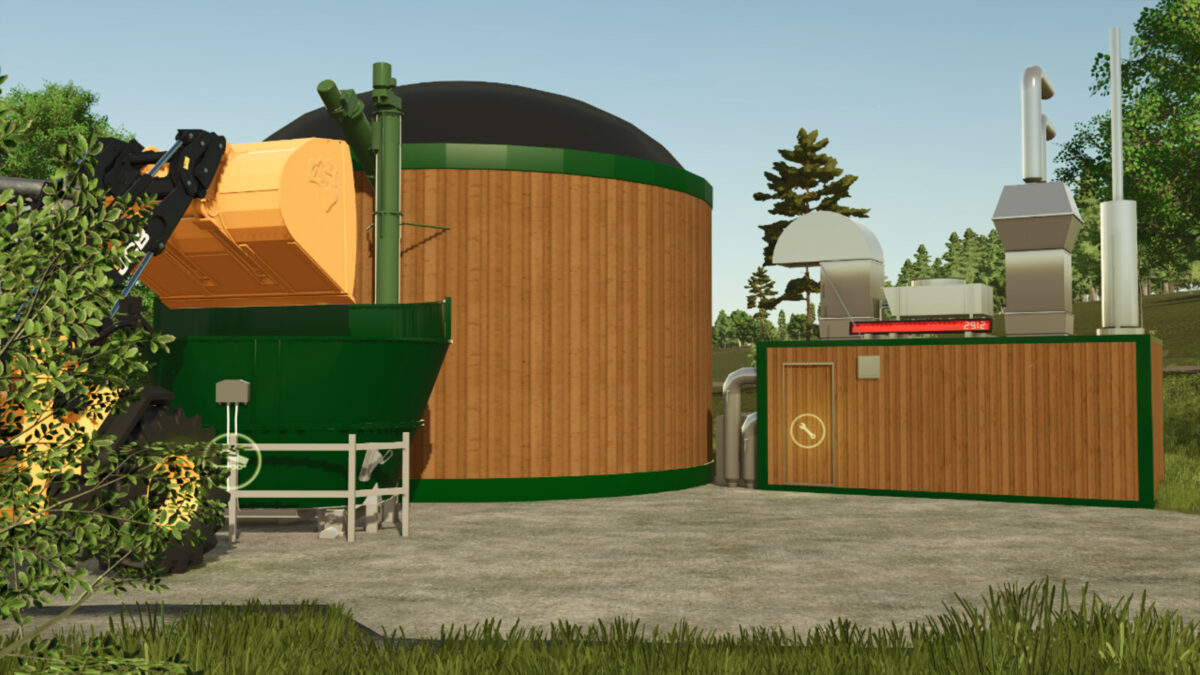
The Wood-Biogas Plant Is A Compact And Modern Biogas Plant With A Rustic Wooden Design And Efficient Technology – Perfect For Small To Medium-Sized Farms That Focus On Sustainability.
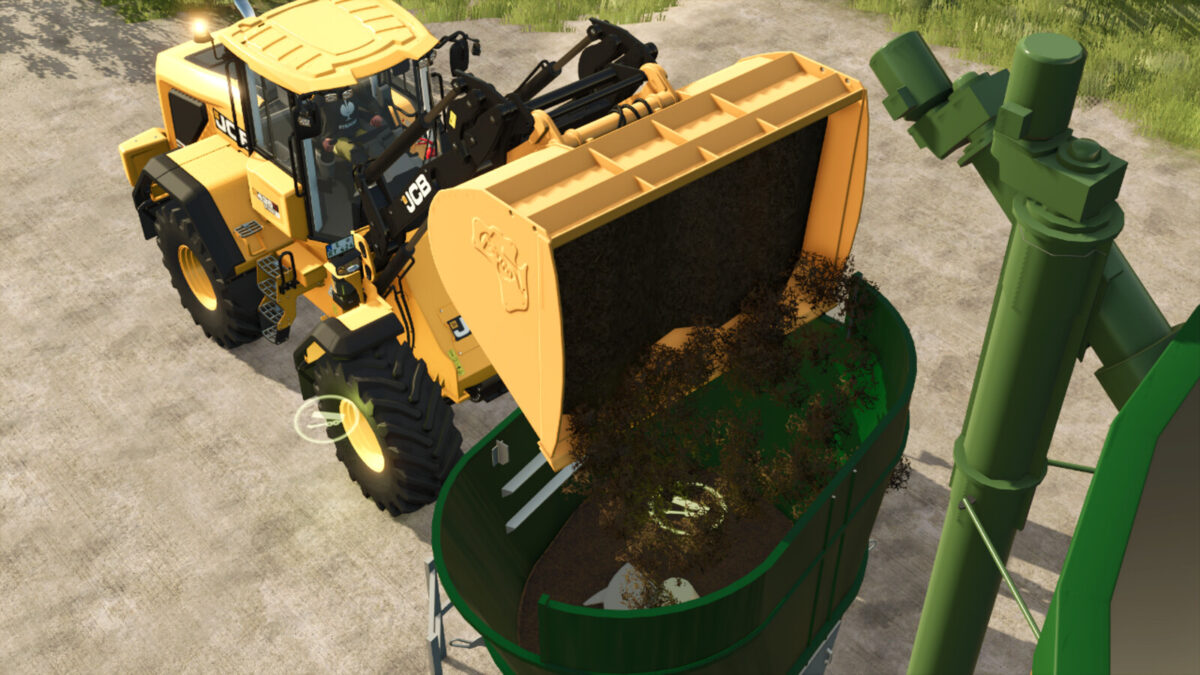
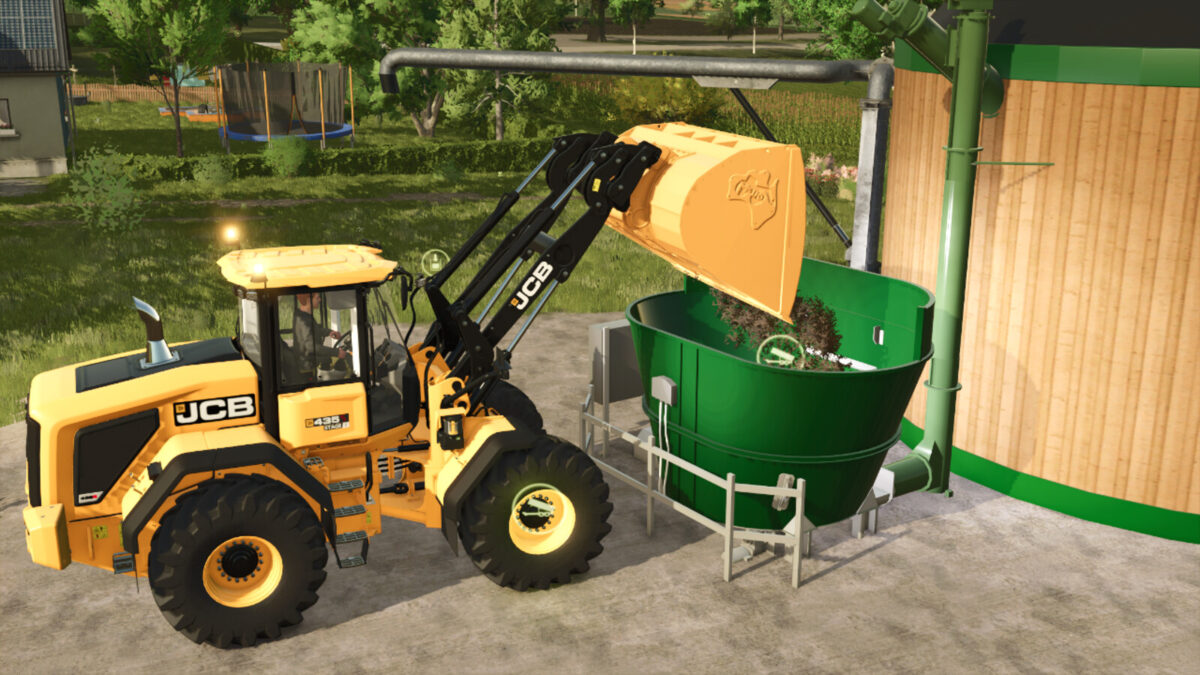
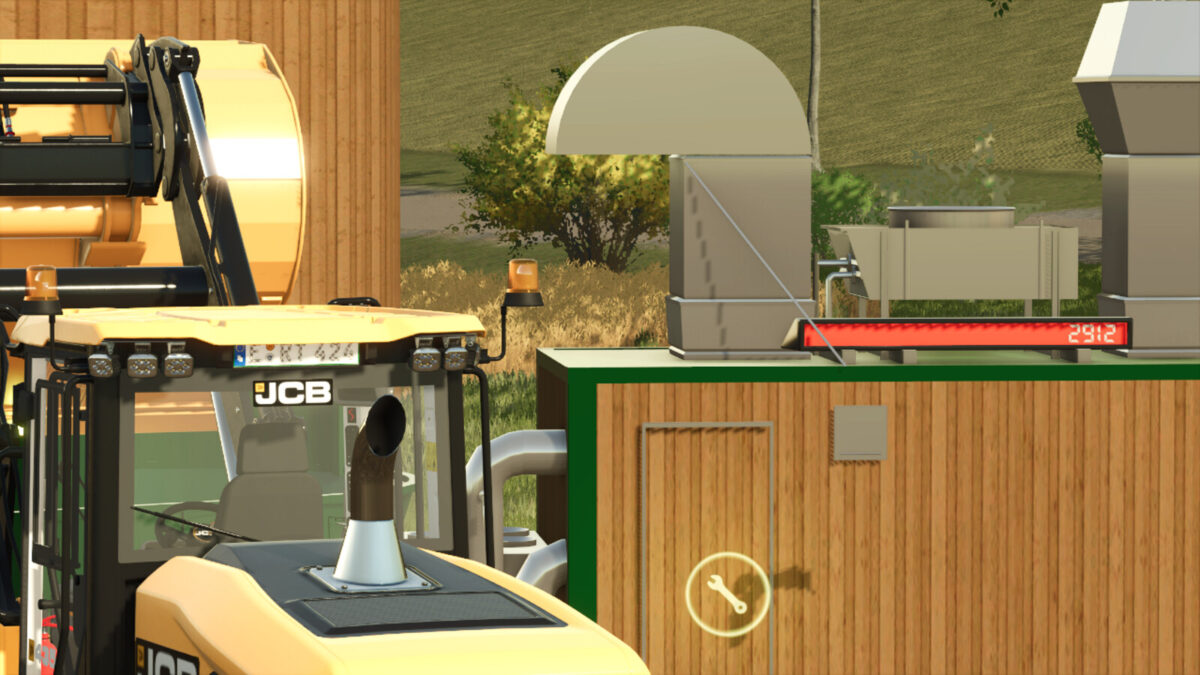
This Plant Combines Style With Function: The Large Fermenter, Integrated Technology Center And Mixing And Conveyor Unit Ensure Smooth Fermentation Of Organic Material.
Thanks To Its Modular Construction, The Plant Can Be Flexibly Integrated Into Any Farm Layout.
Changelog Version 1.1.0.0:
– ModDesc DescVersion Increased
– New Filltype “Wood Chips” Added To The Biogas Plant
Capacity Is 6,000 Liters
– Sugar Beet Pulp Capacity Increased From 5,000 Liters To 6,000 Liters
– More Translations Available: Italian, Polish, Spanish, Czech, Dutch
Changelog Version 1.1.1.0:
– ModDesc DescVersion Increased From 106 To 108
– Warning That Wood Chip Bales Were Not Accepted Fixed
Changelog Version 1.1.1.0:
– ModDesc DescVersion Increased From 108 To 111
– Recipe Adjustments
– Sound Area Reduced
– Adjustments To The Fill Volumes Of The Different Goods: Silage 20,000 Liters; Slurry 16,000 Liters; Manure 16,000 Liters; Sugar Beet Pulp 6,000 Liters; Wood Chips 6,000 Liters; Digestate Storage As Final Product 40,000 Liters
– All Other Translations Available; New Languages: Turkish, Catalan, Ukrainian, Canadian French, Czech, Danish, Swedish, Latin American Spanish, Japanese, Korean, Russian, Indonesian, Norwegian, Hungarian, Portuguese, Romanian, Finnish, Vietnamese, Brazilian Portuguese
Changelog Version 1.1.1.2:
– Potatoes can now also be processed at the biogas plant
– Winter textures improved
– Store icon and mod icon adjusted and revised
Credits:
Modding Keller


