

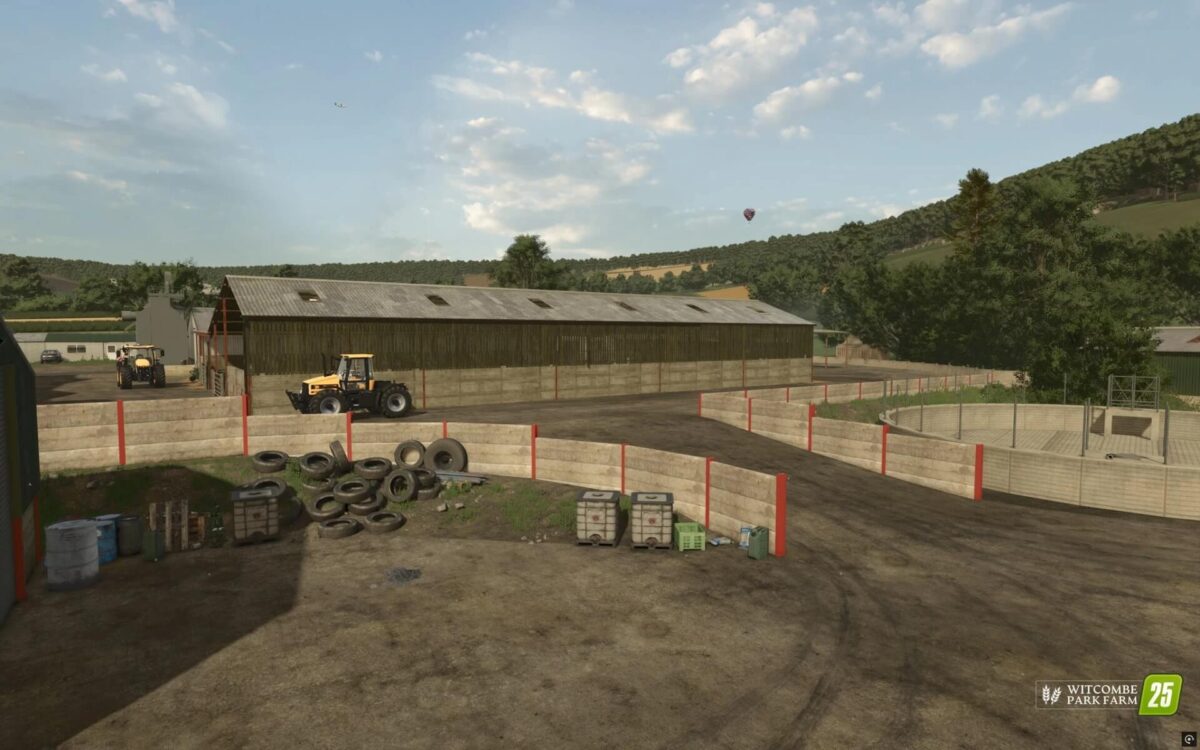
Witcombe Park Farm Map v 1.0


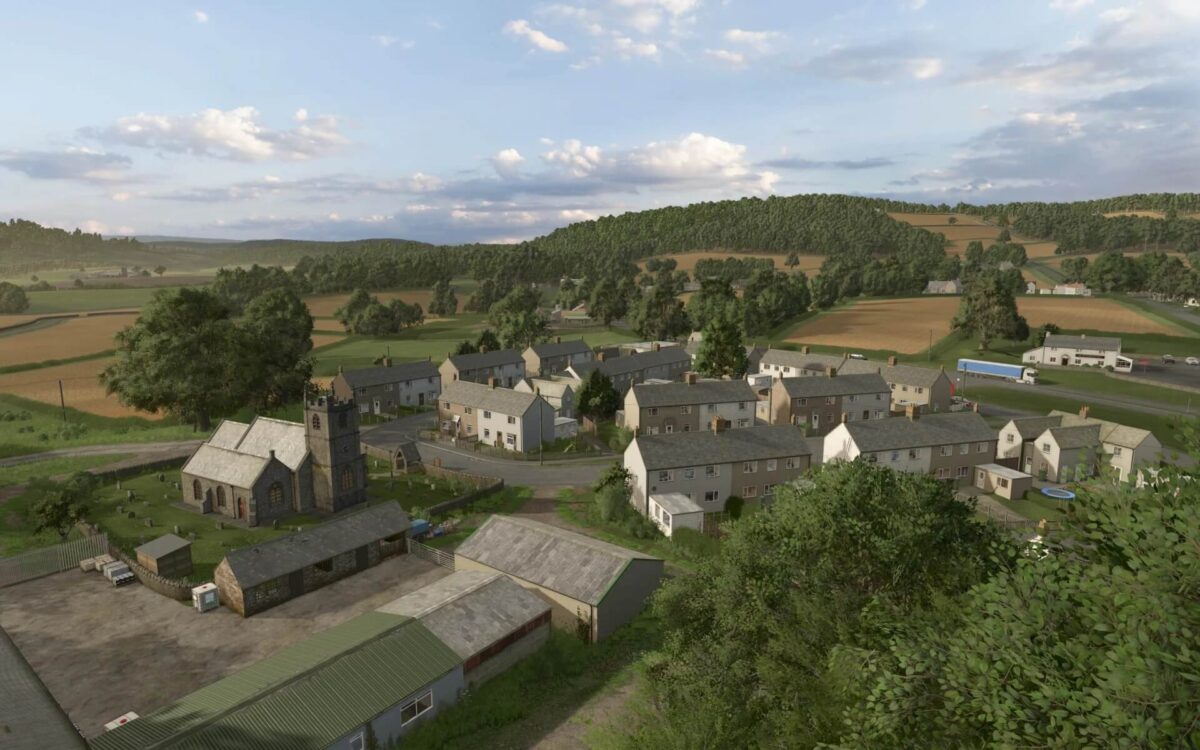
Inspired by the countryside of Gloucestershire, UK
A carefully crafted blend of real‑world geography and fictional design, creating a distinctive and authentic UK farming landscape.
60+ fields ranging from small paddocks to large arable expanses.
100+ purchasable farmlands, including extensive forestry plots and hidden woodland corners.
New animal:
Rabbits, New British livestock breeds, each with their own stats: Gloucestershire Old Spot (pigs), Hereford & Jersey (cattle), Suffolk, Bluefaced Leicester & Texel (sheep)
Fully reworked environment XML featuring new weather patterns, lighting profiles, cloud systems, and a refreshed daytime skybox.
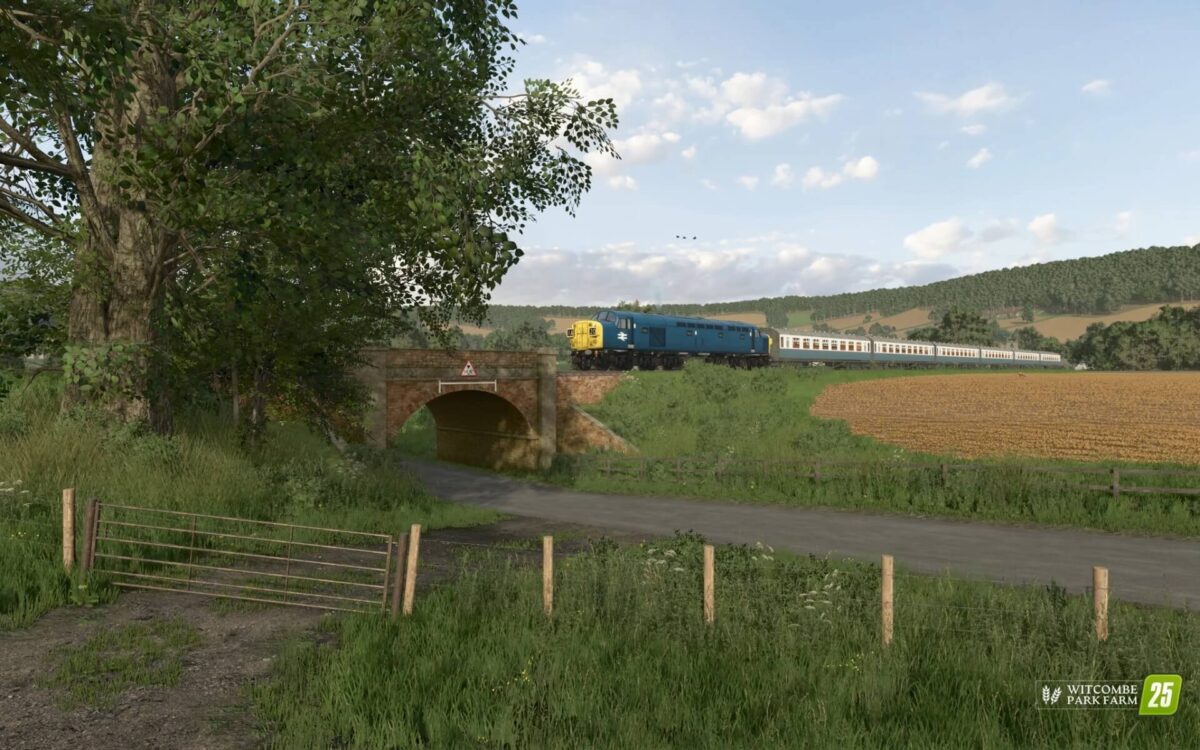
Completely redesigned UK style ground textures and foliage, giving the map a fresh, grounded visual identity. Driveable Class 40 (UK) Step into the cab of a fully driveable British Rail Class 40 and experience true UK diesel‑electric power in action!
Fire up the engine, take the controls, and enjoy driving one of Britain’s most iconic locomotives right inside the game. Who’s taking it for a spin first.
High detail forest assets for a more realistic woodland experience.
Custom ambient soundscape tailored to the map’s environment.
New UK‑style traffic, including motorbikes, tractors, and articulated lorries.
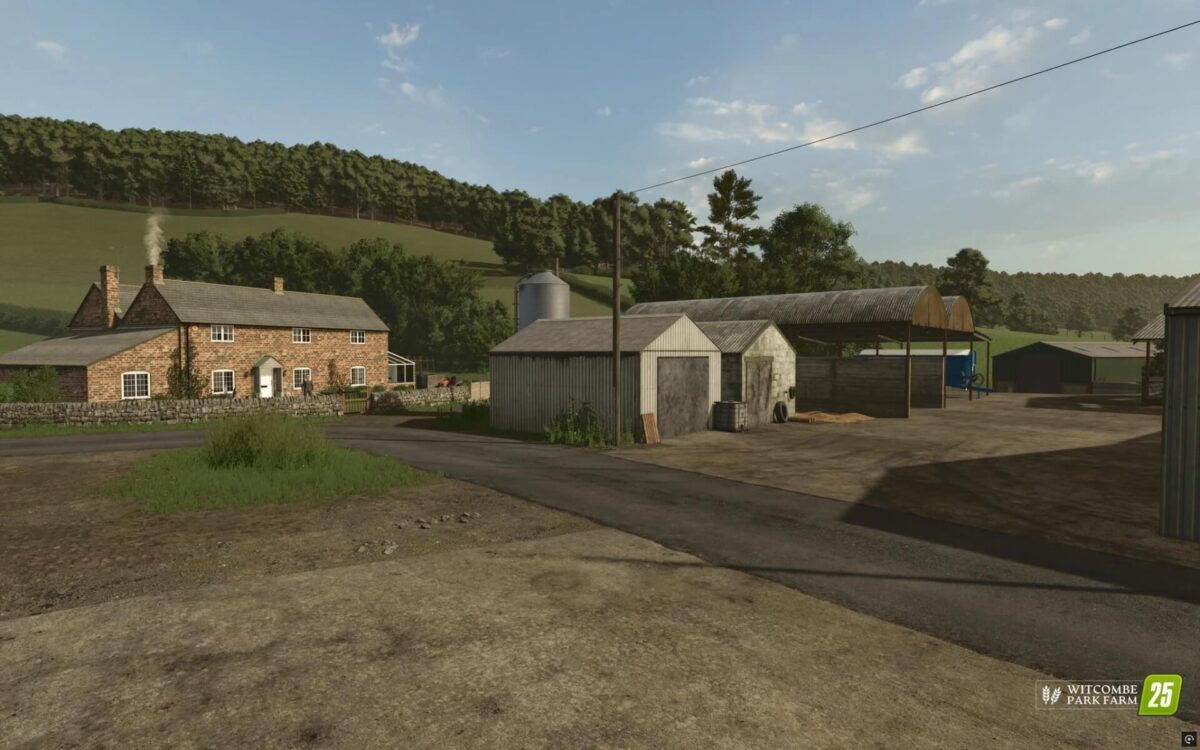
4 fully developed main farms, each with their own character.
4+ small holdings, offering varied and immersive starting points.
Full customization sellable farm buildings, removable junk piles, adjustable field borders, and more.
Designed to support every playstyle from small scale realism to large scale contracting.
Multi Terrain Angle added:
14 New Crops Added. From PfalzAgrar Multi Prefab Pack (10):
Rye, Triticale, Spelt, Grain Maize, Green Rye, Vetch Rye, Field Grass, Silage Maize, Humus Activator, Mustard
Custom Crops:
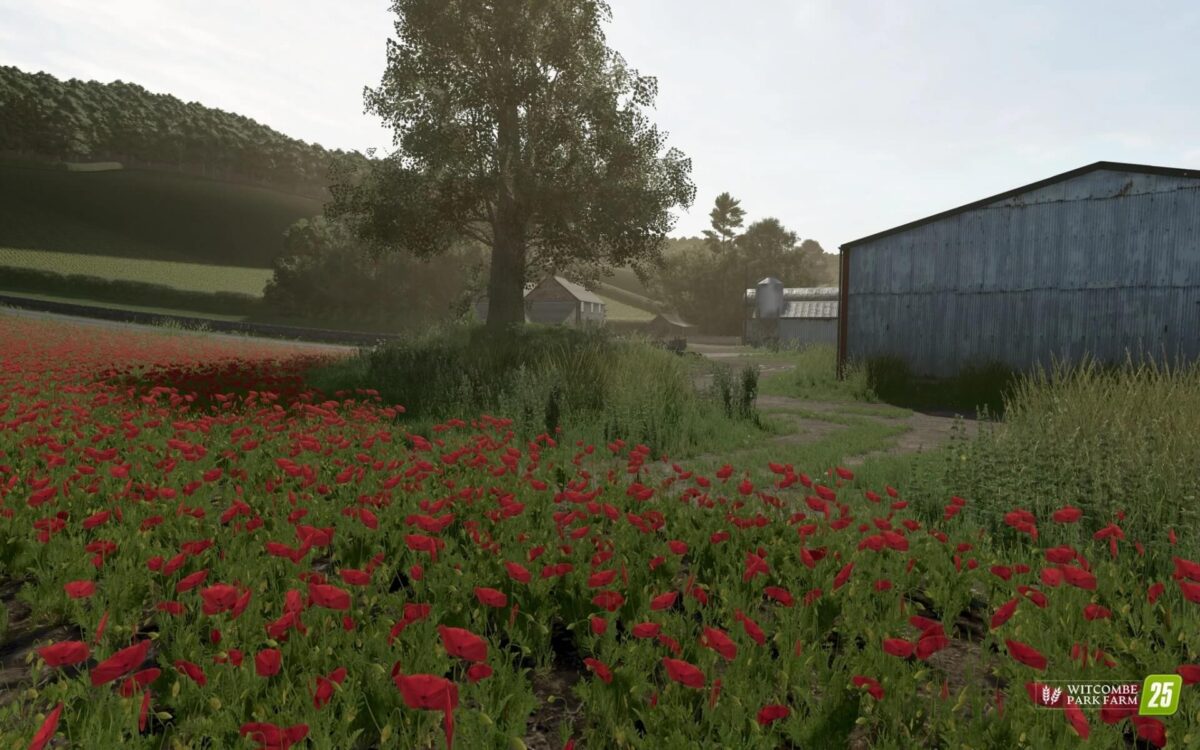
Alfalfa, Linseed, Poppy
7 custom production chains integrated seamlessly into the map.
4 dedicated fruit sell points
10 additional sell points for productions, materials, and goods.
30+ new UK‑themed placeables
Hundreds of high detail UK assets populating the world.
Numerous animated objects bringing the environment to life.
Credits:
Oxygendavid


