

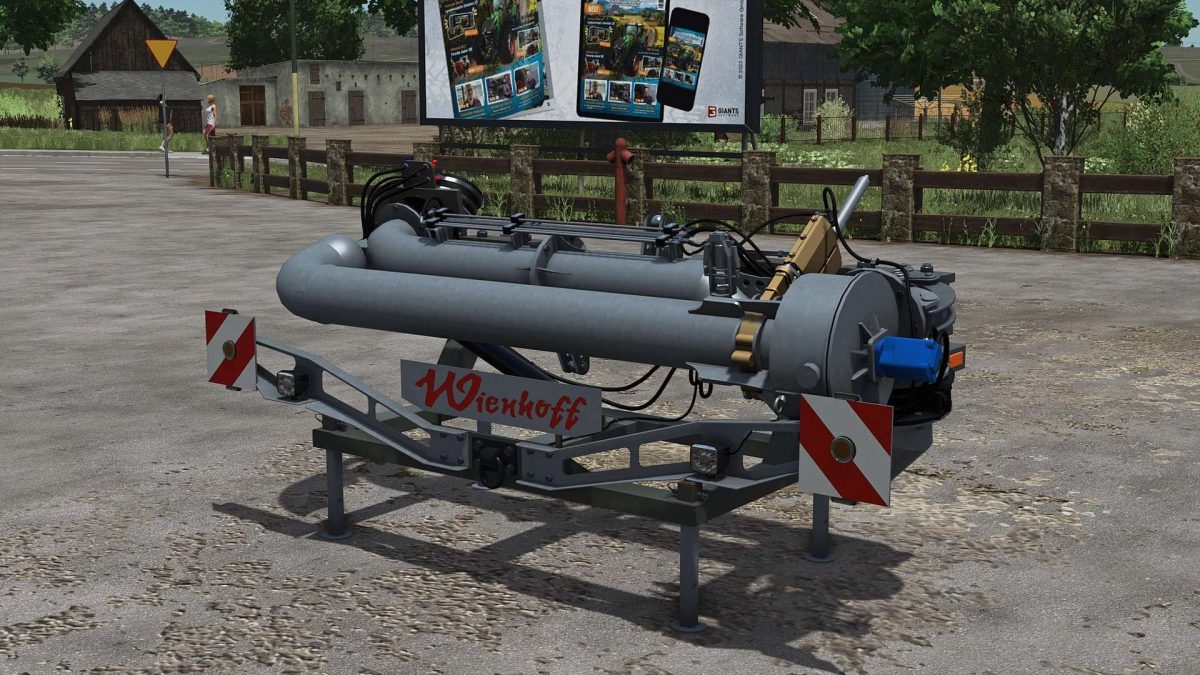
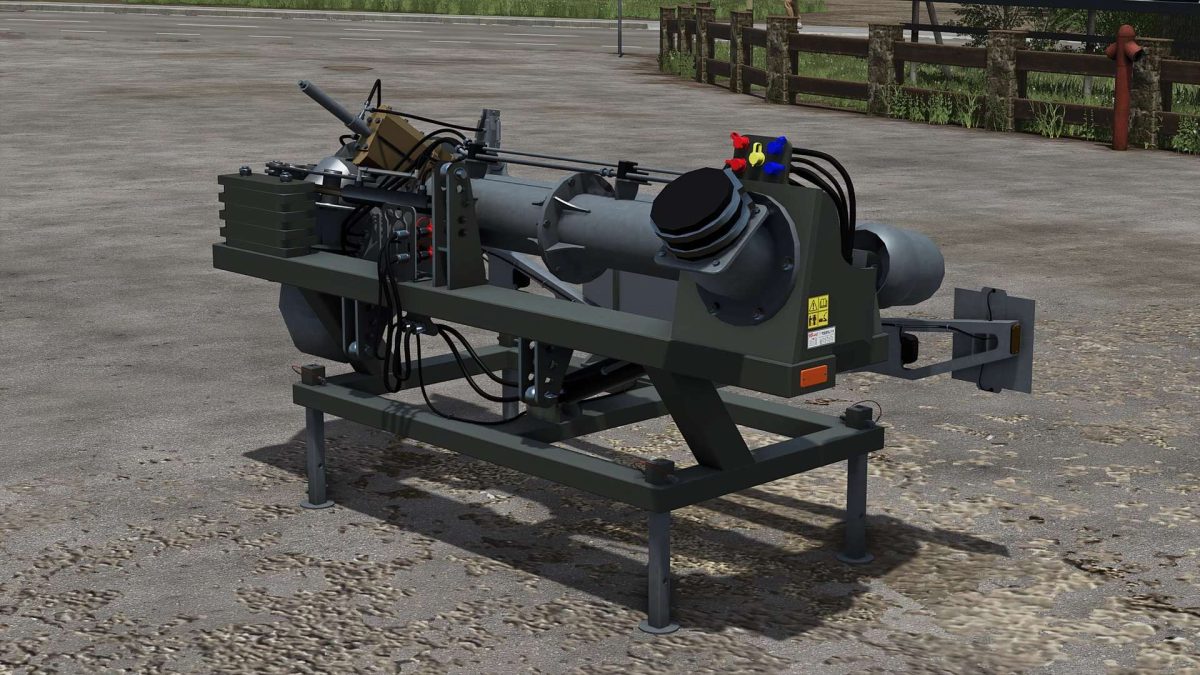
Wienhoff Free Sight Slurry Pack v 1.0.0.2


FreeSight: Standard
Weight configurable
Speed camera now configurable (none/small/large)
Expanded with the X key.
Key assignment for the suction arm: Open/close front loader tool.
Filling works regardless of whether the suction arm or the tank is selected.
Important:
The standard version works with every tractor, whether Giants Standard or Mod tractor.
For slurry tanks, Adapted Tubing must be set to “NO” to ensure the tubing is displayed with the correct parameters.
FreeSight: Adapted Tubing
Weight configurable
Speed camera now configurable (none/small/large)
Expands with the X key
Key assignment for the suction arm: Open/close front loader tool
Filling works regardless of whether the suction arm or the tank is selected
Important:
The Adapted Tubing variant only works with tractors converted for this purpose.
For slurry tanks, Adapted Tubing must be set to “YES” to ensure the hoses are displayed with the correct parameters.
Version 1.0.0.2:
* FIX: At 100% damage, the entire paint was chrome
* FIX: Server warning due to incorrect image file format
Credits:
Finanzamt31er


