

FS22 Maps


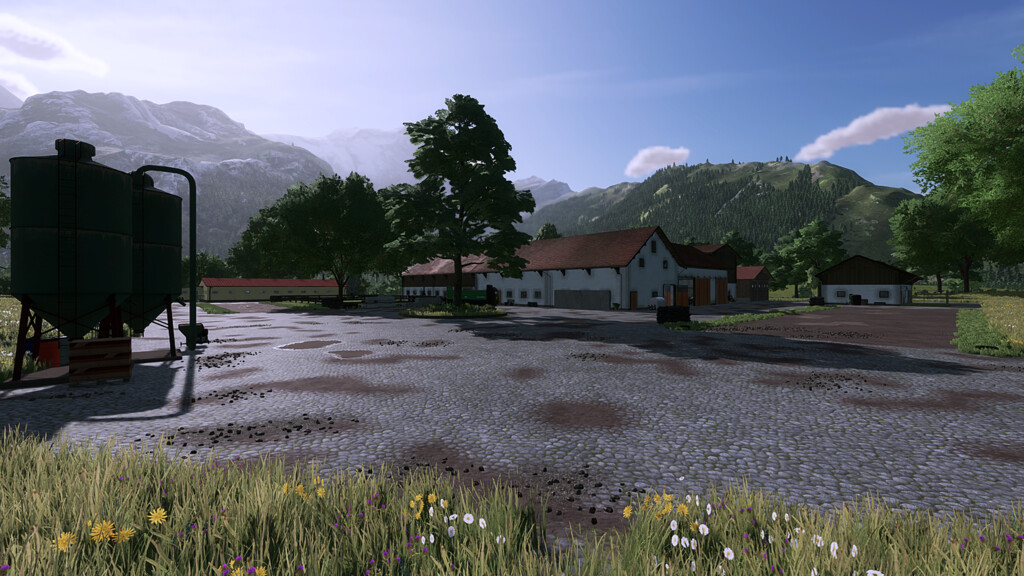
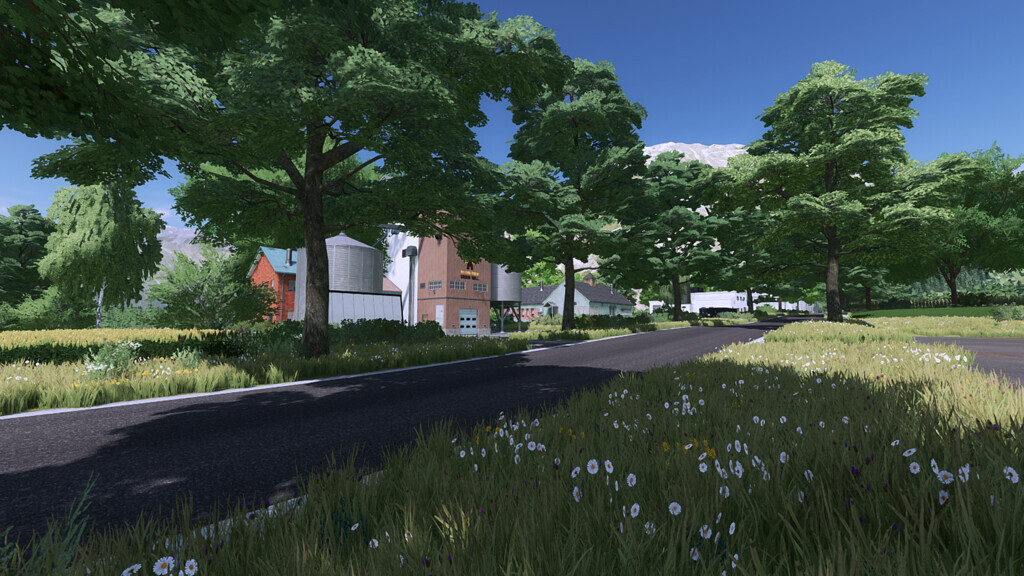
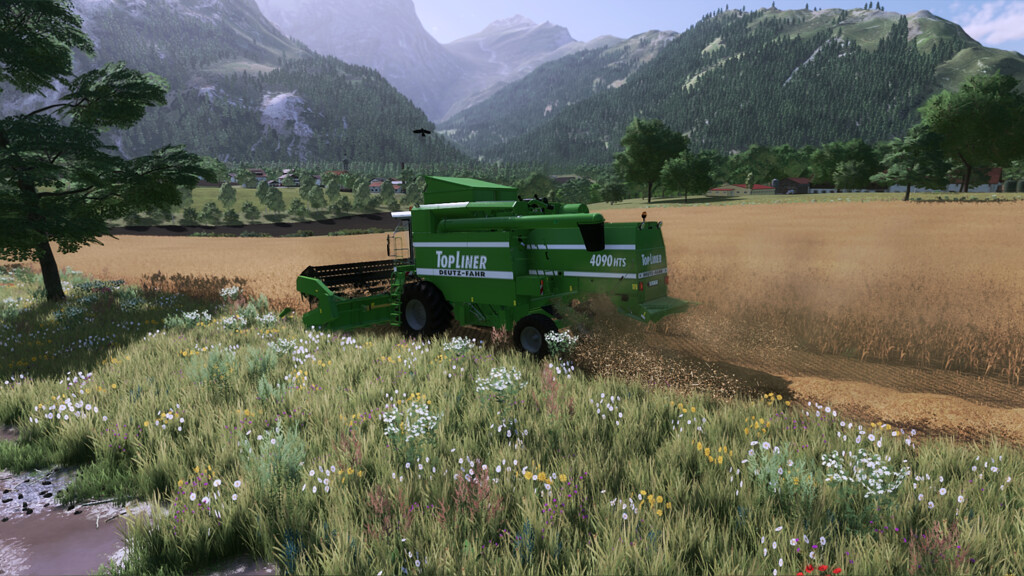
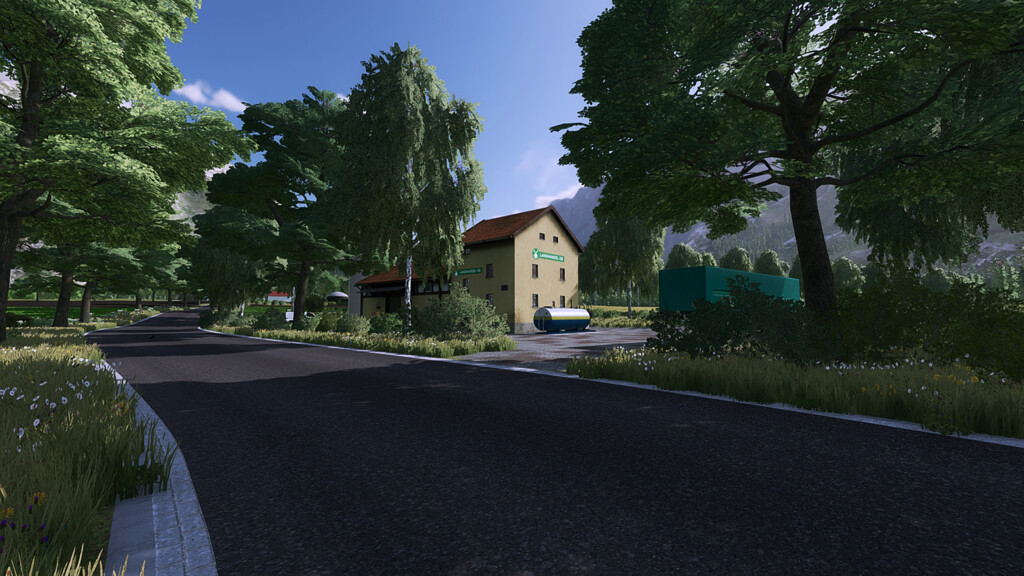
Wieben Village Map v 2.0

– 9 productions
– 52 fields including meadows size 0.3ha to 32ha
– Farm with 3 productions
– Precision Faming Ready
– More choice in the construction menu (soil textures)

Version 2.0:
* Fixed unevenness in fields
* Floating curb removed
* Farmland 1 Free
* New fruits: spelled, millet, tridicale
* Removed Bran’s grain silo on the farm
* Bale storage on the farm removed
* Bales and pallet storage integrated into the map (no extra mod)
* BGA removed
* New street lights placed
* New fence at the carpentry shop
* New manure tank on the farm
* Added decorative trees
* Supermarket replaced by farmers market

Credits:

AscardoTV

How to install FS22 Maps?
Firstly find a mod which you like and want to download. Then download a mod to your PC. Mods are usually in .zip format file. But sometimes it can be in .rar. If a mod file is a .zip format no needed additional actions. If a file is in .rar, then you must unarchive mod with software like WinRar or Zip7. Windows 10 users no need to use software for archives, Win10 itself has a feature to unarchive files.
The next step is to find mods folder in your PC. Usually, it is in Documents/My Games/Farming Simulator 25/2025. Open the "mods" folder and put downloaded .zip archive or unarchived .rar file to this folder.
Last step. Enjoy of FS25 mods!

Leave a Reply

Your email address will not be published. Required fields are marked *