

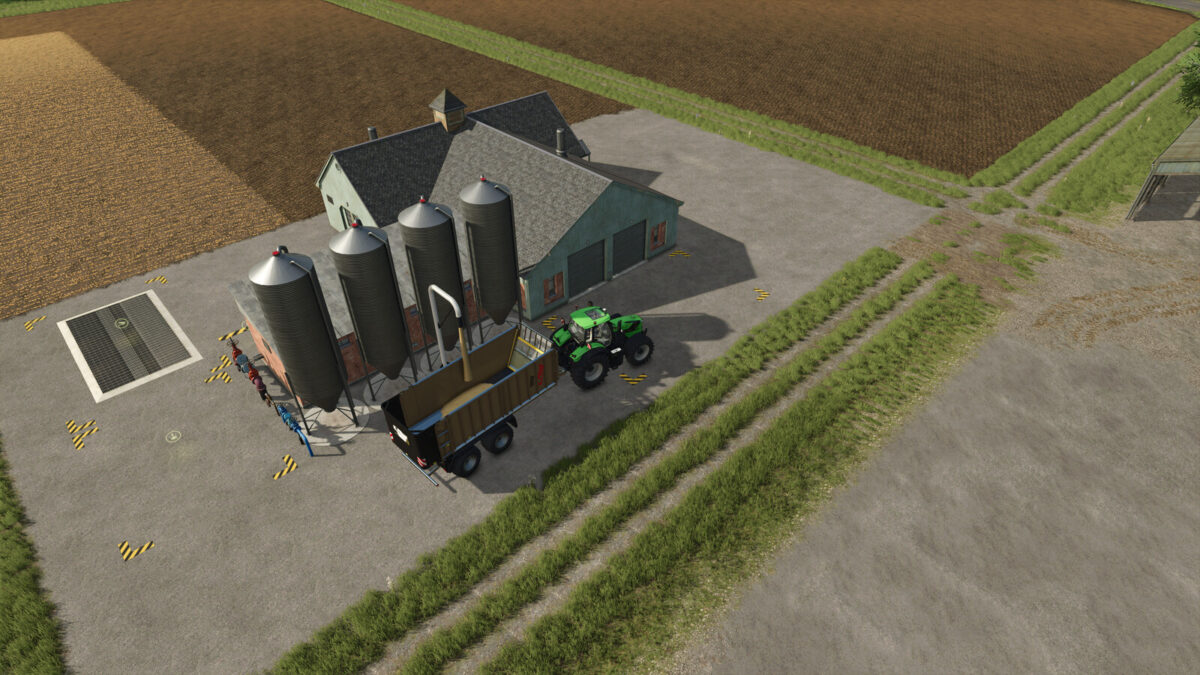
Wholesale v 1.0


All products from the basic game can be bought and sold at this wholesaler.
The main building also offers the opportunity to repair vehicles.
Products from mods can also be sold here, as the “FillTypes” are based on the existing “FillTypeCategories”.
In addition, you can buy all products from the basic game that are packed on pallets at the wholesale.
Orders for contract work will also choose this point of sale as their destination.
A single sales platform, a timber sale, a sales point for debris and a sales point for liquids are also included.
Wholesale:
Construction costs: $25000
Daily costs: $10
Category: Points of sale
Configuration: None
Sales platform:
Building costs: $1000
Daily costs: $1
Category: Points of sale
Configuration: Color
Features: Flaps must be open to sell
Timber sale:
Construction cost: $1000
Daily costs: $1
Category: Points of sale
Configuration: None
Sales station for bulk goods:
Construction costs: $10000
Daily costs: $1
Category: Container
Configuration: Color
Sales station for liquids:
Construction costs: $10000
Daily costs: $1
Category: Container
Configuration: Weathering
Credits:
ZoddelZockt


