

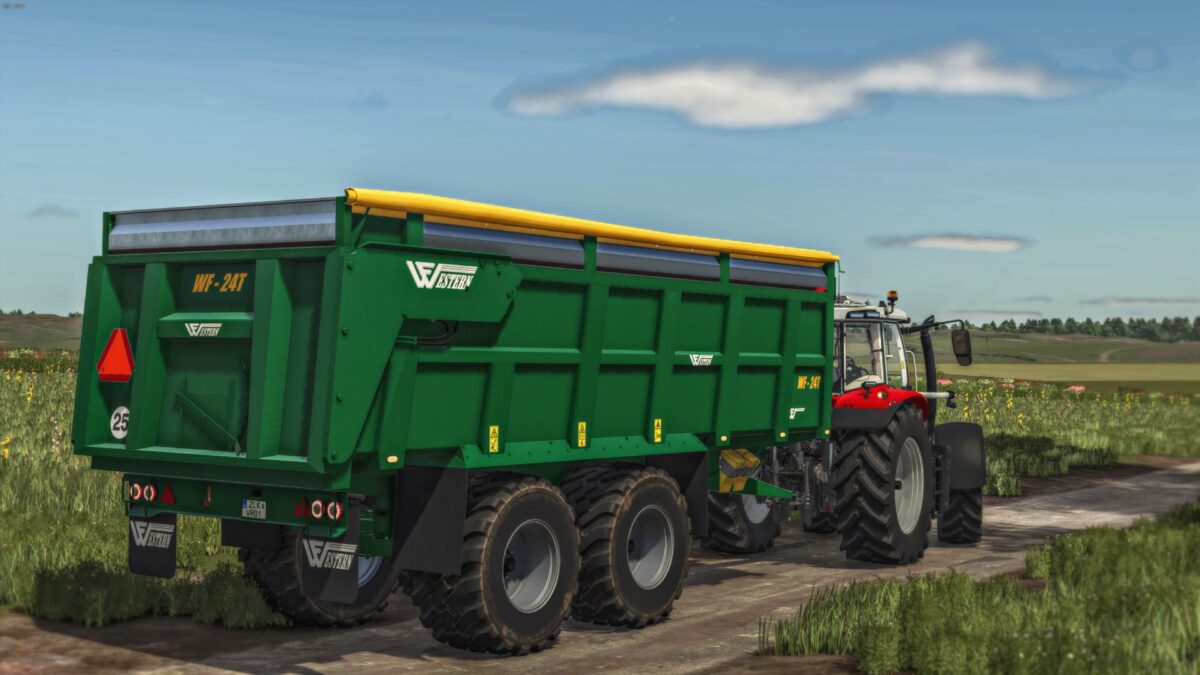
Western Fabrications 24T v 1.0


The Western Fabrications 24T mod for Farming Simulator 25 introduces a versatile trailer option designed for efficient agricultural transport. This mod features various realistic functionalities that enhance the gameplay experience by providing players with an option that showcases modern farming technology.
Notably, the trailer is fully washable, allowing players to maintain its appearance even after extensive use in harsh farming environments. The wear feature adds realism, as players can observe the trailer exhibiting signs of use over time. The inclusion of animated and moving parts further enriches the experience, making it more engaging.
Customization options are plentiful, including a choice of colors, wheel types, and a selection of boards to tailor the trailer’s appearance to your preference. The cover option allows you to secure loads during transport, ensuring that your goods remain protected.
With a substantial weight of 11.1 tons, the trailer has a capacity range of 31,300 to 42,000 liters, making it suitable for various farming needs. Priced at 48,000 in-game currency, it provides a practical solution for players looking to enhance their transport capabilities.
– Washable
– Wearable
– Hoses
– Animated
– Moving parts
– Choice of colors
– Choice of wheels
– Cover
Credits:
TeoR, AgriDesign


