

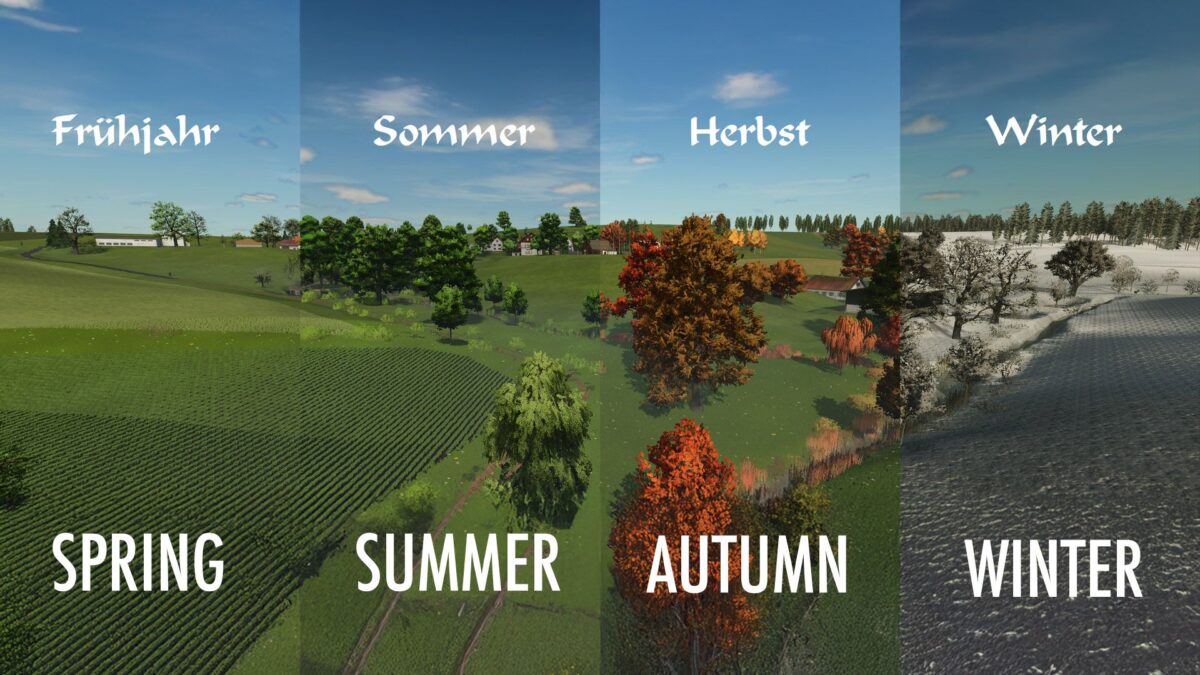
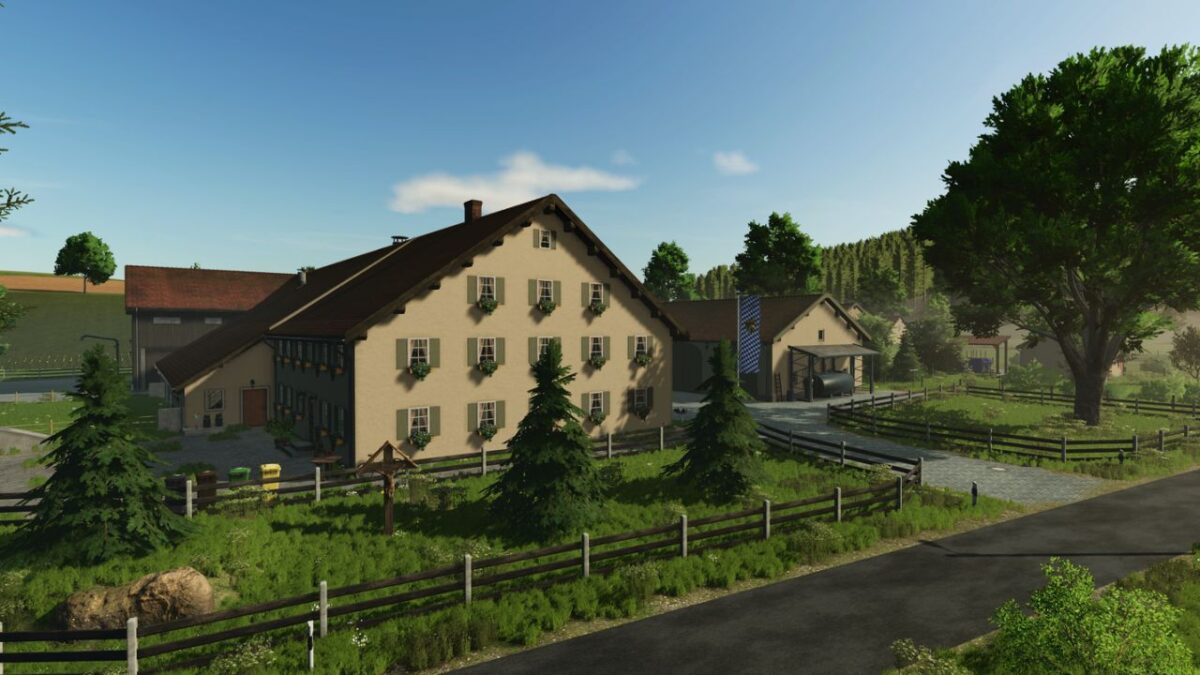
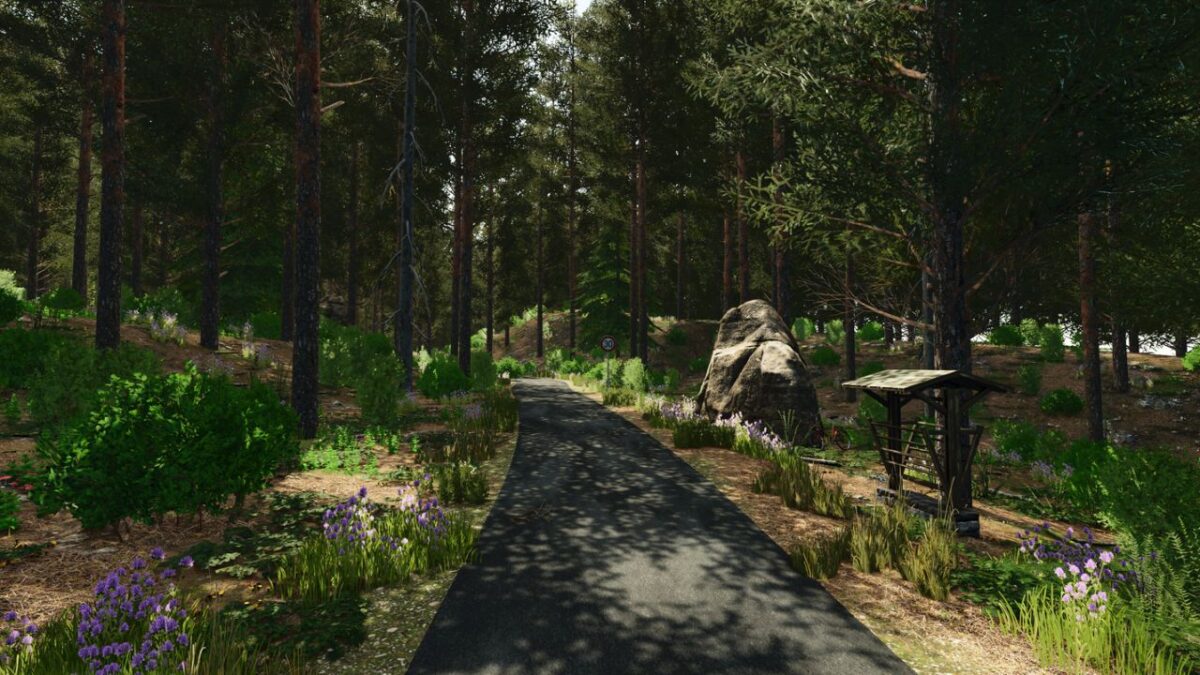
Weipersdorf Map v 1.0.0.7


– 70 fields (approximately 1 to 5 hectares)
– 27 meadows (some with grass missions, not all)
– 10 forest areas (over 60 hectares)
– 6 animal pastures
– 9 farms
– 1 biogas plant with a contracting business and a small house
– 1 vehicle dealership with a gas station and a second dealership area on the edge of town
– 1 agricultural supply store
– 17 different production facilities
– 10 different points of sale
– 1 free, flat building area
– 36 unique collectibles and German license plates
– 50 ingame paintable ground textures
– Stubble destruction
– Multifruit
– 256 ground angles
– Highland Fishing DLC ready
Version 1.0.0.7:
* ModDesc version increased
* All remaining cow/sheep/goat pastures have now been registered and the animals are grazing there
* Additional bale storage installed on farmyard 5
* Fermentation residue storage retrofitted at BGA (we had completely forgotten about it)
* New production facility installed (will be expanded gradually)
* New building for mushroom cultivation constructed
* Meadow 23 slightly modified
* All meadows drawn as fields now have markings at the corner points
* Hof 08 expanded
* Minor XML adjustments in some productions
Credits:
Augustinus50, Andy9016, Deutz9340, nop82, Pat7575, TaZ-Modding


