

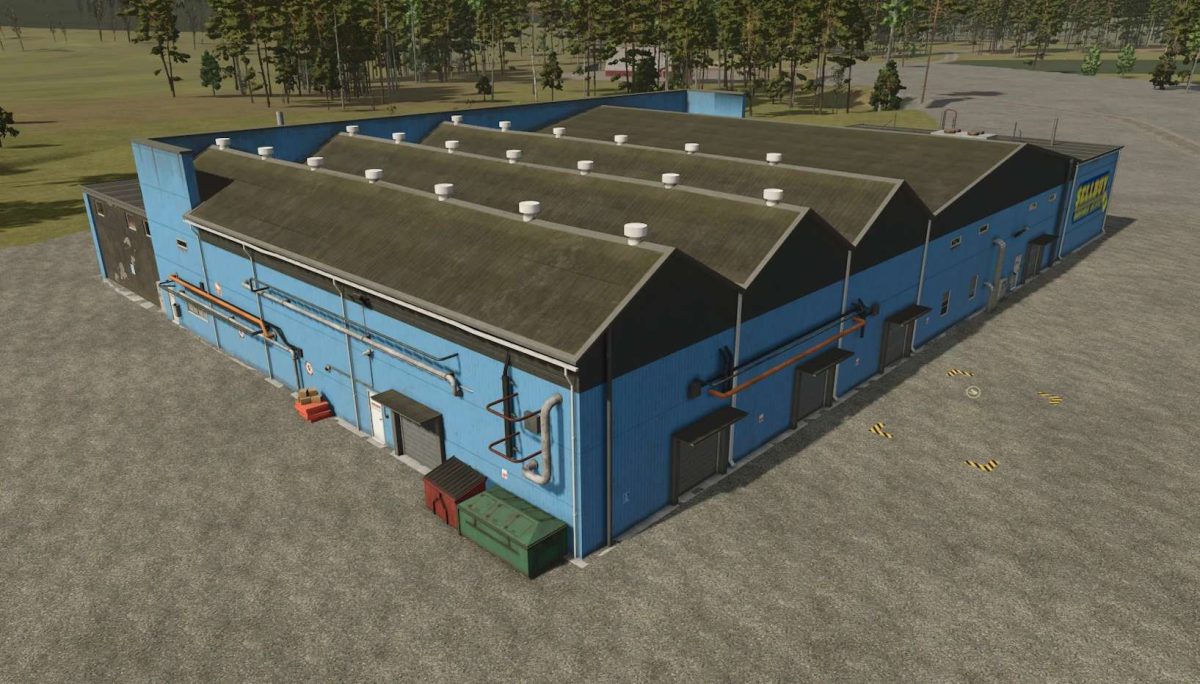
Warehouse Logistic v 1.0


The Warehouse Logistic v 1.0 mod enhances your Farming Simulator 25 experience by introducing a placeable warehouse designed specifically for the River Bend Map.
This mod allows players to efficiently manage storage and logistics for their farming operations.
The warehouse provides ample space for storing various goods, including crops, equipment, and resources, allowing for better organization and streamlined gameplay.
With this mod, players can customize their farming strategies by utilizing the warehouse’s features effectively.
It is particularly beneficial for those looking to optimize their workflow and improve their overall productivity within the game.
– Placeable warehouse for River Bend Map
– Supports storage of crops, equipment, and resources
– Enhances organization and logistics
– Customizable storage options
– Optimizes farming operations and workflow
Credits:
Jbloch


