

Volvo FH16 Multicustom Truck v 1.0.0.3


Semi-Truck
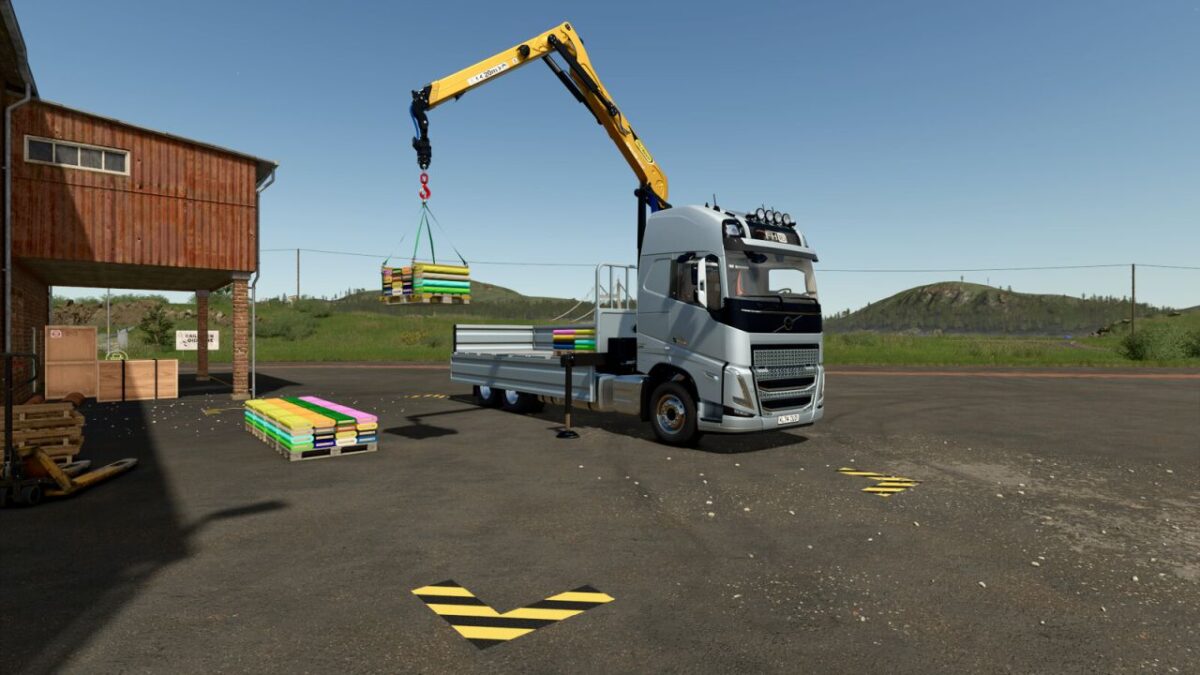
Semi-Truck with crane ($35 000).
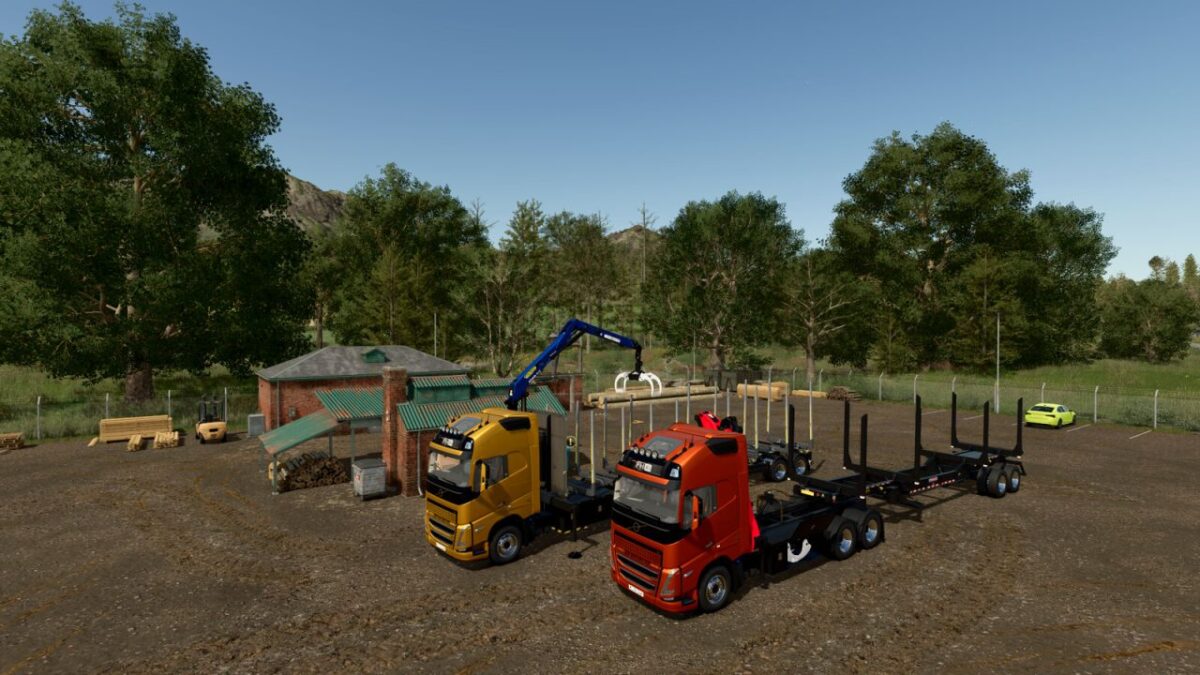
Wood transporter with crane ($53 000).
Flatbed with crane ($55 000).
Drop-side platform with crane ($62 000).
Extended drop-side platform with crane ($70 000).
The crane requires separate purchase of interchangeable modules from the store: a log grapple and a hook for loading pallets and big bags.
Modules can be placed in the truck’s side boxes (U – select box, Y – open/close box).
The truck is equipped with a hitch.
New tuning settings are available.
Crane Operation Features with Hook:
To detach the hook, trailer, or big-bag: Ctrl+Q.
To attach a trailer or big-bag, you must switch to the truck (G key).
The Highlands Fishing Expansion DLC is required to work with pallets.
VOLVO FH16 MULTICUSTOM TRUCK
Categories: Trucks, Wood Transport
Power: 600 – 780 hp
Max. speed: 90 kph
Capacity: 12 000 – 24 000 liters
Price: $182 000
PALFINGER EPSILON FG53 Log Grapple
Category: Misc
Price: $4500
PALFINGER EZ1598 Crane Hook
Category: Misc
Price: $500
Version 1.0.0.3:
* Door moldings added (selectable)
Credits:
ALXXA


