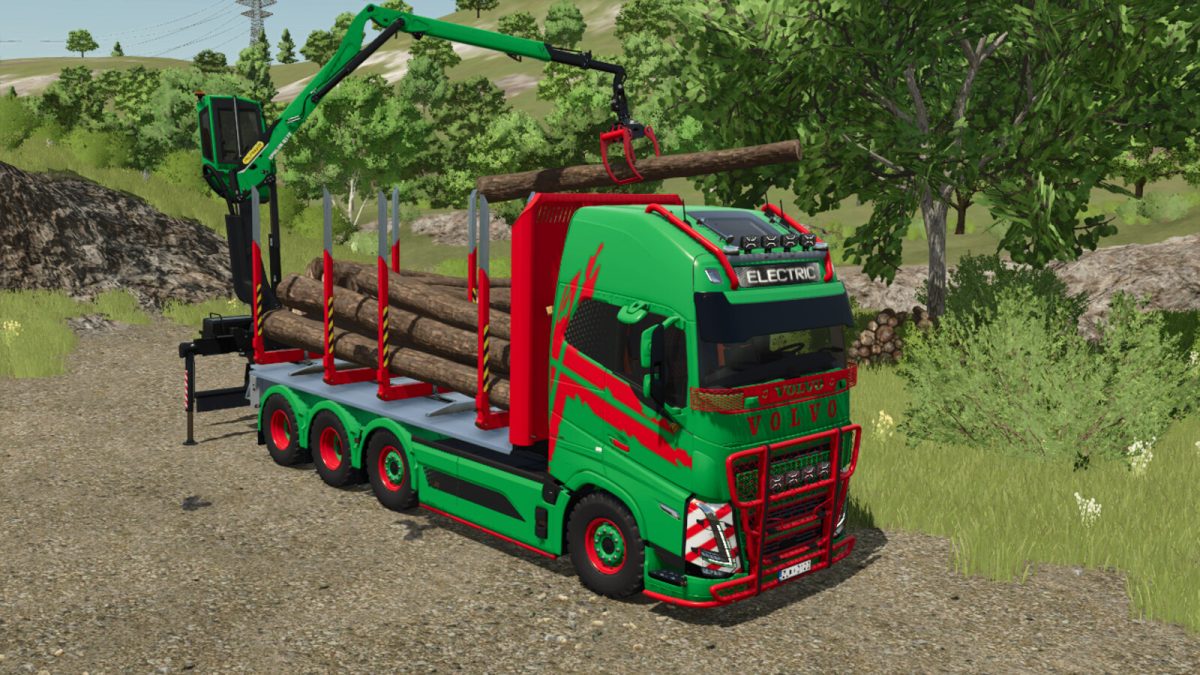
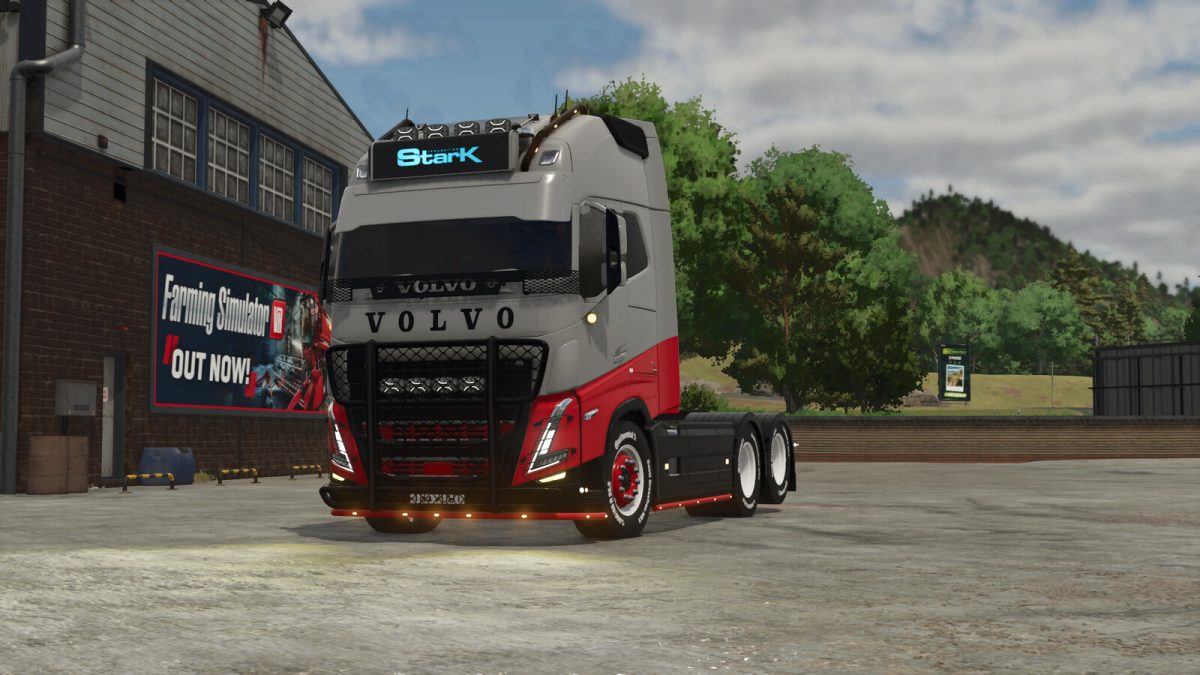
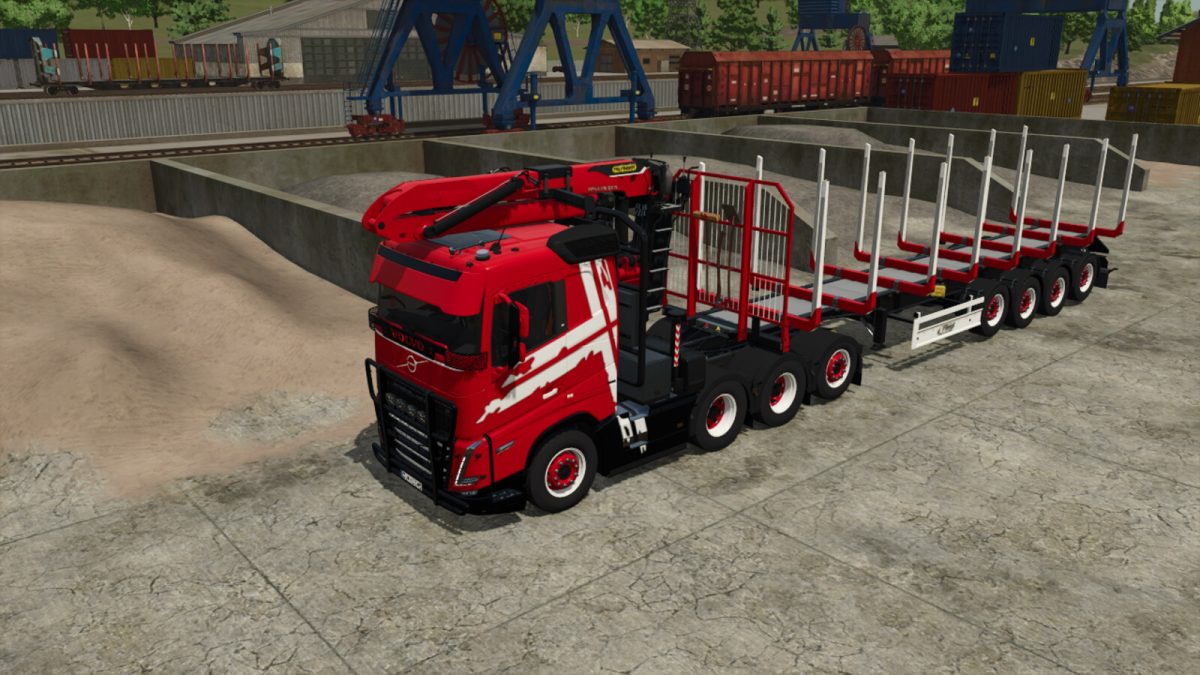
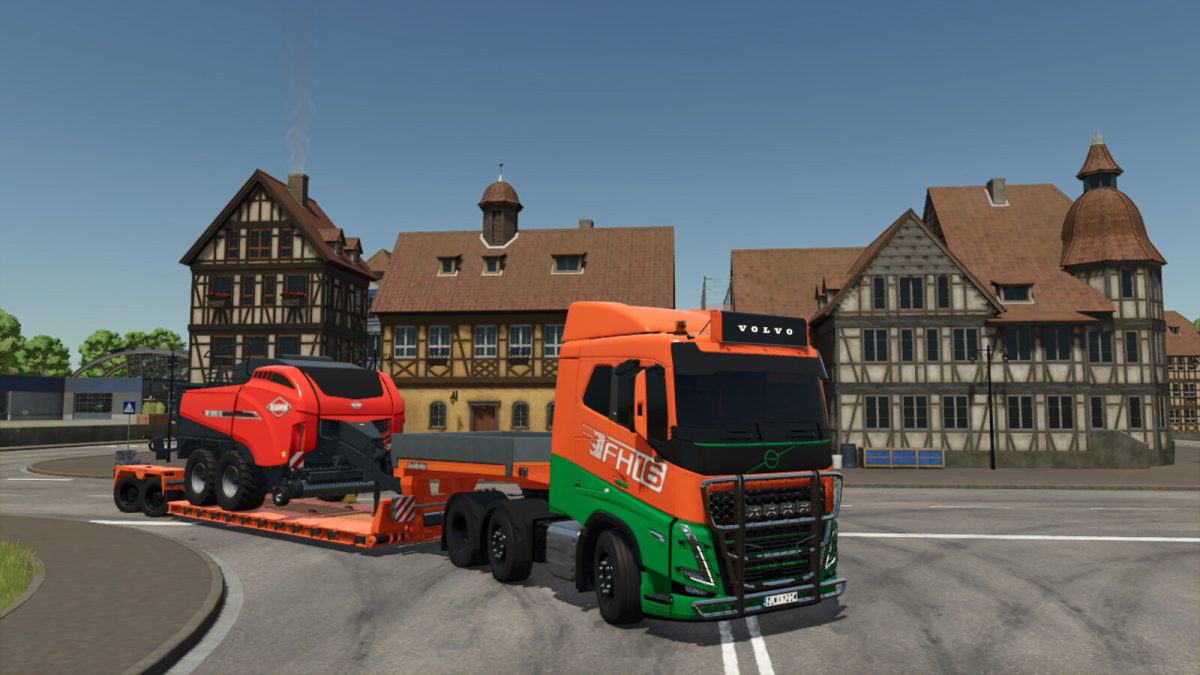
Volvo FH 16 Pack v 2.0


Volvo FH16
– Category: Trucks
– Price: 137,000 $
– Power: 600 HP
– 3 Engine versions
– 4 axle variants with 4 wheel sets each
– 28 Shop configurations
– 19 Color Options
– License plate
– Lifting Axle
– Real GPS Ready
Volvo FH Electric
– Category: Trucks
– Preis: 145,000 $
– Power: 450 HP
– 2 Engine versions
– 2 axle variants with 4 wheel sets each
– 26 Shop configurations
– 19 Color Options
– License plate
– Lifting Axle
– Real GPS Ready
Version 2.0:
* Chrome added to various color choices
* Movable fifth wheel added
* Engine data adjusted
* 8×4 Chassis added to the Electric
* Single or double taillights now available in the shop
* Adjustments to Patch 1.11 and MB Truck DLC
* More chassis added
* Fixed bug in side sticker
* Various small changes
* Vehicle numbers added to the cab for contractors
* Fire trucks added
* Additional attacher for our swap bodies, fifth wheel coupling automatically hides
* Additional attacher for Palfinger Universal L-crane
Credits:
HR Forst und Fahrzeugbau