

Visual Mud Tracks v 1.0


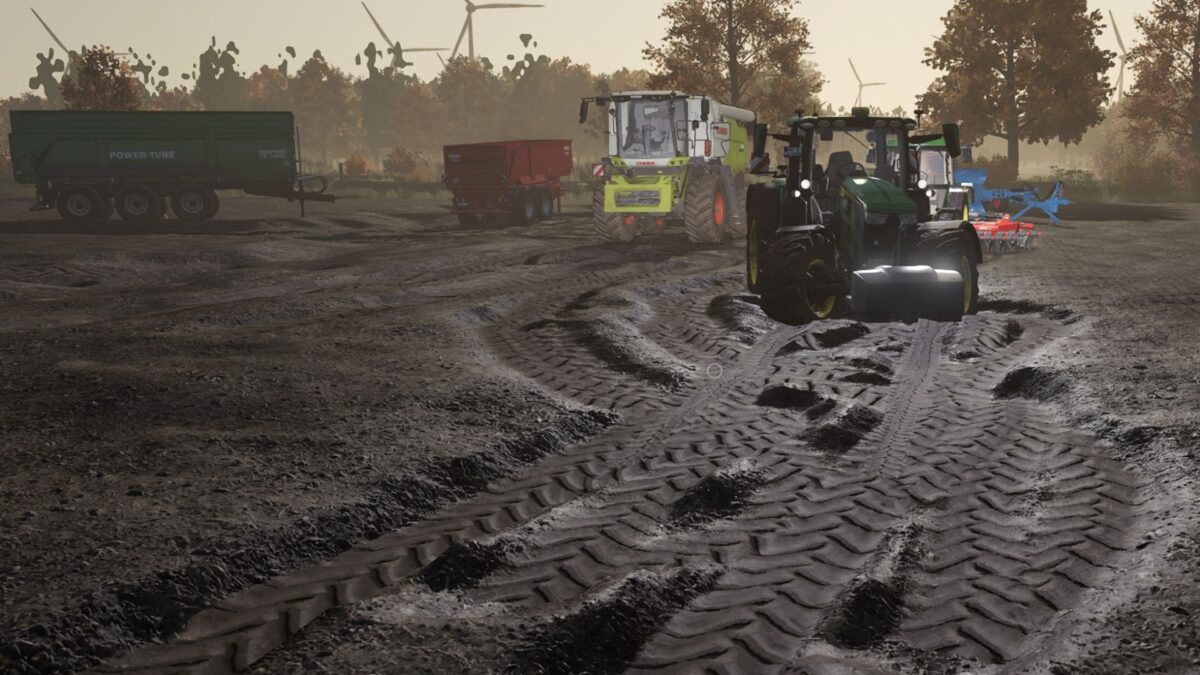
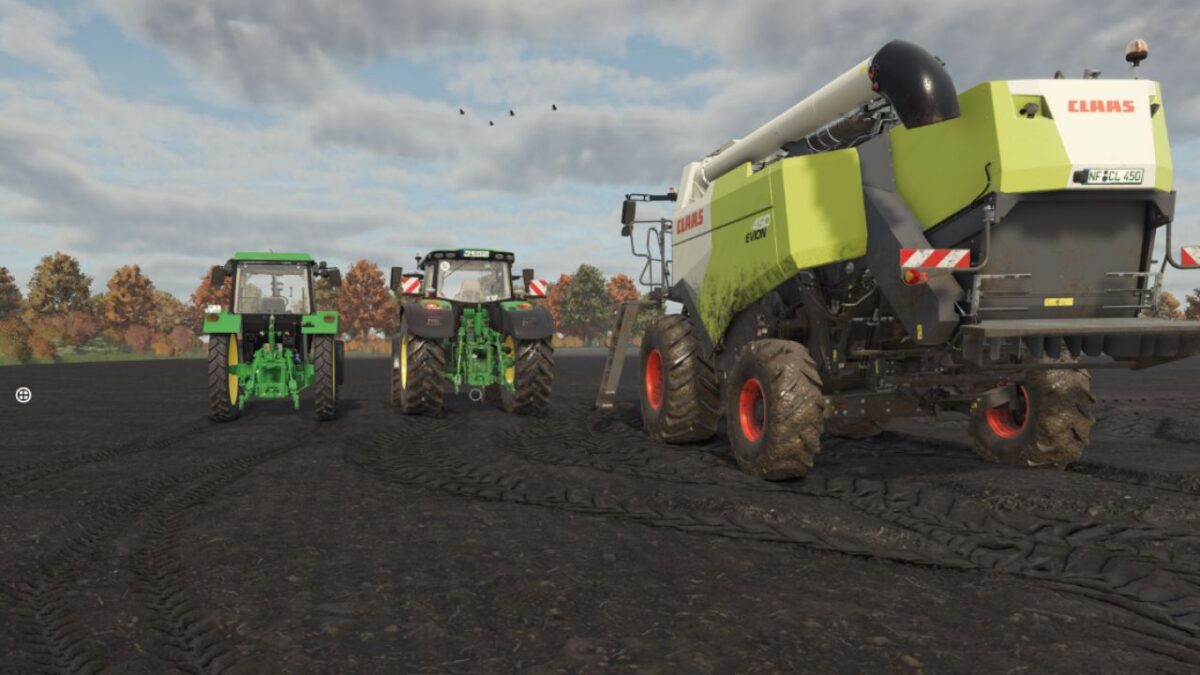
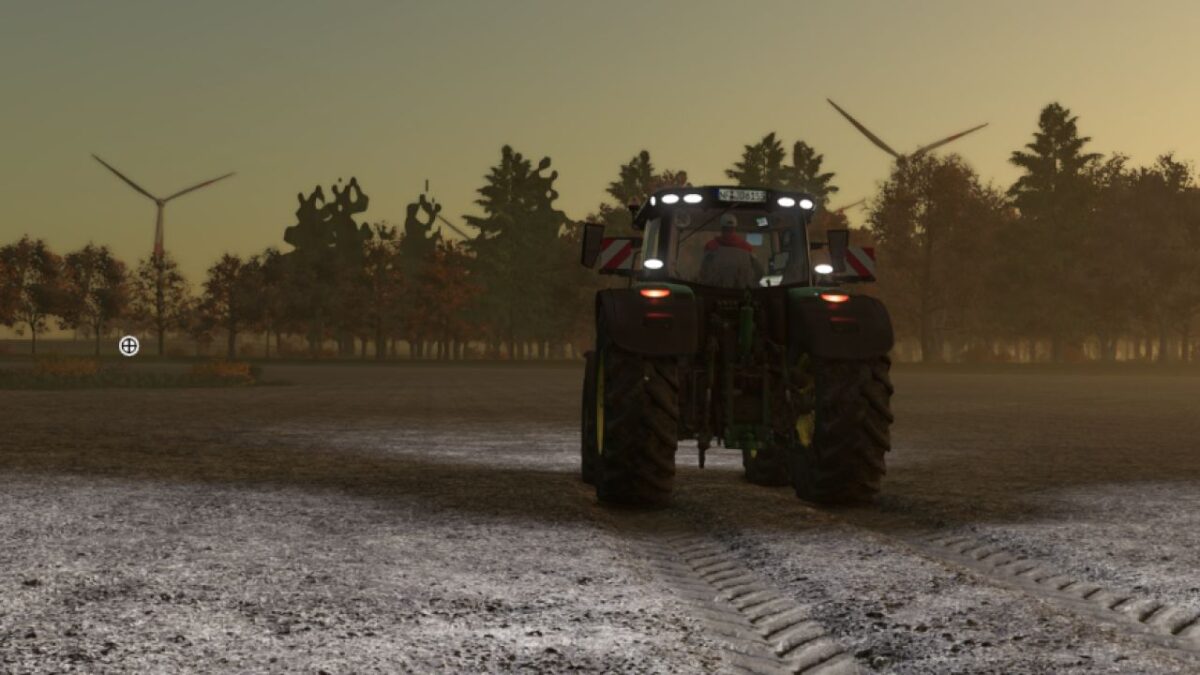
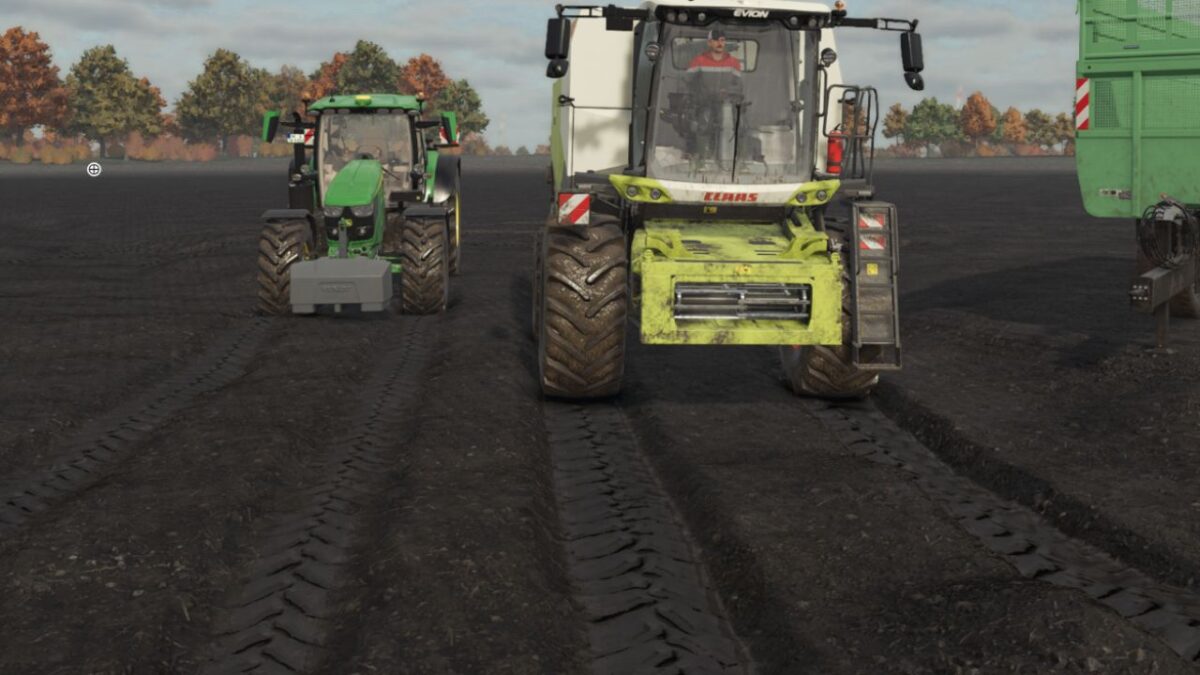
Realistic tire tracks, real ruts and permanently saved ground effects for Farming Simulator 25.
The mod significantly expands the lanes in the LS25. Tire tracks are not only visually displayed, but can actually lower the terrain. The depth and width of the grooves depend on soil moisture, soil type, vehicle weight, level, wheel load, tire width, attachments and tire pressure.
Features
Visual tire tracks and real terrain grooves
Soil moisture and soil type affect track depth
Multi-stage weight compression
Load weight and filling levels are taken into account
Support for trailers, combine harvesters, seeders, spreaders and sprayers
Several filling chambers are calculated at the same time
Front and rear weights increase the axle load
Attachments such as plows, cultivators and seed drills affect the tractor load
Lowered implements in contact with the ground relieve the strain on the tractor
Separate calculation of front and rear axle loads
Own profiles for tires, trailers and tracked vehicles
Tire pressure integration from Mud System Physics
Low tire pressure creates wider and flatter tracks
High tire pressure creates narrower and deeper tracks
Permanent storage of ruts in the save game
Grooves only disappear through tillage or a manual emergency reset
Server authoritative multiplayer
Gentle synchronization between server and clients
Players who join later will receive existing terrain grooves
Own settings menu
Server-friendly caching of weight and level data
Credits:
Sherman200


