

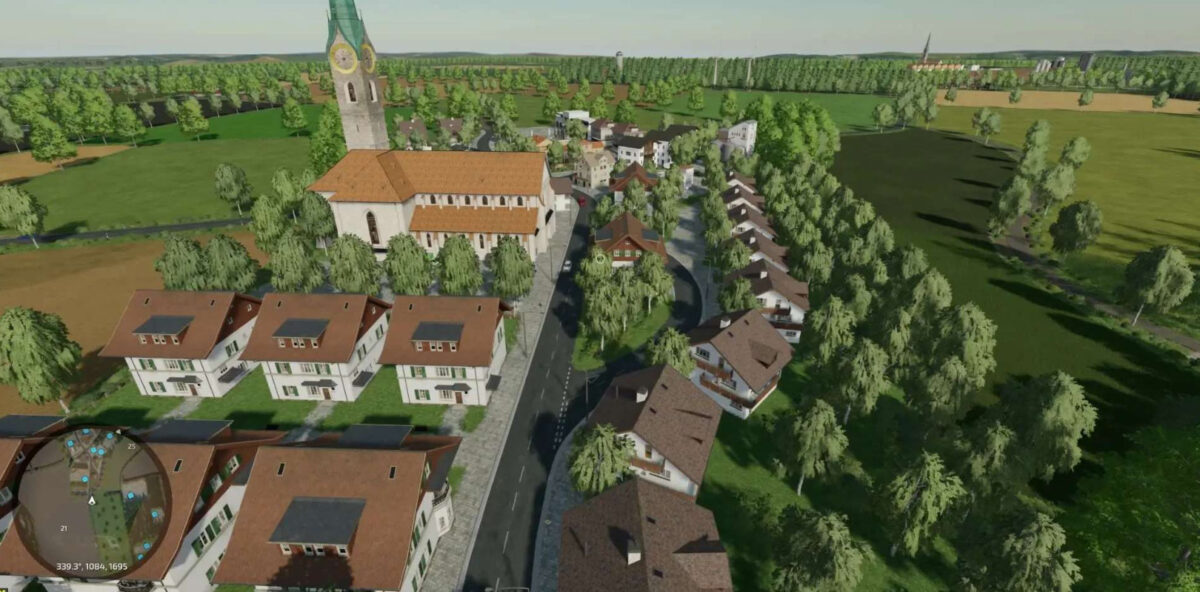
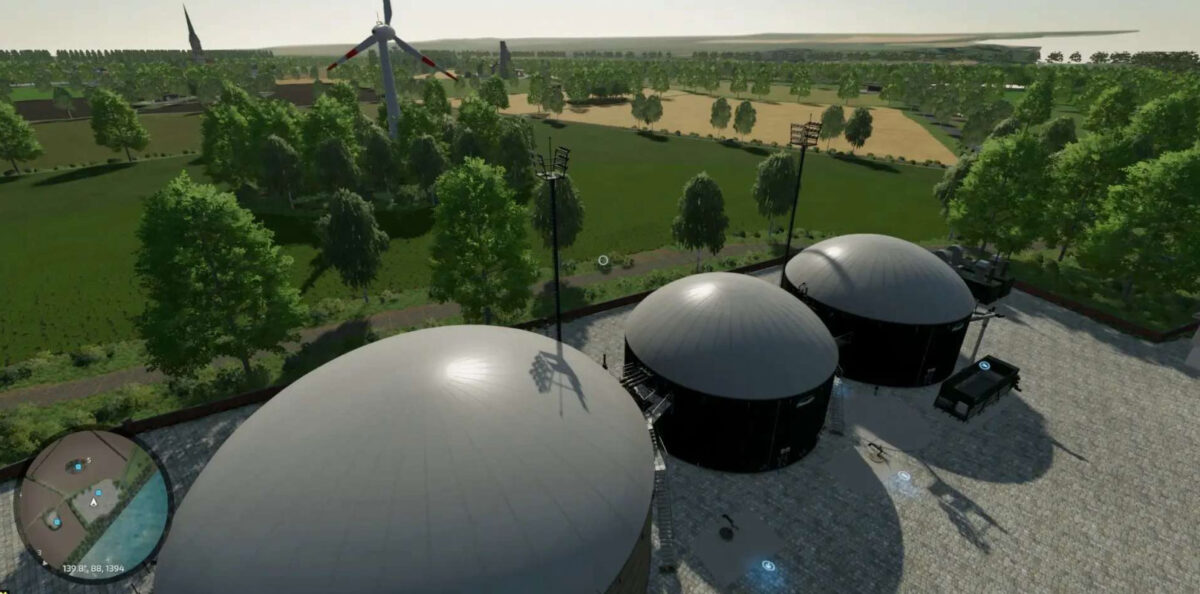
Viervitz Map v 1.1


Version 1.1:
* Field path panels removed and replaced with textures
* 2 forest areas removed for better performance on weaker PCs and replaced with fields
* BGA compost, alfalfa silage and clover silage added
* Capacity of the BGA increased, all fill types set to 1.5 million
* Composter and fermenter added to the main farm
* Old farm area removed
* Field 57 and 58 added
* Field 36 expanded
* PDA map updated
* Free range chickens added to the main farm. Chickens run around the entire farm
* Horses now reproduce
* Sale price of horses increased to 50,000 with 100% health and fitness and an age of 36 months or more
* New fruits: white cabbage, red cabbage and asparagus
* Harvester for red cabbage and asparagus added as a new mandatory mod
Credits:
Maxim von Graf


