

Vehicle Years System: Historical Start v 1.0


Ever wanted to start your game in the classic year 1985, run a small farm with vintage machines, and then gradually modernize your fleet as the years roll by?
This mod lets you do exactly that.
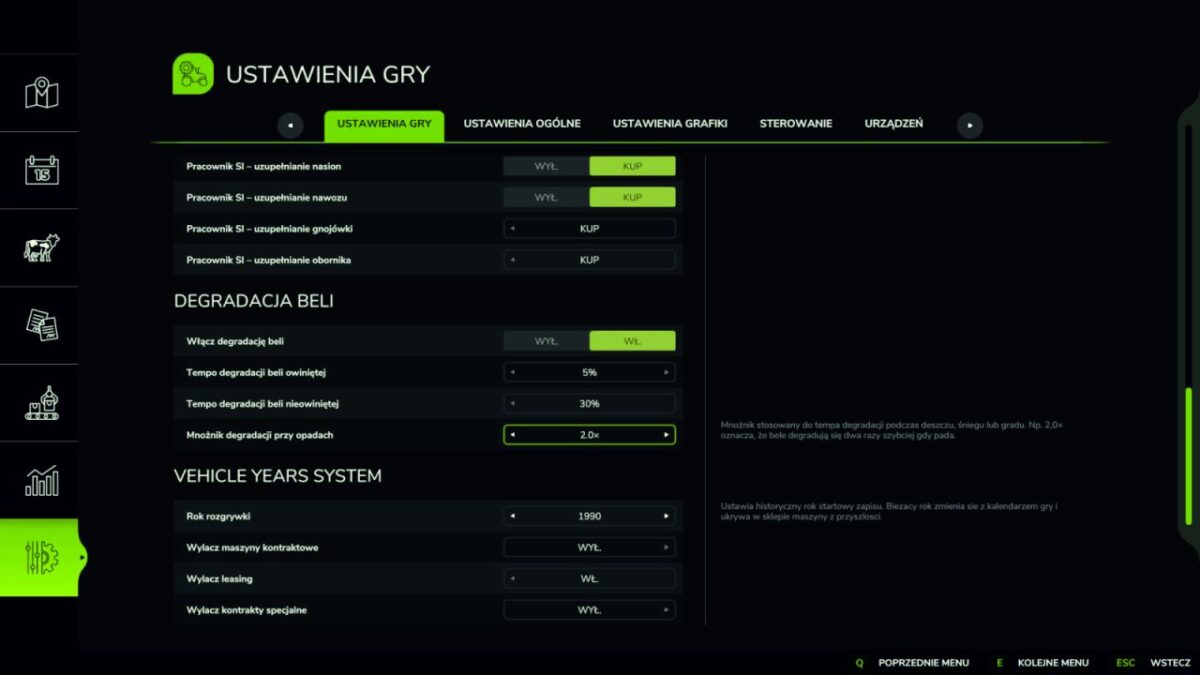
You pick the year your game begins — 1950, 1985, 2000, anything between 1900 and 2050.
From that point on, the mod keeps the world in sync with the era:
The shop only shows machines that actually existed in your current year.
Contracts offered by NPCs match your era — the game won’t ask you to harvest a field with a 2024 hybrid combine while you are playing in 1975.
Every January moves the world one year forward — newer models and new types of contracts gradually become available.
Full control over each machine’s production year
Sometimes a machine in the game has the wrong production year assigned, or none at all. Or you simply want to bend the rules — for example unlock a specific tractor a few years earlier than the default.
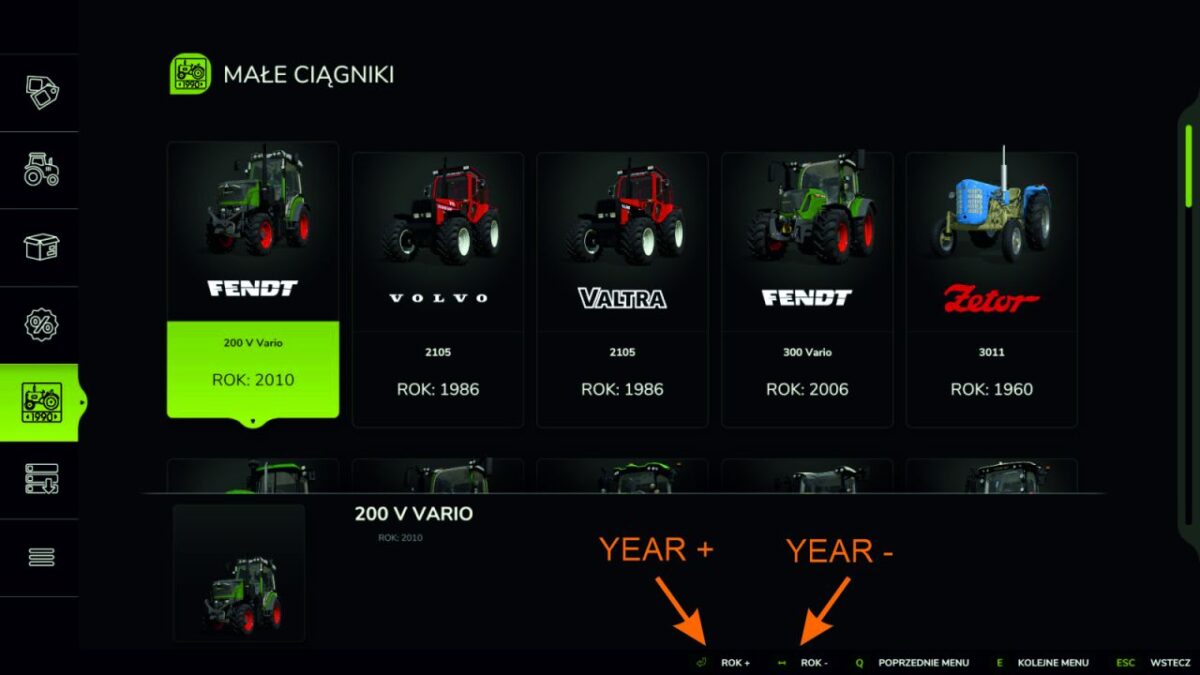
That is why the mod adds a handy menu (accessed from the shop, key P) where you browse every vehicle category and change the production year of any vehicle with a single click. No editing XML files, no game restarts, no modding knowledge required. Click, change, done — the change is immediately visible in the shop and in contracts.
Features:
Pick a start year (1900-2050). In-game year advances every January.
Shop shows only vehicles available in the current year.
Contracts adapt: missions that need equipment unavailable in the current year are either repaired with a year-appropriate replacement, or hidden if no replacement exists (e.g. no cotton harvester in 1985 → no cotton contracts).
Built-in mod menu (in the shop) lets the admin browse every vehicle category and override the year of any vehicle individually. Useful for filling gaps or pushing things earlier.
Optional toggles to disable contract leasing, shop leasing, and special contracts (forestry, deadwood, rock, wood chips).
Multiplayer aware: only the master user can change settings; overrides are synced to all clients.
Dependencies: FS25_Vehicle_Years (required)
Thanks to Thalley for FS25_Vehicle_Years and to the authors of Through_The_Years and FilterYears for reference patterns.
Credits:
Stetyner


